Joybuy products for film nights with local files
These TVs are worth considering for film nights with local files and offer a range of screen and connection options. Before buying, check that your chosen files work on the exact model.
 Image unavailable
LG OLED55C68LA OLED evo AI C6 4K TV
A 55-inch OLED TV to consider if you’re looking for an OLED screen with connections for an external player.
55 inches and 4K.
The product description lists Dolby Vision and Dolby Atmos, four HDMI ports and two USB ports.
View at Joybuy
 Image unavailable
Philips 55PUS8001 55-inch 4K TV
This model may suit you if you want to play local files via USB. Check that your files are supported.
55 inches and 4K.
The product description lists USB playback and support for video, audio and subtitle formats, plus three HDMI ports.
View at Joybuy
 Image unavailable
Hisense 65A6S 65-inch 4K TV
A 65-inch LCD TV to consider if you’re weighing up this screen size and USB playback for your seating arrangement.
65 inches and 4K; the product description mentions Dolby Vision and USB connections.
The description lists support for various video formats and codecs, and gives a viewing angle of 178°.
View at Joybuy
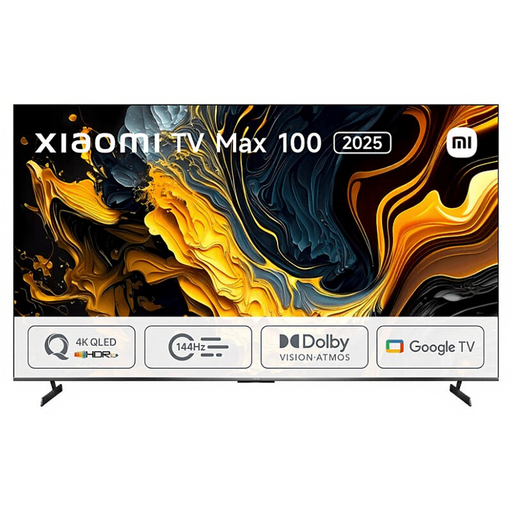 Image unavailable
Xiaomi TV Max 2025 100 NGZEU1N
This model is worth considering if you’re specifically looking for a 100-inch screen and have enough room for it.
100 inches, 4K and QLED.
The product description lists two USB ports and three HDMI ports.
View at Joybuy
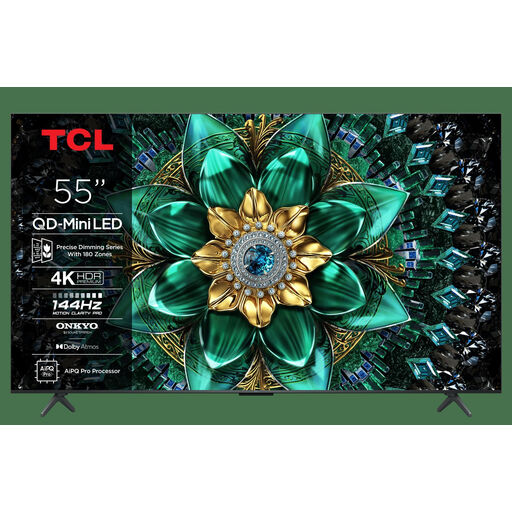 Image unavailable
TCL 55Q6C 55-inch QLED mini-LED TV
A 55-inch screen to compare if you want to look at QLED and mini-LED alongside other screen types.
55 inches and 4K.
The product description lists Dolby Vision, four HDMI inputs and one USB port.
View at Joybuy
Frequently asked questions
Will a TV play every MP4 or MKV file from USB?
No. Don’t assume a file is supported based on its extension alone. LG Netherlands says that the codec, resolution and extension, among other things, must meet the requirements. Check the documentation for the exact model and test your own file.
How can you check whether separate Dutch subtitles will work?
Check that the exact model supports both the subtitle format and the playback method you plan to use. LG’s TV support information lists SRT as an external format, among others, and points out that the video codec and subtitle file can also affect playback.
How do you choose a screen size for guests?
Measure the distance from the seats and check the available space and viewing angle from seats to the side. Consumentenbond’s own research suggests a comfortable viewing distance of around 2.4 times the screen’s diagonal. Use this as a starting point and compare nearby screen sizes, too.
Do I still have rights after the manufacturer’s warranty expires?
You may do. According to ACM ConsuWijzer, statutory guarantees are separate from the manufacturer’s warranty and depend on what you could reasonably expect from the TV with normal use. The retailer is your point of contact if the product is faulty; there isn’t one fixed statutory warranty period for all TVs.
Can I show a local film file during a film night?
This depends, among other things, on where the file came from and the nature of the screening. The Dutch government says that a private copy for personal use must not be distributed or made available to the public. FilmService states that, in 2026, permission from the rights holder is required for screenings outside the home. Whether a gathering with guests counts as being within the home depends on the circumstances.


