
Viewer with personal video files
You want to play your holiday film from local storage and check in advance that both the picture and sound are supported. LG Netherlands points out that factors such as the file extension and codecs matter.


Before you buy, check whether the exact TV model supports both the video and audio codecs used by your holiday film; a USB port alone does not guarantee that it will play. Then choose a screen size and technology to suit your viewing distance, seating and room lighting. If direct playback isn’t possible, a separate device may be an alternative, provided it is compatible with the connection and file.
You want to play your holiday film from local storage and check in advance that both the picture and sound are supported. LG Netherlands points out that factors such as the file extension and codecs matter.
You’re looking for a screen that suits your viewing distance and lets guests watch comfortably from seats away from the centre. The Dutch Consumers’ Association lists viewing angle and screen size as factors to consider when choosing.
You’re comparing brightness and reflections because you need the film to remain visible in daylight too. The Dutch Consumers’ Association notes that QLED TVs can often deliver higher brightness; compare the individual models and where you’ll place the screen as well.
| What to consider | What should you check? | Who should pay particular attention? |
|---|---|---|
| Playing files | Compare the file extension, video codec and audio codec of a representative file with the manual for the exact TV model. | I want to watch a film from my own storage without running into codec issues; around 34% of consumers prioritise playing their own files. |
| Multiple seats | Measure the distance from the seats to the TV’s planned position, and check the picture from a seat at an angle to the screen too. | If guests are sitting in different places, I want them to be able to follow the film from their seats; around 20% of consumers prioritise watching together from multiple seats. |
| Room lighting | Compare brightness and reflections in similar lighting conditions, and look out for windows or lamps opposite the screen. | I also watch during the day, so I want to account for incoming light and reflections; around 20% of consumers prioritise visibility in a bright room. |
| Cost of the setup | Compare the TV you choose, any additional playback equipment and the energy consumption on the exact model’s energy label. | When considering the whole viewing setup, I want to include any extra equipment and running costs too; around 13% of consumers prioritise the overall cost. |
| Film sound | Check that the audio codec is supported, and assess separately whether the TV’s sound suits the room. | I want to be able to follow dialogue clearly, so I consider both the file’s audio and how easy it is to hear; around 13% of consumers give sound top priority. |
You may be able to see a file without being able to play it properly. As well as the file extension, LG Netherlands lists codecs and other playback requirements.
Before relying on direct playback, check a representative file against the manual for the exact model.
If direct playback doesn’t work, you may need a separate playback device, which means extra equipment and another connection.
At a film night, guests may be sitting to the side. The viewing angle can therefore matter just as much as the picture from the central seat.
Assess the screen size, viewing angle and reflections from the seats where your guests will actually be sitting.
An extra package is not the same as your statutory rights if a product is faulty.
The Dutch Government advises reporting a fault to the retailer. If you’re considering an additional package, check what it offers beyond those rights.
An optional paid warranty package could add to your costs.
The OLED55C51LA is a Dutch product variant in LG’s OLED range. LG provides support and manuals for specific models.
The BRAVIA 5 K55XR52BP.CEI is a 55-inch 4K Mini LED TV with Google TV, which you can compare with other LCD screen technologies.
According to Philips, the Philips 55PUS8000/12 combines a 55-inch 4K LED screen with Ambilight and Titan OS.
The Dutch UE55U8020FUXXN is a 55-inch Crystal UHD model to compare with other LCD options.
The TV-55Z85AEG is a 55-inch OLED TV with Fire TV in Panasonic’s Dutch range.
These TV picks from Joybuy are all 55-inch models to compare for playing local films or connecting a separate playback device. Check file compatibility and the connections you need for the exact model.
 No image available
A 55-inch option to compare for watching films with others; check separately whether the exact model will play your video file.
According to the product name: OLED evo, 4K, 120Hz native and VRR up to 165Hz.
 No image available
An option to compare if you want to connect a separate playback device; check that your setup has compatible connections.
According to the product name: 55-inch OLED 4K.
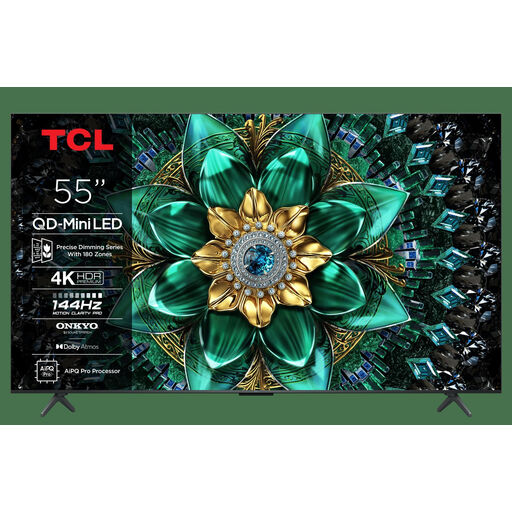 No image available
A 55-inch model to compare for watching films together; don’t assume it supports your files without checking the exact model’s requirements.
According to the product name: QLED Mini LED and 4K.
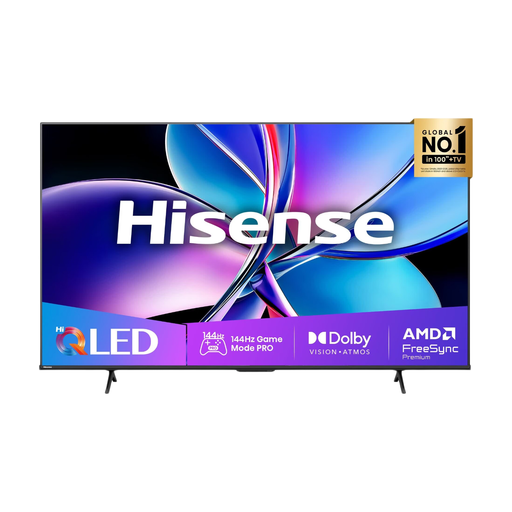 No image available
A 55-inch option to compare with other screen technologies for a film night with several viewers.
According to the product name: QLED, 4K and 144Hz.
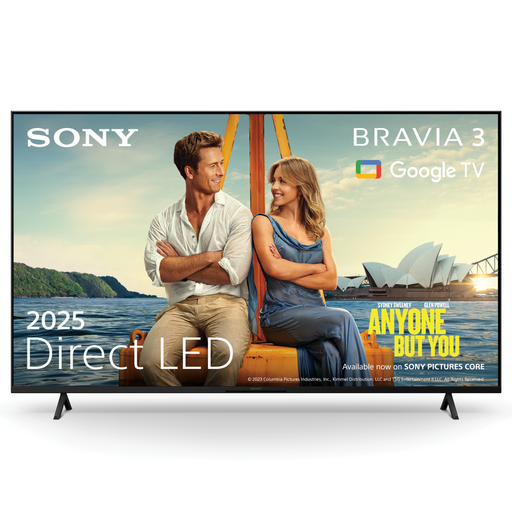 No image available
A 55-inch LED option to compare for watching together; check in advance that the film will work with your chosen playback method.
According to the product name: 55-inch LED 4K.
A recognised file extension isn’t enough: the video and audio codecs and other playback requirements must also be compatible. LG Netherlands lists an unsupported codec as one possible cause; check the manual for your exact TV model.
A separate device that supports the file may be an alternative, provided the TV has the connection you need. Philips explains this option for specific older models, so check the connections and capabilities of your own setup.
Measure the distance from your seats to the planned TV position, and consider anyone sitting at an angle to the screen. The Dutch Consumers’ Association says participants found a viewing distance of around 2.4 times the screen diagonal comfortable; use this as a guide, not a fixed rule.
Report the fault to the retailer. According to the Dutch Government, there is no fixed statutory warranty period in the Netherlands; what you can expect from a product depends, among other things, on the product and the information provided at the time of purchase. A manufacturer’s warranty does not replace your statutory rights.
Compare the energy labels for the exact models. According to the European Commission, the energy consumption of electronic displays is shown in kWh per 1000 hours. Your usage time and electricity tariff also affect the cost.