Choose an OLED TV if several people often watch from an angle and the room isn’t constantly brightly lit. If there’s plenty of daylight or slides stay on screen for long periods, a bright LCD, QLED or mini-LED TV is also worth comparing. The Consumentenbond generally describes OLED TVs as offering wider viewing angles and deeper blacks, while LCD TVs are often described as bright. However, viewing angles and reflections vary by model. So check the picture from the seats furthest to the side, test speech and text from your usual viewing distance, and make sure the lecture source, connections you need and power consumption suit the way you’ll use the TV.
Who is this choice relevant to?
Lecture viewer who wants to follow speech and slides
You mainly use the TV for spoken explanations and visual material. Check how easy speech is to understand, the screen size and how your lecture source connects. The Consumentenbond highlights clearly audible voices as something to consider.
Group sharing different seats
You watch together from several seats and also use the TV for entertainment. The Consumentenbond recommends considering the viewing angle when people aren’t sitting directly in front of the screen.
Viewer in a bright shared room
You often watch in daylight or leave lecture slides on screen for longer periods. Compare brightness and reflections in the room where the TV will be placed. The Consumentenbond often describes LCD TVs as bright.
What should you look for when choosing?
OLED TV
A good fit when: several viewers often sit at an angle and the room isn’t constantly brightly lit. The Consumentenbond generally describes OLED as offering wider viewing angles and deeper blacks than LCD.
Consider: check reflections and speech quality on the specific model. In a limited test published by the Consumentenbond in 2022, temporary image retention occurred after exceptionally long periods of a still image. This isn’t a general figure for current models.
Bright LCD, QLED or mini-LED TV
A good fit when: daylight or reflections make viewing difficult, or lectures often show the same text or slide for a long time. The Consumentenbond often describes LCD TVs as bright.
Consider: LCD TVs may have narrower viewing angles. The mini-LED label alone doesn’t tell you how good the picture looks from the side.
| What to consider |
What should you check? |
Who is this important for? |
| Speech and slides |
Test voices using typical lecture material and check small text from your usual viewing distance. The Consumentenbond gives around 2.4 times the screen diagonal as a starting point for viewing distance, not a guarantee that text will be readable. |
If I want to follow explanations and lecture material from my seat, clear speech and readable text are essential; around 33% of consumers put these needs first. |
| Viewing from several seats |
Check the picture from the seats furthest to the side, and look out for reflections from windows and lamps. The Consumentenbond points out that viewing angles can vary between TVs. |
When we watch together from different places, I want the picture to remain clear from the side too; around 27% of consumers give shared viewing the highest priority. |
| Daylight and slides that stay on screen |
Compare reflections and visibility in your usual lighting. Check how the model handles a still image for long periods, and don’t assume an older test applies to all current TVs. |
If I watch during the day or follow lectures where the same slide stays on screen for a long time, I want the text to remain easy to see; around 20% of consumers prioritise lighting conditions and still images. |
| Source and power consumption |
Check that your lecture app or playback device works, and count the HDMI connections you need. The Consumentenbond points out that manufacturers don’t guarantee TV apps will continue to work. Milieu Centraal recommends comparing power consumption per 1,000 hours. |
If I want to connect my lecture source and use the TV regularly, I want to know in advance which connection I need and how much power it uses; around 20% of consumers prioritise source compatibility and running costs. |
Avoiding common buying mistakes
-
Assuming 4K makes every slide readable
Whether small text is visible also depends on the source, text size and viewing distance.
Test a representative slide from the seat you plan to use. Treat the Consumentenbond’s viewing-distance rule of thumb as a starting point only.
-
Assuming a TV app will always be available
The Consumentenbond points out that manufacturers don’t guarantee apps will continue to work.
Before buying, check that the specific lecture source is available on the model you’ve chosen, and consider connecting it via HDMI.
-
Only viewing the screen from directly in front
In a shared room, viewing angles and reflections can affect the picture from other seats. The Consumentenbond recommends taking the viewing angle into account.
Check the model you’re considering from the seats furthest to the side and in the lighting you usually use.
-
Considering only screen size when comparing power consumption
How long you use the TV for and your picture settings also matter. Milieu Centraal recommends using the power consumption per 1,000 hours on the energy label as a comparison point.
Compare the stated power consumption of TVs in a suitable size, and consider the settings you’ll use at home.
Brands to compare
LG
LG’s Dutch product specifications for the OLED55B46LA present an OLED model for a shared TV setup.
- LG lists OLED, Dolby Vision and webOS upgrades for this model.
- These specifications don’t confirm that speech is easy to understand or that reflections are minimal. Check the individual TV in the room where you plan to use it.
TCL
The Dutch 55C7K is a QD mini-LED model to consider when comparing screen technologies for a bright room.
- TCL lists mini-LED and dimming zones for the 55C7K.
- A range-wide claim such as up to 2048 zones doesn’t confirm the performance of the 55-inch version. Check the viewing angle and reflections too.
Philips
Philips’ specifications for the 55PUS8500/12 describe a 55-inch QLED LCD TV for both lectures and entertainment.
- Ambilight and Titan OS are listed as specifications for this model.
- These features don’t prove that a particular lecture app will remain available or that voices will sound clear from every seat.
Samsung
Samsung Netherlands lists the S90F as a 55-inch OLED alternative.
- The model specifications confirm the OLED screen type and 55-inch size.
- That doesn’t automatically make this model more suitable for lectures than other TVs. Compare viewing angles, reflections, source compatibility and speech clarity.
TVs on Joybuy
This selection includes OLED TVs, LCD and QLED models in a range of sizes, with smart TV features or the option to use an external playback device. Choose based on your seating and lecture source. A screen type or platform alone can’t guarantee clear speech or that apps will remain available.
 Image unavailable
LG OLED55C68LA 55-inch OLED evo AI C6 4K smart TV
An option if you want to use one screen for lectures and entertainment and can connect an external source.
The product information lists a 55-inch 4K OLED screen, webOS 26, four HDMI ports and Dolby Atmos.
View on Joybuy
 Image unavailable
LG OLED55G68LW 55-inch OLED evo AI G6 4K smart TV
An option to compare if you’re looking for a 55-inch OLED TV for lectures and shared entertainment.
The product information lists a 4K OLED screen, webOS 26 and four HDMI inputs.
A table stand isn’t included. The product information lists an integrated wall-mounting solution.
View on Joybuy
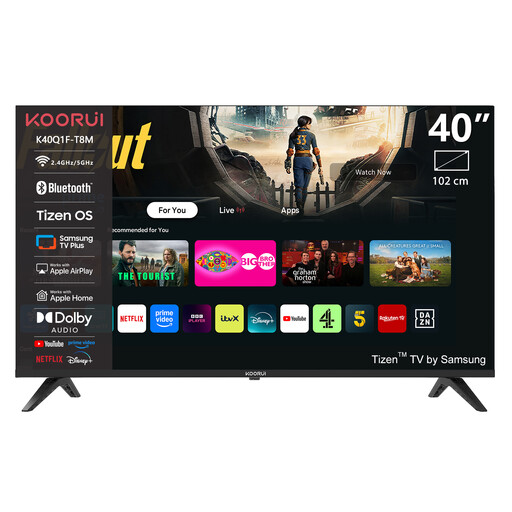 Image unavailable
KOORUI K40Q1FQ-T8 40-inch Full HD QLED smart TV
A smaller screen to compare if space and an HDMI connection are your main considerations.
The product information lists Full HD, Tizen OS, HDMI ARC and Dolby Audio.
View on Joybuy
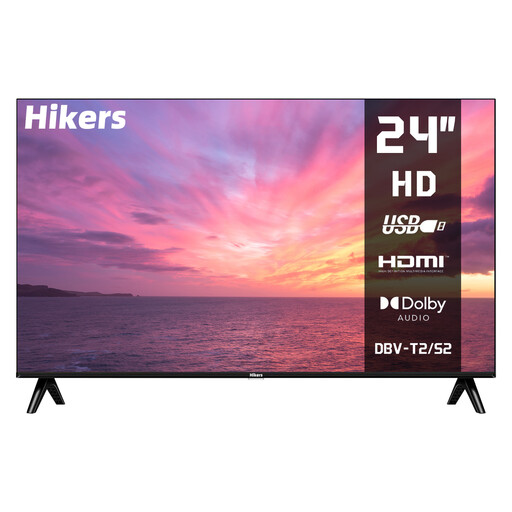 Image unavailable
Hikers HD 24-inch LED TV, non-smart
An option if you play lectures through an external source and don’t need to use a TV app for playback.
The product information lists an HD screen, HDMI, USB, a headphone socket and two built-in 5 W speakers.
According to the product title, this is a non-smart TV, so using apps on the TV itself isn’t listed as a playback option. The information lists a stand and VESA 100 × 100 mounting as installation options.
View on Joybuy
 Image unavailable
TCL 55T8D 55-inch 4K QLED TV with QD mini-LED dimming
A model to compare if you’re looking for a 55-inch smart TV for lectures and shared entertainment.
The product information lists 4K, Google TV, Google Cast and HDMI 2.1.
View on Joybuy
Frequently asked questions
How do I choose the right TV size when lecture slides include text?
Measure the distance from your seats and test small text at that distance. The Consumentenbond gives around 2.4 times the screen diagonal as a starting point for comfortable TV viewing. This rule of thumb doesn’t guarantee that slides will be readable.
Can I play a lecture from a laptop on the TV?
You can do this via HDMI if your laptop has a compatible output and the TV has a free port. Check whether you need an adapter. Wireless playback depends on the technology and source you’re using.
How should I set up the TV for a shared room?
Check the picture at home in the lighting you usually use, then adjust the picture settings accordingly. The Consumentenbond notes that shop settings are often extra bright.
Can I assume a lecture app will remain available on the TV?
No, continued availability isn’t guaranteed. The Consumentenbond points out that manufacturers don’t guarantee apps will continue to work. Check the specific app on the model you’re considering, and keep an external connection as a backup if necessary.
How do I compare TVs’ energy consumption?
Compare the stated power consumption per 1,000 hours on the energy label of models in a suitable size. Milieu Centraal recommends using this figure to compare televisions.


