What should you look for when choosing?
Start by deciding how you want to play your photos, then consider visibility from the kitchen, daylight and the space available.
| What to consider |
What should you look for? |
Who is this most relevant for? |
| Sharing photos |
Check that your preferred playback method works with your phone, photo app and home network on the exact model you’re considering. |
If I want to show holiday photos from the devices in my home without a complicated transfer, the sharing method comes first. Around 29% of consumers say sharing from their own devices is their top priority. |
| Viewing from the kitchen |
View the screen from where you plan to sit or stand, and check the viewing angle and sightline. |
If I want to watch from the kitchen, I need to know whether the photos are easy to follow from that angled position. Around 29% of consumers give viewing from the kitchen top priority. |
| Viewing in daylight |
Check reflections from both viewing positions and compare the brightness of the models you’re considering. |
If the room gets a lot of daylight, I want to take reflections into account when viewing photos. Around 24% of consumers prioritise visibility in daylight. |
| Size and placement |
Measure the viewing distances in the living room and kitchen, and check what’s needed to place the TV on a unit or mount it on the wall. |
If I want to view the TV from two places, I need to make sure the screen size and position will suit the room. Around 18% of consumers say size and placement are their most important considerations. |
TVs at Joybuy
The models below offer a range of screen sizes for the living room and adjoining kitchen. Check that each model supports your preferred photo-sharing method and is easy to see from both positions.
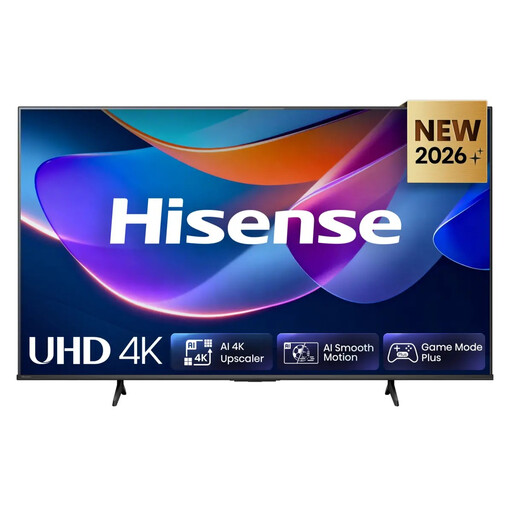 Image unavailable
Hisense 43A6S 43-inch 4K UHD Smart TV
The 43-inch size may suit a smaller setup. Check the viewing distance and sightline from both the living room and the kitchen.
The product name lists 43 inches, 4K UHD, 60 Hz and VIDAA.
View at Joybuy
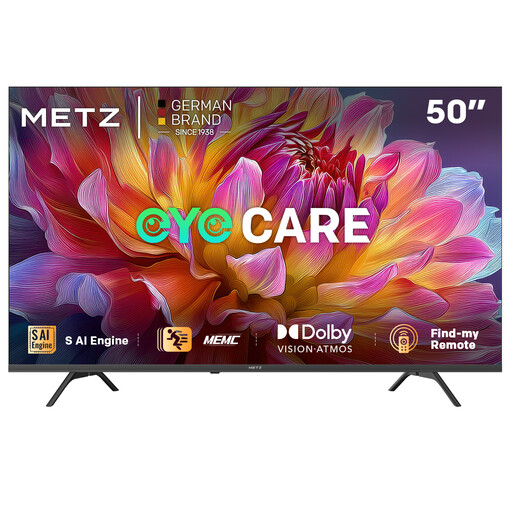 Image unavailable
METZ 50MUF7000Z 50-inch UHD Smart TV
Compare the 50-inch screen with the distances to your sofa and kitchen viewing position before deciding whether its size suits both spots.
The product name lists 50 inches, 4K UHD, Google TV and Google Cast.
View at Joybuy
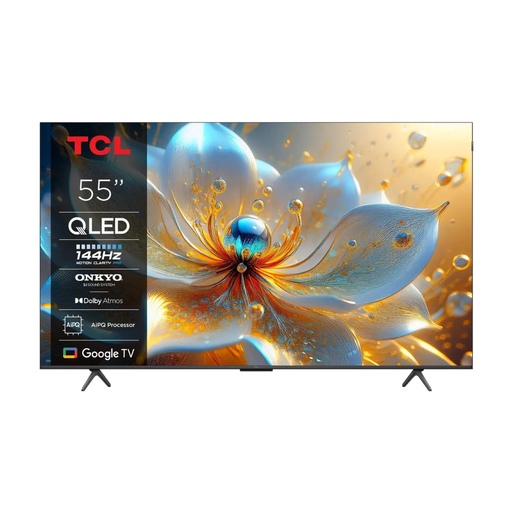 Image unavailable
TCL 55T8C 55-inch 4K QLED Smart TV
A 55-inch screen is worth considering if the TV needs to be visible from two spots. Measure the distances and check for reflections in the room.
The product name lists 55 inches, 4K QLED and 144 Hz.
View at Joybuy
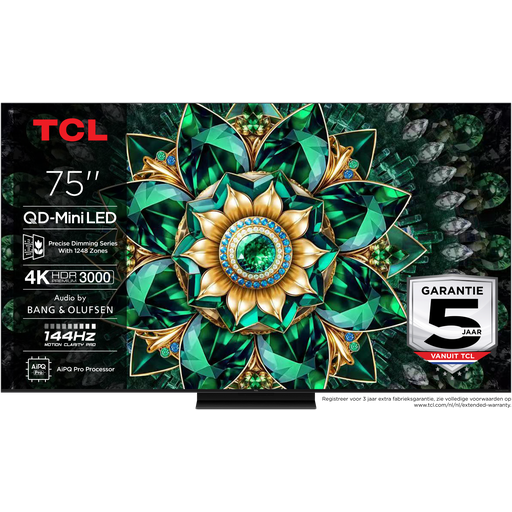 Image unavailable
TCL 75Q7C 75-inch 4K Mini-LED Smart TV
Carefully check whether the 75-inch size suits the available space, viewing distances and placement before considering this model for both viewing positions.
The product name lists 75 inches, 4K Mini-LED and 144 Hz.
View at Joybuy
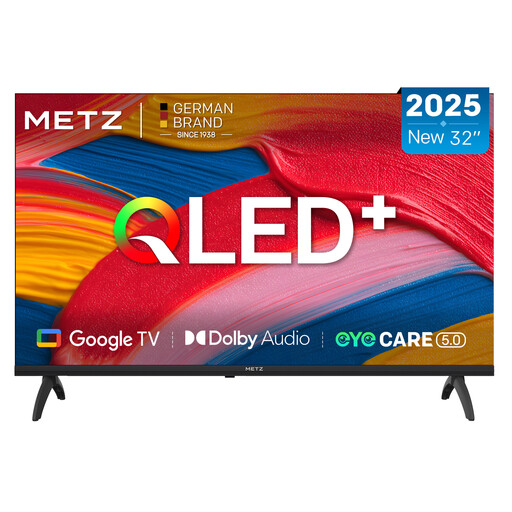 Image unavailable
METZ 32MQF7030Z 32-inch QLED Smart TV
The 32-inch size may be worth considering for a smaller setup. Check from both positions whether the screen size suits the viewing distance.
The product name lists 32 inches, HD, Google TV and Google Cast.
View at Joybuy
Frequently asked questions
Can I install Google Photos directly as a TV app?
Not on every smart TV: Google Photos Help says the TV app isn’t available in all app stores. Check whether the app is available on your chosen model, or see if a supported casting method works with your devices.
What should I check if casting or AirPlay isn’t working?
First, check that the devices you’re using are connected to the same Wi-Fi network. Google Photos Help recommends this for casting to Chromecast, and LG Nederland does the same for AirPlay. Also check whether the feature is available and enabled on your TV model.
How do I choose a screen size when the kitchen is next to the living room?
Measure the viewing distances and check the planned screen position from the kitchen. The Dutch Consumers’ Association’s general viewing-distance guidance links a longer viewing distance with a larger screen, but it won’t automatically tell you which size will work for two different viewing positions.
What might I need for wall mounting?
Check whether a wall bracket and installation are included in your chosen setup. Sony says its wall-mount installation option doesn’t include a wall bracket, so check in advance what you’ll need for your chosen model and installation.
Is the statutory warranty on a TV in the Netherlands always exactly two years?
No. ACM ConsuWijzer explains that statutory cover depends on what you can reasonably expect from the product under normal use, and that the seller is responsible if a product turns out to be faulty too soon. A separate manufacturer’s warranty doesn’t automatically limit this right.


