
Presenter with a laptop
You’ve already got the presentation on a laptop and mainly want a reliable way to display it on the TV.


First decide how you’ll get the presentation from your laptop or phone onto the TV, then measure the distance to the furthest seat. A larger screen won’t solve an incompatible connection. Lenovo Netherlands describes HDMI as a wired option, while wireless mirroring depends on the method supported by your devices. If housemates sit at an angle to the screen or daylight falls on it, check the viewing angle and reflections for the specific model too. If you’re sharing the running costs, compare the energy consumption per 1,000 hours on the energy label, as Energielabel.nl recommends.
You’ve already got the presentation on a laptop and mainly want a reliable way to display it on the TV.
You’re looking at photos and captions together, including from the side or the back of the room.
You want to weigh up the purchase price and electricity use against what the screen adds to your group presentation.
Start with how you’ll show the presentation, then check the viewing distance and visibility from different spots. Finally, compare the energy consumption of the models that suit your setup.
| What to consider | What should you check? | Who will find this important? |
|---|---|---|
| Connecting and presenting | Check the laptop output and available HDMI input, or the wireless method supported by both devices. Test the presentation in advance. | If I want to show the slides from a laptop, I want to know in advance which connection will work. Around 28% of consumers put connectivity first. |
| Readability from the seats | Measure the distance from the furthest seat and the space available for the TV and its stand. View a slide with small captions from that spot. | When I look at photos and captions with my housemates, I want to be able to follow them from the furthest seat too. Around 28% of consumers prioritise readability. |
| Visibility around the room | Assess the viewing angle and reflections for the specific model in your actual setup, including under the room’s usual lighting. | If my housemates sit at an angle or light falls on the screen, I want to know whether details will still be visible. Around 22% of consumers prioritise visibility from different seats. |
| Shared running costs | Compare the energy label and stated consumption in kWh per 1,000 hours. Agree how to split the purchase and running costs. | If we’re paying for and using the TV together, I want to take its energy consumption into account when we agree how to share the costs. Around 22% of consumers put shared costs first. |
The TV and source device must support the same transmission method; the smart TV label alone doesn’t guarantee this.
Check the capabilities of both devices and test your slides in advance. Keep a suitable HDMI connection handy.
Depending on your devices, you may still need a suitable cable or adapter.
When seats are at an angle, the picture can look different, while reflections may obscure details in photos.
Check the viewing angle and reflections for the specific model in your room setup.
Consumentenbond discusses image retention and a small risk of burn-in with OLED. This is a usage risk to consider, not a reason to rule out showing photos on a TV.
Think about how long the same slide or a menu will stay on screen, and consider comparing an LCD LED model too.
The TCL 43P71K is a 43-inch LCD LED model you can use to compare connections and screen size.
The Samsung UE43U8070F is a 43-inch 4K LCD LED model you can use to compare screen size and connections.
The Philips 43PUS8001/12 is a 43-inch 4K LED model to consider if sharing photos from a phone matters to you.
The LG 43UA75006LA is a 43-inch 4K smart TV to compare with other model ranges.
This selection includes models for viewing photos via a phone or USB, screen mirroring and connecting external devices via HDMI. Check that the exact model supports the transfer method you want to use with your laptop or phone, and measure the viewing distance and available space.
 No image available
An option if you want to view photos from a phone or USB; check in advance that your presentation and files are supported.
43 inches, 4K UHD, three HDMI ports and two USB ports. Apple AirPlay and support for JPEG, PNG and HEIF images are listed for this model.
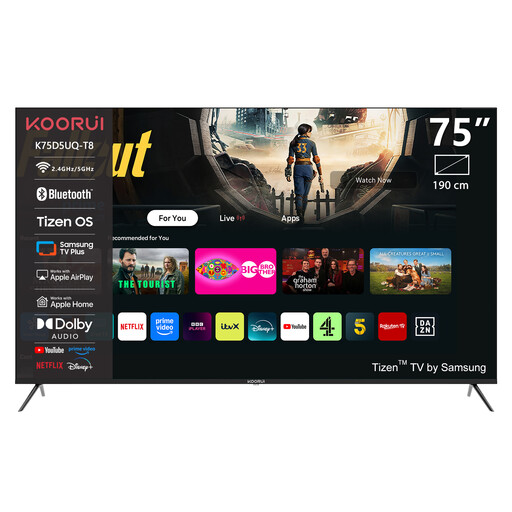 No image available
A larger screen may be worth considering if the viewing distance and available space are suitable; measure them first.
75 inches, 4K UHD, QLED and Tizen OS. The stated dimensions with stand are 189 × 113,5 × 43 cm.
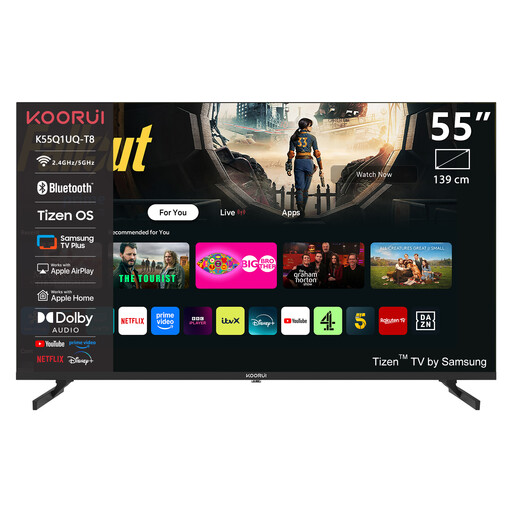 No image available
Compare this screen size with the distance from the furthest seat and the space available on your shared TV unit.
55 inches, 4K QLED and Tizen TV.
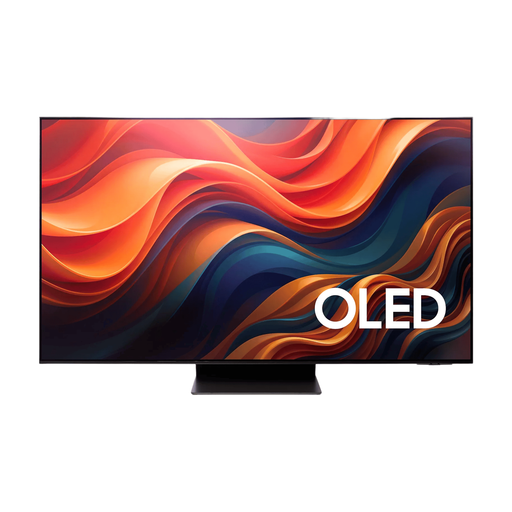 No image available
An option to consider for screen mirroring if the source device and TV support your preferred method; test the presentation in advance.
65 inches, 4K and four HDMI ports. Image retention may be a consideration if slides stay on screen for a long time; Consumentenbond discusses this risk with OLED.
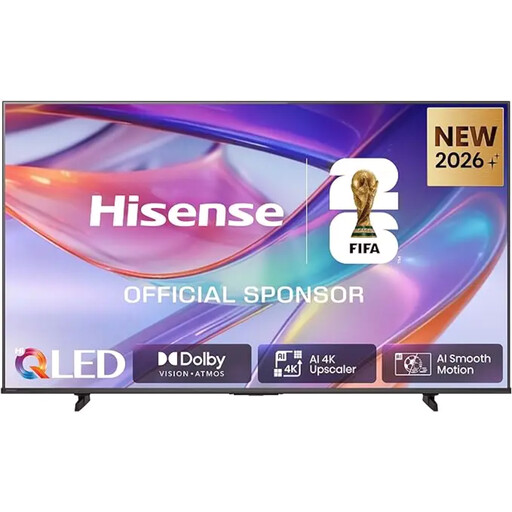 No image available
An option for presenting from an external device if the HDMI connection is compatible with your laptop; check that the size will suit your room too.
85 inches and 4K UHD QLED. The stated dimensions with stand are 189 × 113,5 × 43 cm; according to the product information, three or more people are needed to lift and position it.
Use HDMI if your laptop and TV have compatible connections. Wireless mirroring is another option, but only if both devices support the same method. Check this and test the presentation in advance.
Show a familiar photo and check the light and dark details from the seats you’ll be using. Consumentenbond recommends using a still image or photo when adjusting picture settings, and keeping the room lighting as you’d usually have it.
The TV’s energy label includes its stated consumption in kWh per 1,000 hours. Energielabel.nl recommends using this as a comparison point; it isn’t the same as your personal annual consumption.
No. There’s no fixed statutory guarantee period of exactly two years in the Netherlands. According to the Dutch government, you’re entitled to a product that works as it should; what you can expect if something goes wrong depends, among other things, on the product and the circumstances.
The Dutch Data Protection Authority describes an exception for strictly personal or household use. This exception doesn’t automatically apply to publication outside those conditions; check consent and any other applicable rights before sharing the photos more widely.