
Watching together from different seats
You share a living area and want to consider where your housemates sit, reflections on the screen and whether spoken commentary is easy to follow.


Start by thinking about how you want to watch gardening programmes and where your housemates sit. Then choose a screen size that suits the room and viewing distance. The Dutch public broadcaster offers free catch-up via NPO Start, but the app isn’t available on every smart TV. Check the full TV model number, or see whether a suitable external playback option would work for you.
You share a living area and want to consider where your housemates sit, reflections on the screen and whether spoken commentary is easy to follow.
You want to watch gardening programmes online, so you’re checking whether NPO Start works on the TV or is available through a suitable external playback option.
You want a TV that fits the space available and are comparing its dimensions with the distance to the seats.
If you’re looking for a TV to watch gardening programmes in a shared student house, start by checking how you’ll access the programmes and where everyone sits. Then consider the screen size and energy use.
| What to consider | What to look for when buying | Who is this important for? |
|---|---|---|
| Access to programmes | Check NPO Start availability for the full model number, and see whether your preferred external playback option and connection are available. | If you want to catch up online without a TV subscription, you’ll want to know in advance how to do this on your screen. Around 28% of consumers put access to programmes first. |
| Viewing from different seats | Map out the seating and light in the room, then assess the viewing angle and reflections for the specific model. | If your housemates sit in different places, check that the screen is comfortable to watch even from the most off-centre seat. Around 22% of consumers say visibility from different positions is their top priority. |
| Screen size and placement | Measure the available width, stand dimensions and viewing distance, and leave room for connection cables. | In a small shared space, you’ll want a screen that fits on the cabinet and is easy to watch from the seats. Around 22% of consumers start by finding a suitable size. |
| Clear speech | Compare sound quality reviews and check the audio connections if you might want to use external audio later. | If you want to follow the commentary while your housemates are busy in the same room, speech clarity is worth considering. Around 17% of consumers give this top priority. |
| Energy use | Compare the EU energy label and stated consumption per 1,000 hours for the exact models. Check the HDR information too. | If you watch regularly, factor the stated energy use into your decision about ongoing running costs. Around 11% of consumers look at this first. |
The Dutch public broadcaster lists TV apps for various smart TVs, but that doesn’t confirm that the app is available on every model.
Check support for the full model number. Also decide in advance whether an external playback option would be a practical alternative for you.
If the app you want isn’t available, you may need an external playback device. Remember to allow space for it and check the connections, too.
A TV might fit the available width, but that doesn’t tell you whether it’s suitable for the viewing distance and seating in your shared space.
Measure the available space and viewing distance, and check the picture from the seats your housemates actually use.
The name of a technology alone won’t tell you whether a TV suits the light, viewing positions and space in your living area.
Compare the features of the exact model with the conditions in the room, rather than choosing based only on the technology name.
According to the Dutch government, there is no fixed period for statutory guarantees in the Netherlands. This is separate from any additional guarantee.
Check what any additional guarantee covers, and contact the retailer if the product is faulty.
The TCL 55C6K is a 55-inch model from the C6K series to compare if you’re considering a larger screen for your shared living area.
The Philips 55PUS9000/12 is a 55-inch The One model with Ambilight, if ambient lighting is an extra you’d like to have.
The Samsung UE43U8000HUXXN is a 43-inch model to compare if you’re looking for a more compact screen.
Below are Joybuy TVs for a range of shared viewing spaces, with screen sizes from 43 to 65 inches and different picture technologies. Before buying, check that the size will fit and how you can play the programmes you want on the exact model.
 No image available
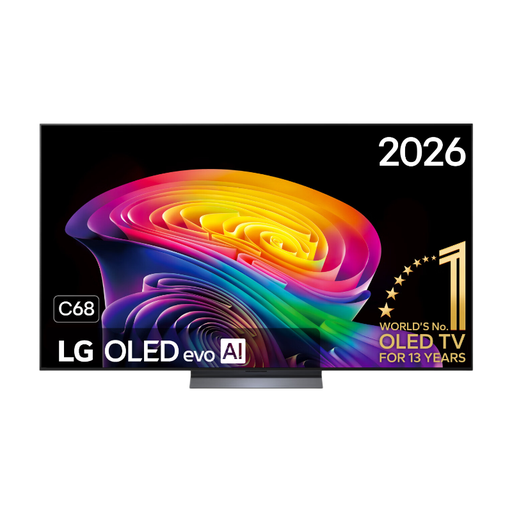
A 65-inch screen for a shared living area, if the available space and viewing distance suit this size.
The product name lists OLED evo and 4K. Check that the app you want is available on this exact model.
 No image available
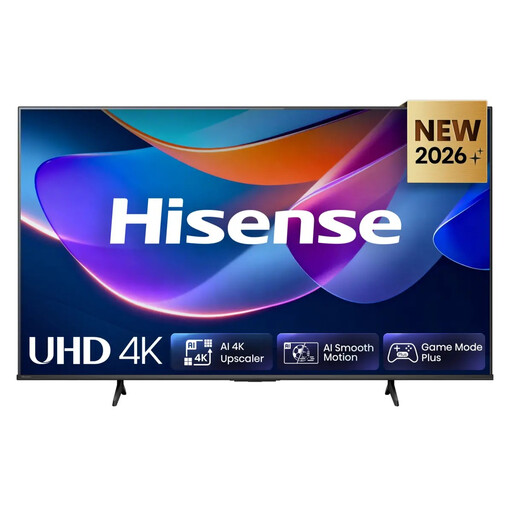
A 55-inch screen to consider if this size suits your shared living area and viewing distance.
The product name lists LED, 4K and energy label E. Check that the app you want is available on this exact model.
 No image available
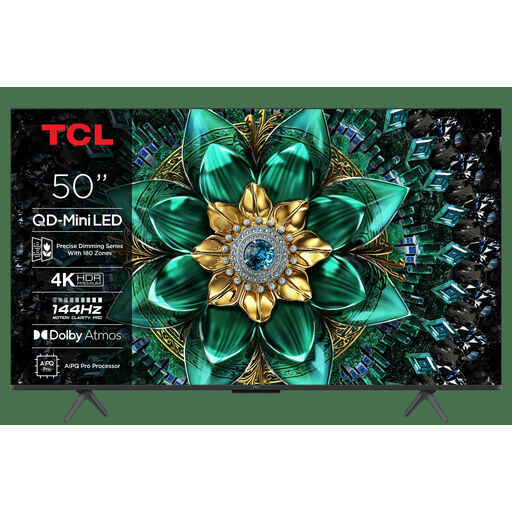
A 50-inch option if you’re considering a screen between the more compact and larger sizes.
The product name lists QD-Mini LED and 4K. Check that the app you want is available on this exact model.
 No image available
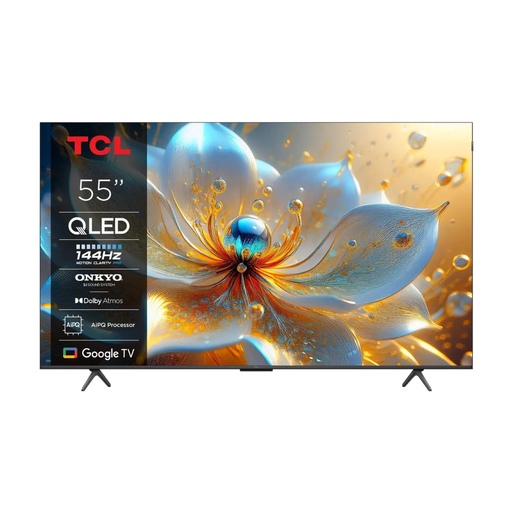
A 55-inch option if you’re considering a larger screen for your shared living area and have room for it.
The product name lists 4K and QLED. Check that the app you want is available on this exact model.
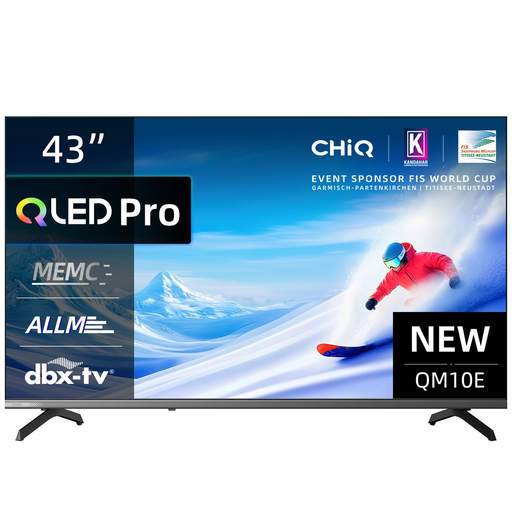 No image available
A 43-inch option to compare if space is limited.
The product name lists 4K and QLED. Check that the app you want is available on this exact model.
No. The Dutch public broadcaster says you can catch up on programmes for free via NPO Start without an account, usually for at least a week. Check that the episode you want is available and find out how NPO Start works on your TV or through an external playback option.
Check availability for the full model number before choosing your TV. The Dutch public broadcaster lists TV apps for various smart TVs, as well as playback options such as Chromecast and AirPlay. Check whether an option is compatible with your TV and devices.
Measure the space, stand dimensions and distance to the seats in advance, and check which connections you need. If you want to use an app or an external playback device, also check support for the exact TV model.
No. According to the Dutch government, there is no fixed period for statutory guarantees in the Netherlands. What you can expect depends on the product and the circumstances of the purchase. If the product is faulty, contact the retailer; any manufacturer’s guarantee is separate.
The European Commission says the EU energy label for televisions shows an efficiency class from A to G and provides information to help you compare stated energy use, including for HDR viewing. Your actual costs will also depend on how many hours you watch and your electricity tariff.