
Viewers sitting close to the screen
Is your sofa close to the TV, or is there little space between the furniture? Measure both the viewing distance and the available width, including the TV stand.


First, measure the viewing distance and the space available for the TV, including its stand. Then choose a screen size that’s comfortable to watch from the nearest seat. If guests will be sitting at an angle to the screen, take the viewing angle into account too. In daylight, brightness and reflections also matter. Compare the motion handling of the exact model, and before you buy, check that you can watch the match using the service and connection you need.
Is your sofa close to the TV, or is there little space between the furniture? Measure both the viewing distance and the available width, including the TV stand.
Will you be adding chairs beside the sofa for the final? Check the picture from those angled seats too, not just from directly in front of the screen.
Does light fall on or beside the screen? Compare reflections and usable brightness in the room where you watch. The screen type alone won’t tell you how the picture will look there.
Start with the dimensions and viewing distance. Consumentenbond suggests dividing the viewing distance by 2.4 as a starting point for the screen diagonal in centimetres, rather than treating it as a fixed size. Then focus on the seating and the light in your room.
A good fit for: several viewers sitting at an angle to the TV, provided you can manage the lighting conditions.
Bear in mind: a wider viewing angle doesn’t guarantee fewer reflections. Assess the specific model in your room.
A good fit for: comparing LCD models when daylight is an important factor.
Bear in mind: the technology alone won’t tell you how wide the viewing angle is or how well football action is handled.
A good fit for: a short viewing distance and limited space, especially if viewers will mostly sit directly in front of the screen.
Bear in mind: check the dimensions including the stand, and make sure the picture will be big enough for all your guests.
| What to consider | What should you check? | Who is this important for? |
|---|---|---|
| Size and placement | Measure the distance from your eyes to the screen, the width of the furniture and the TV dimensions including the stand. If you like, use the viewing distance as a starting point for the screen diagonal. | If the sofa is close to the TV, I want to know whether the screen and stand will fit, and whether the picture will be comfortable to watch from my seat. Around 28% of consumers give getting the right size their top priority. |
| Viewing angle for guests | Check the same picture from the furthest planned seats; don’t judge the viewing angle by the OLED or QLED label alone. | When extra chairs are beside the sofa, I want guests to be able to follow the match clearly from an angle too. Around 22% of consumers give visibility from side seats their top priority. |
| Motion handling for football | Look for an assessment of the motion handling on the exact model. The stated panel refresh rate is a specification, not a test of how it displays football. | If I’m mainly watching fast-paced action, I want to know how the chosen model handles motion. Around 22% of consumers give smooth football action their top priority. |
| Daylight and reflections | Consider when and where light falls on the screen, and compare brightness and reflections in similar conditions. | In a bright room, I want to follow the match without incoming light getting in the way too much. Around 17% of consumers give light and reflections their top priority. |
| Reception and controls | Check that the service you need is available on the TV platform and that you have enough HDMI inputs for a receiver or media player. | If I want to watch the final through a particular service, I want to know in advance how I can access it and use it. Around 11% of consumers give hassle-free reception their top priority. |
The diagonal won’t tell you whether the TV and stand will fit on your furniture or whether the picture will be comfortable to watch from the nearest seat.
Measure the viewing distance and available space before you buy. Treat a calculated diagonal as a starting point, not a required size.
Consumentenbond generally describes OLED as offering a wider viewing angle and QLED as often being brighter. That doesn’t mean every model is the same in every respect.
Check the picture from the furthest guest seat and compare reflections in the lighting conditions of your own room.
A stated panel refresh rate is a model specification; on its own, it doesn’t tell you how well the TV handles football action.
Use the refresh rate to compare specific models, and also look for an assessment of that model’s motion handling.
An extended warranty doesn’t replace your statutory rights in the Netherlands. The Dutch Government explains that there is no fixed statutory warranty period, and that a product should work properly for the length of time you could reasonably expect to use it.
Check what additional rights a warranty offers, and contact the retailer if something goes wrong.
The LG OLED48C56LB is a 48-inch OLED model to include in your comparison if viewing angle and placement are important.
The Samsung QE43QN90FATXXN is a 43-inch Neo QLED mini-LED model to compare if you’re looking for a smaller LCD alternative.
According to Philips, the Philips 48OLED810/12 combines a 48-inch OLED screen with Ambilight.
The TCL 50C6K is a 50-inch QD-mini-LED model to compare if the viewing distance and available space can accommodate this size.
These TVs vary in size and screen technology. Measure the viewing distance and available space, and check the viewing angle, light levels and motion handling before choosing a model.
 No image available
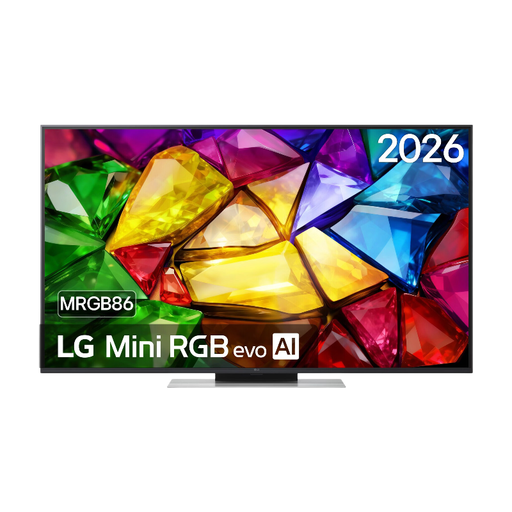
Worth considering if a 50-inch TV fits your room; check the viewing distance and where your guests will sit.
The product name lists 4K, Mini RGB LED, Dolby Vision, HDR10 and webOS 26. The product description lists a native 120 Hz panel and four HDMI ports.
 No image available
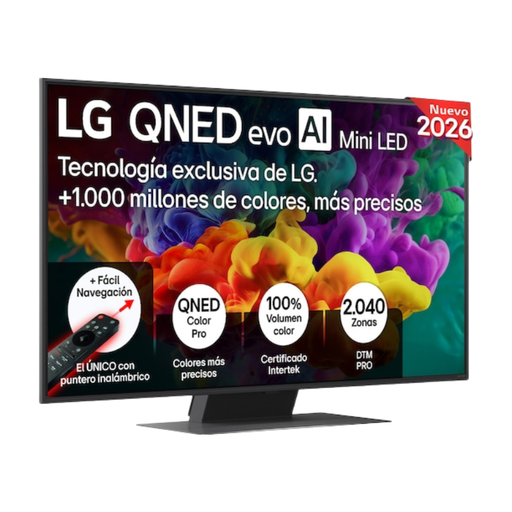
A 50-inch option to consider if you have enough space; check how the picture looks from the furthest seats.
The product description lists VRR up to 144 Hz, anti-reflection technology and a maximum brightness of 800 nits. These are model specifications, not an independent assessment of football picture quality.
 No image available
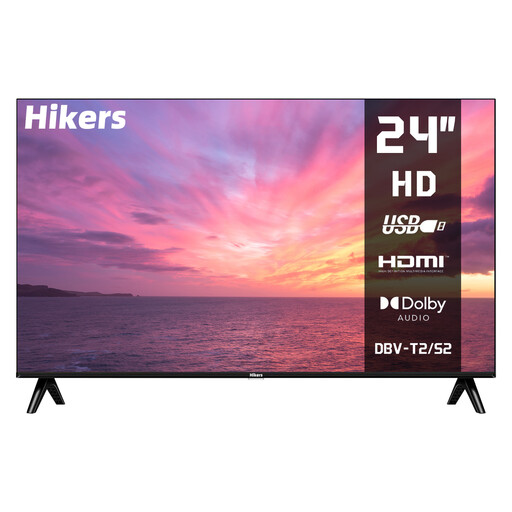
A compact size to consider if space is very limited; decide whether 24 inches will be large enough for watching football together.
The product name lists HD, HDMI, USB and DVB-S2/T2/C reception. The product description lists a VA panel and VESA 100 × 100 mm mounting.
 No image available
Worth considering if your room and viewing distance suit a 50-inch screen; compare the motion handling of the exact model.
The product name lists 4K Mini LED and 144 Hz. The product description lists MEMC, HDMI 2.1, Google TV and Google Cast.
 No image available
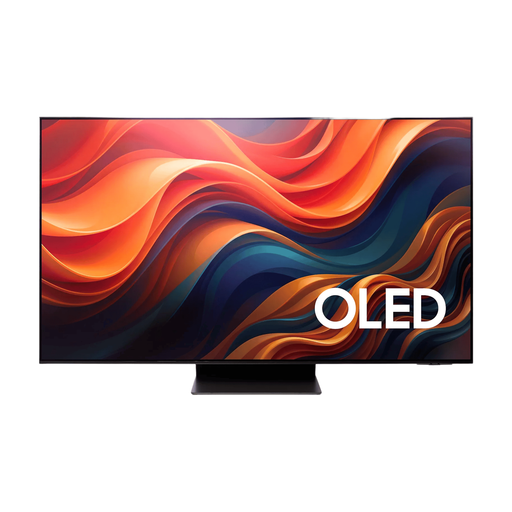
Only consider this model if 65 inches suits your viewing distance and available space. Measure first, especially in a narrow living room.
The product name lists 4K OLED. The product description lists a native refresh rate of 165 Hz, an anti-reflection screen and four HDMI connections.
Measure the distance from your eyes on the sofa to the planned screen position, and check the width including the stand too. Consumentenbond suggests dividing the viewing distance by 2.4 as a starting point for the diagonal in centimetres. Use this as a guide, then compare common sizes that will fit in your room.
No. A stated refresh rate is a model specification, not an assessment of football picture quality. Consumentenbond also considers actual motion handling when assessing TVs for sport, so look for a review of the exact model and compare football footage.
Before you buy, check that the app you need is available on the TV platform. Consumentenbond points out that apps can disappear over time. A separate media player connected via HDMI can be an alternative if the app is unavailable or is removed.
Start with a home setting rather than the shop setting. Consumentenbond recommends viewing the picture in the lighting you usually have at home, then adjusting the picture mode and brightness to suit.
No. According to the Dutch Government, the Netherlands has no fixed statutory warranty period: you’re entitled to a product that works properly for the length of time you could reasonably expect to use it. If something goes wrong, contact the retailer; the manufacturer’s warranty is separate.