
Family in a bright living room
You want to look at photos during the day, even when tall windows reflect in or near the screen. RTINGS points out that both brightness and reflection handling play a part in a bright room.


Don’t choose a TV based on mini-LED or OLED alone. If you have tall windows, the specific screen’s reflection handling and its brightness when displaying ordinary photos both matter. Next, measure your viewing distances and check that your phone or USB photos will work with the model you choose. Neither screen technology on its own guarantees good visibility in every living room.
You want to look at photos during the day, even when tall windows reflect in or near the screen. RTINGS points out that both brightness and reflection handling play a part in a bright room.
Not everyone sits directly in front of the TV. The Consumentenbond highlights viewing distance and angle as factors to consider when several people watch together.
You want to show photos without a lot of preparation. LG describes AirPlay for compatible Apple devices and USB as possible ways to display them. Check compatibility with the exact TV model and your files.
Consider this option: compare specific models if your living room is bright during the day, and look at both reflection handling and brightness when displaying ordinary photos.
Bear in mind: a quoted HDR peak brightness figure alone doesn’t tell you how clearly ordinary photos will appear when there are reflections from windows.
Consider this option: compare specific OLED models if contrast and viewing from different seats also matter to you.
Bear in mind: reflection handling and brightness vary by model. Samsung lists Glare Free for the S95H, while LG lists Reflection Free Premium for the G6; both are manufacturer specifications.
First, check where the windows are in relation to the screen. Then measure the seating positions and decide how you want to display the photos.
| Buying concern | What to look for | Who should pay particular attention? |
|---|---|---|
| Window reflections and daylight | Compare the reflection handling and brightness of the exact model. HDR peak figures don’t measure how ordinary photos are displayed. | If tall windows are reflected in my screen, I want to be able to see photos during the day. Around 36% of consumers rank reflections and daylight above other buying concerns. |
| Screen size and viewing positions | Measure the distances to the TV position and check the viewing angle from the seats at either end. | When family members are spread out, I want everyone to be able to see the photos, rather than only considering the middle seat. Around 29% of consumers prioritise seating positions and viewing angle. |
| Sharing photos | Choose between wireless sharing and USB, and check the features and file compatibility of the exact model. | If my photos are on a phone or USB storage device, I want to know in advance how to display them on the TV. Around 21% of consumers make the photo source and sharing method their priority. |
| Power consumption | Compare the energy label in kWh per 1000 hours for the specific models, and take your usage into account. | If the TV is often on outside the slideshow too, I want to consider its power consumption as well as its screen size. Around 14% of consumers prioritise power consumption. |
Reflections and overall brightness are different things. A marketing term doesn’t tell you how a tall window will appear on your screen.
Compare the reflection handling of the exact model and consider the planned position of the screen in relation to the window.
The furthest and outermost seats have different requirements for screen size and viewing angle. A larger screen may also use more power.
Measure the viewing distances and compare models in neighbouring screen sizes, including their energy labels.
Milieu Centraal points out that a larger screen may use more power; the energy label can help you compare specific models.
A port or general brand guide doesn’t confirm that your files and sharing method will work with the model you choose.
Check the manual for the exact TV, the photo file formats it supports and whether it connects to your device. If possible, try displaying a photo from that device first.
The TCL 65C7K is a 65-inch QD mini-LED model to consider when comparing TVs for a bright living room.
The 65-inch S95H is an OLED model to compare if your windows face the screen.
The OLED65G69LS.AEU from the G6 series is an OLED model to compare for contrast and reflection handling.
According to Philips, the 65MLED950/12 combines a 65-inch QD mini-LED screen with Ambilight.
These Joybuy models offer different features to consider when choosing a TV for sharing photos with your family. Compare screen size, screen type and listed features with the position of your windows and seating.
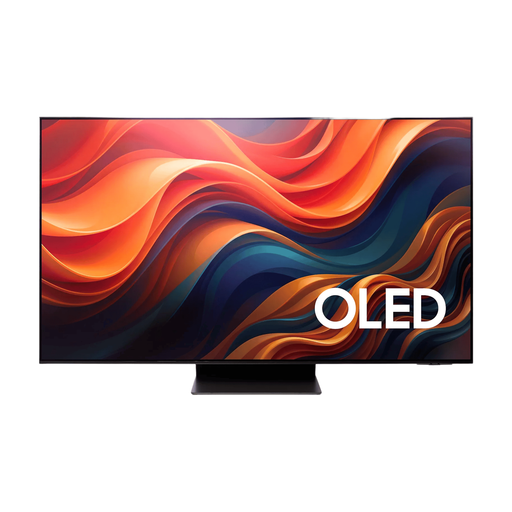 No image available
An OLED TV to compare if you share photos with your family and want to take window reflections into account.
65 inches, 4K and OLED; the product description mentions an anti-reflection screen.
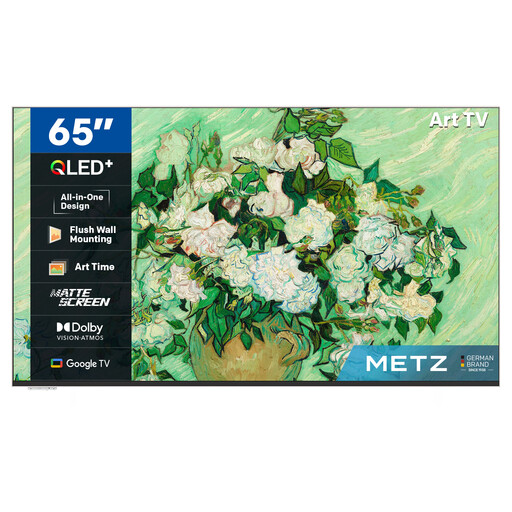 No image available
A 65-inch option to consider if you’re looking for a TV to view photos with your family.
The product name lists QLED+, UHD, Google TV and a matte screen.
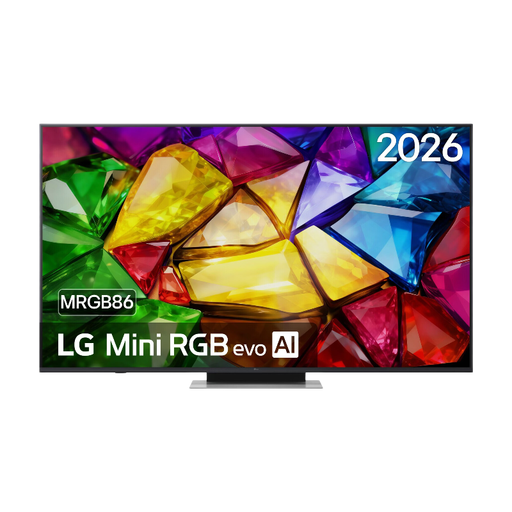 No image available
A model to compare if you’re looking for a large screen for sharing photos. Check in advance that it works with your phone and photo files.
The product name identifies it as a Mini RGB evo TV with model number 65MRGB86B9A.
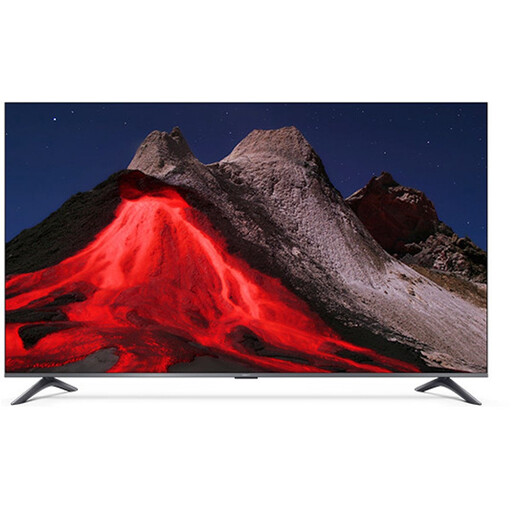 No image available
A 65-inch TV to compare for viewing from several seats. Check that its features work with your phone.
The product name lists 4K, QLED and Google TV.
 No image available
Only consider this large size if the viewing distance and available space suit your living room.
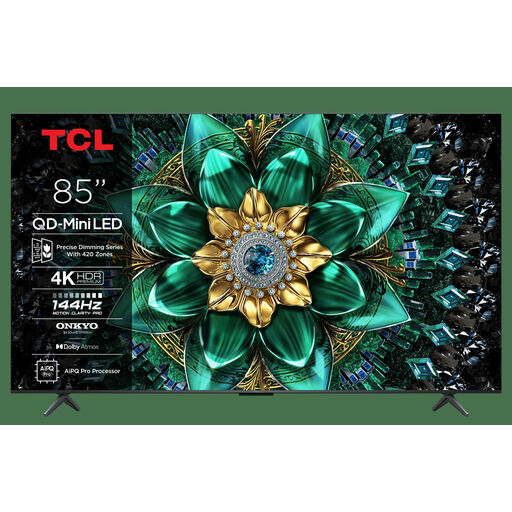
The product name lists QD Mini-LED, 4K, HDR and 1000 nits. An HDR figure alone doesn’t determine how clearly ordinary photos appear when there are window reflections.
No. Brightness can help in a bright room, but if a window is reflected directly in the screen, the specific model’s reflection handling matters too. Don’t compare HDR peak figures alone if you mainly want to display ordinary photos.
Measure the distance from the seats to the planned screen position, including from the outermost and furthest seats. Based on its own research, the Consumentenbond suggests around 2.4 times the screen’s diagonal as a starting point, not a required distance. Check the viewing angle too.
It depends on the TV model and where the photos are stored. LG describes AirPlay for photos from compatible Apple devices and USB as a way to display them. Check the features and supported files for the exact TV in advance.
In the Netherlands, you’re entitled to a product that works as it should when you buy it. According to the Dutch Government, you can ask the seller to put things right if there’s a fault. A manufacturer’s warranty or additional cover doesn’t replace this legal right.
Yes. The European Commission describes energy labelling and ecodesign rules for electronic displays. The energy label shows consumption in kWh per 1000 hours. Compare the label for the exact model before you choose.