
Film fan with tall windows
You often watch during the day and want to make out both bright and dark scenes despite daylight or a window opposite the screen. The TV’s position and reflections also matter.


When choosing a TV for Dutch films, compare both the reflection handling and the brightness of the exact model: a bright screen won’t automatically prevent reflections from tall windows. Mini LED LCD is often a sensible choice for a bright room, while OLED can be appealing if you also watch in dimmer light and value deep blacks. It’s also worth testing dialogue and subtitles with a film scene that reflects your viewing conditions.
You often watch during the day and want to make out both bright and dark scenes despite daylight or a window opposite the screen. The TV’s position and reflections also matter.
You want to hear Dutch speech clearly and may use subtitles. You’ll also want to know how text looks in dark scenes.
You also watch in the evening and care about black levels and contrast, but want to know how the picture looks in daylight too.
Choose this if: you often watch during the day and windows let plenty of light into your viewing area. Compare the reflection handling and brightness of the exact TV and screen size.
Trade-off: local dimming can improve dark scenes, but performance varies by model and may create halos around bright subtitles.
Choose this if: you also often watch in dimmer conditions and care about black levels or picture quality from different seats.
Trade-off: Mini LED LCD models may be a good fit in bright daylight; with OLED, you should also check for reflections based on your window position.
| What to consider | What should you check? | Who is this for? |
|---|---|---|
| Reflections and daylight | Compare reflection handling and brightness separately; view the TV with light coming from the direction of your windows. | If I watch during the day with a tall window opposite the TV, I want to minimise reflections and be able to follow bright scenes. Around 31% of consumers say handling reflections and visibility during the day are their main reasons for buying. |
| Dialogue and subtitles | Listen to speech through the TV speakers and watch a dark scene with subtitles on the model you’re considering. | If I want to hear dialogue clearly and read text in dark scenes, I pay attention to the sound and any halos. Around 25% of consumers prioritise clear dialogue and readable subtitles. |
| Contrast in changing light | Compare the same bright and dark film scenes during the day and in the evening; assess the exact model, not just the screen technology. | If dark film scenes matter more to me than maximum daytime visibility, I want to assess blacks and bright details side by side. Around 19% of consumers say film contrast is their main reason for buying. |
| Screen size and seating | Measure your viewing distance and check the picture from the seats you actually use. | If I watch from different spots, I want a screen size that suits my viewing distance and room layout. Around 13% of consumers prioritise screen size and seating. |
| Playback source and running costs | Check whether you can play the film you want to watch on the TV or your existing player; compare the energy labels of models with a similar screen size. | If I want to play my films without extra steps and keep an eye on energy use, I check the source and energy label. Around 12% of consumers prioritise playback convenience and running costs. |
RTINGS points out that reflection handling, as well as brightness, affects how much light interference you experience. The Consumers’ Association (Consumentenbond) notes that LCD TVs can often be bright, but your experience also depends on the TV’s position and the exact screen.
A bright screen won’t automatically stop you seeing a window reflected in the picture.
Compare reflection handling and brightness separately, and assess the TV in a setup similar to your viewing area.
Local dimming varies by model. Halos may be visible around bright text against a dark background.
Watch a dark film scene with subtitles on the exact model you’re considering.
A TV specification alone doesn’t confirm that the film you want to watch is available through your chosen playback method.
Before buying, check the specific film, service and playback source you want to use.
If the film you want isn’t available through that method, you may need a separate playback source or service.
The models listed here cover different screen technologies and sizes. Compare each model’s features, and don’t treat brand claims as a measure of how reflections will look in your room.
The BRAVIA 9 K65XR90PAEP is a Mini LED TV available in the Netherlands that you can include in a comparison for daytime viewing.
The Neo QLED QE65QN74HAUXXN is an example of a Mini LED LCD model you can compare with other screens.
Philips offers both a Mini LED Ambilight model and an OLED Ambilight model here, so you can compare them side by side.
The 55C7K is a QD Mini LED model you can compare in terms of screen size and the features of the exact set.
These Mini LED TVs are for people who often watch films in daylight. Compare reflection handling, screen size and the features that suit your playback source for each model.
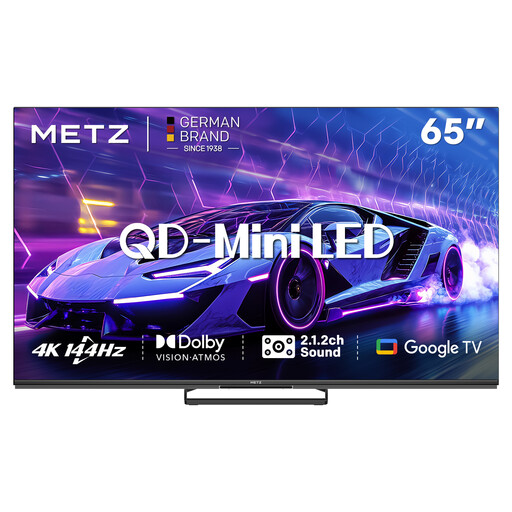 No image available
The 65-inch QD Mini LED version is worth comparing if you’re looking for a larger screen for films in daylight.
Listed features: 4K, 144 Hz, Dolby Vision, Google TV and a 2.1.2 sound system.
 No image available
The 55-inch version may suit you if you’re looking for a smaller screen size within this QD Mini LED series.
Listed features: 4K, 144 Hz, Dolby Vision, Google TV and a 2.1.2 sound system.
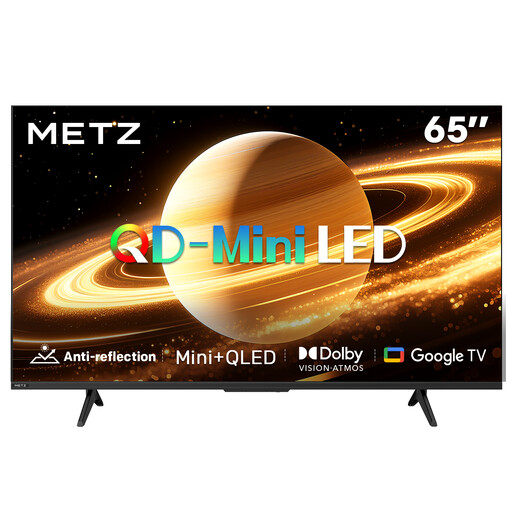 No image available
This model is listed with a matte screen; compare how the exact set handles reflections with the direction of light in your room.
Listed features: 60 Hz, Dolby Vision, Dolby Atmos and Google TV.
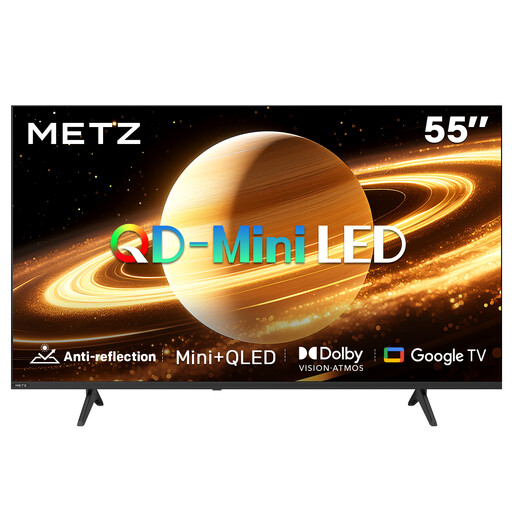 No image available
This 55-inch model is listed with a matte screen; assess reflections with the TV in the position where you plan to use it too.
Listed features: 60 Hz, Dolby Vision, Dolby Atmos, HDMI 2.1 and Google TV.
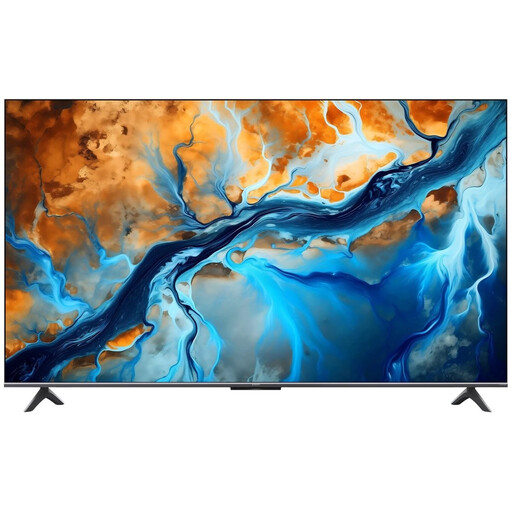 No image available
This 55-inch Mini LED TV is worth comparing if you’re looking for a built-in platform for watching films.
Listed features: 4K, 144 Hz, Google TV and Dolby Atmos. Wall mounting requires a compatible VESA bracket, which isn’t included.
No. Compare the reflection handling and brightness of the exact model based on your window position. Mini LED may suit a bright room; OLED is still an option if you also watch in dimmer conditions and value black levels or viewing angles.
Watch a dark scene with subtitles on the model you’re considering, as local dimming can create a halo around bright text on some LCD TVs. How you switch on subtitles depends on the source you’re using; in the NPO app, you’ll find the subtitle settings in the player.
Start with a home viewing setting and assess a familiar scene under the lighting you normally use. Adjust brightness and contrast so that both bright and dark details remain visible; according to the Consumers’ Association (Consumentenbond), changing picture settings can affect energy consumption.
Compare the EU energy labels for the exact models, ideally with a similar screen size. The European Commission states that the label provides information for standard picture and HDR; actual consumption also depends on settings and viewing habits.
For a standard online purchase, you generally have a statutory 14-day cooling-off period after delivery, subject to applicable conditions and exceptions. ACM ConsuWijzer also explains that you have a statutory guarantee if a product, under normal use, doesn’t do what you could reasonably expect; this guarantee isn’t automatically limited to the manufacturer’s warranty.