What should you look for when choosing?
First, measure the viewing distance and the available space. Then compare how clearly the picture can be seen from different seats, and check that the photo files and controls suit the way you want to share them.
| What to consider |
What should you check? |
Who should pay particular attention? |
| Photos viewed from the furthest seat |
Measure the distance from your eyes to the TV position. Compare screen sizes and check the dimensions, including the stand. |
If the back seat is a long way from the screen, I want the photos to be easy to follow from there. Around 40% of consumers put screen size at the top of their list. |
| Your own photos as a slideshow |
Decide where your photos are stored and check the file formats, folder selection and slideshow on the exact model. |
If I want to show my holiday photos from my own storage without hassle, the method I choose needs to work with my files. Around 30% of consumers prioritise sharing photos without a fuss. |
| Viewing from different seats |
Look at the screen straight on and from an angle from each seat. Also watch out for reflections from windows and lamps. |
If family members sit to the side of the TV or watch during the day, I want to see how the picture looks in that setup. Around 20% of consumers prioritise viewing from multiple seats. |
| Positioning and energy information |
Measure the available space and compare the EU energy label and product information sheet for the exact model. |
If space is limited or I want to factor in energy use, I check the dimensions and product information before choosing. Around 10% of consumers put positioning and running costs at the top of their list. |
TVs at Joybuy
This selection includes 75-inch TVs with LCD, QLED or mini-LED in their product names. Compare the screen size with your viewing distance, and check that your preferred way of sharing photos works on each model.
 No image available
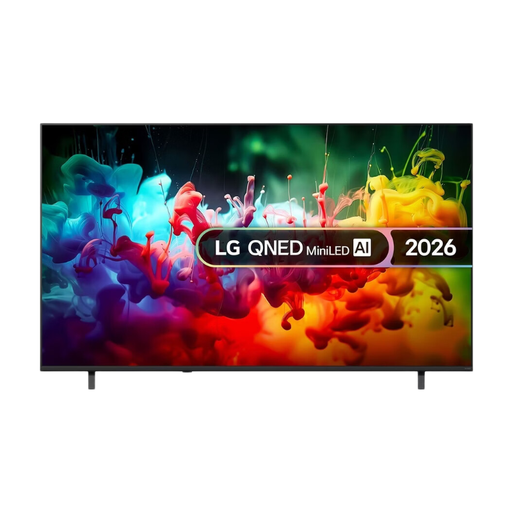
LG QNED70 75-inch 4K Mini LED Smart TV, 2026
The 75-inch screen is a large-screen option to compare with your viewing distance and the space available.
75 inch; 4K; Mini LED; Smart TV.
View at Joybuy
 No image available
TCL 75Q7D Pro 75-inch 4K QD-MiniLED Smart TV, 2026
The 75-inch screen makes this an option to weigh up against the distance to the furthest seat.
75 inch; 4K; QD-MiniLED; Smart TV.
View at Joybuy
 No image available
TCL 75T8D 75-inch QLED 4K TV with QD-Mini LED dimming
Compare this 75-inch model with other large screens once you’ve measured the viewing distance and available space.
75 inch; QLED; QD-Mini LED dimming; 4K; Smart Google TV.
View at Joybuy
 No image available
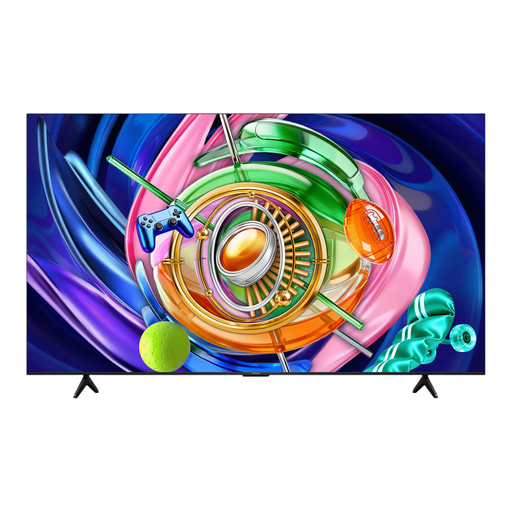
iFFALCON 75U85A 75-inch 4K Mini-LED Smart TV
The 75-inch screen is a large-screen option to compare with your viewing distance and the space available.
75 inch; 4K; Mini-LED; 144 Hz.
View at Joybuy
 No image available
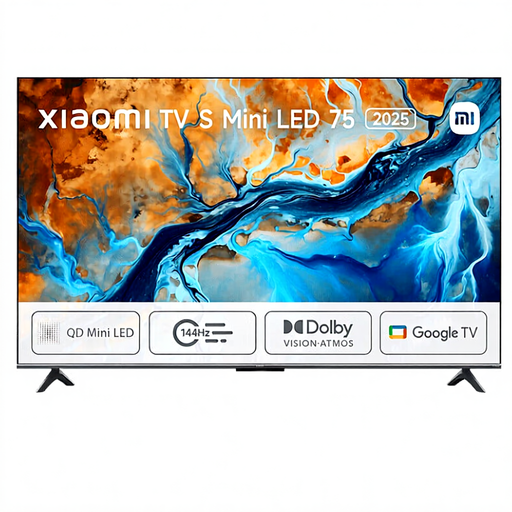
Xiaomi TV S 2025 75-inch 4K HDR Mini LED TV
Compare this 75-inch model with your measured viewing distance and the space where the TV will go.
75 inch; 4K; HDR; Mini LED; 144 Hz; Dolby Atmos.
View at Joybuy
Frequently asked questions
How do I choose a TV size if the back sofa is a long way away?
Measure the distance from your eyes in that seat to the intended TV position. The Consumentenbond uses the viewing distance divided by 2.4 as a starting estimate for the diagonal in centimetres. Compare nearby sizes too, and take the available space into account.
Can every smart TV automatically show my holiday photos as a slideshow?
No. The term smart TV doesn’t confirm that your files will work with the slideshow you want. For applicable models, Sony Netherlands describes USB photo playback and a limitation when choosing photos from a home network server for an Album slideshow. Check the manual and try your files on the exact model.
Should I be concerned about leaving a still image on screen during a long slideshow?
Let the presentation keep moving rather than leaving one photo on screen unnecessarily. LG notes in its support information that a still image can activate screen saver mode; check how this works on the TV you choose.
How should I compare the energy use of two TVs?
Compare the energy label and product information sheet for the exact models. The European Commission confirms that electronic displays are covered by energy labelling rules. A brand name or screen technology alone doesn’t tell you the energy use of a specific model.
What are my rights in the Netherlands if a TV bought online isn’t suitable or breaks?
According to ACM ConsuWijzer, online purchases generally come with a statutory 14-day cooling-off period after delivery, subject to applicable exceptions. This is separate from your rights if the TV is faulty: the seller is responsible if a product used normally doesn’t do what you could reasonably expect. Check the terms that apply to your situation.


