What should you look for?
This guide is for consumers looking for one TV to display a design portfolio and serve as a shared entertainment screen. Compare picture quality and connections in the conditions in which the TV will actually be used.
OLED
A good fit if: your portfolio mainly consists of changing photos and videos, and people will also watch the screen from an angle.
The trade-off: the Consumentenbond says OLED generally offers a wide viewing angle and deep blacks. However, image retention remains a consideration if the same images are displayed repeatedly for long periods, according to RTINGS.com.
LCD, QLED or mini-LED
A good fit if: your room is bright or designs are often left on screen for a long time. Compare specific models in the lighting and seating conditions of your room.
The trade-off: QLED is an LCD technology which, according to the Consumentenbond, can often offer higher brightness than OLED. Brightness alone does not tell you how accurately your portfolio will be displayed.
| What to consider |
What should you check? |
Who is this important for? |
| Colour reproduction |
Compare colour measurements for the exact model and assess your own photos and videos in your usual lighting. |
I want to assess my own work accurately, not just see a striking picture. Around 28% of consumers put true-to-life portfolio display first. |
| Viewing from different seats |
Measure the viewing distance and check the picture from the seats furthest to the side. |
When we watch together, I want to be able to make out colours and details from the side too. Around 22% of consumers give priority to a clear view for everyone. |
| Daylight and static images |
Check for reflections where you plan to place the TV, and consider how long the same slide or interface will stay on screen. Compare energy consumption per 1,000 hours. |
In daylight or when designs stay on screen for a long time, I want to take reflections and usage patterns into account. Around 22% of consumers prioritise these conditions. |
| Connecting and sharing |
Check your laptop’s video output, available HDMI inputs and compatibility with your preferred sharing method. |
I want to connect my laptop without having to keep unplugging other devices. Around 17% of consumers prioritise easy connections and sharing. |
| Purchase and running costs |
First compare TVs that meet your needs, then check the energy label and any connection accessories you may need. |
If the TV is on frequently, I want to consider both the purchase price and energy consumption. Around 11% of consumers put total costs first. |
Joybuy TVs for portfolios and shared use
These Joybuy TVs are worth considering for displaying a portfolio and sharing the screen for entertainment. Compare connections, screen technology and the features that suit your room.
 No image available
Samsung QE55S99HATXXN QD OLED 55-inch TV (2026)
An OLED option for portfolios and entertainment. Assess the picture in the room where you’ll be presenting.
55 inches; 4K panel; anti-reflection screen; four HDMI 2.1 ports, eARC and a native refresh rate of 100 Hz.
The general risk of image retention associated with OLED remains relevant if you use the TV for long periods with the same static slides.
Joybuy
 No image available
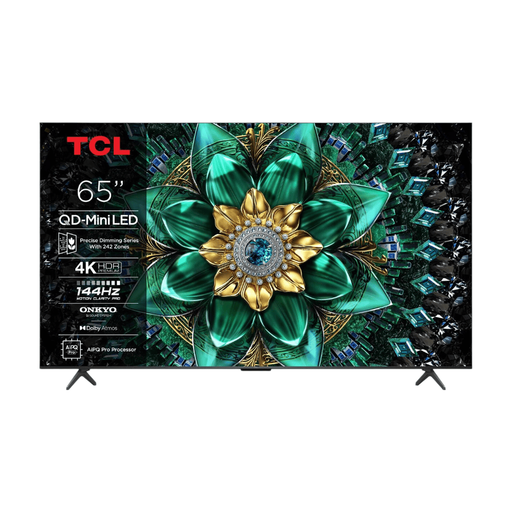
TCL 65Q6C QD mini-LED 4K TV
A mini-LED option to compare if you’re looking for a TV for portfolios and shared entertainment.
65 inches; 4K; local dimming; Google TV; four HDMI inputs, eARC and VRR.
Joybuy
 No image available
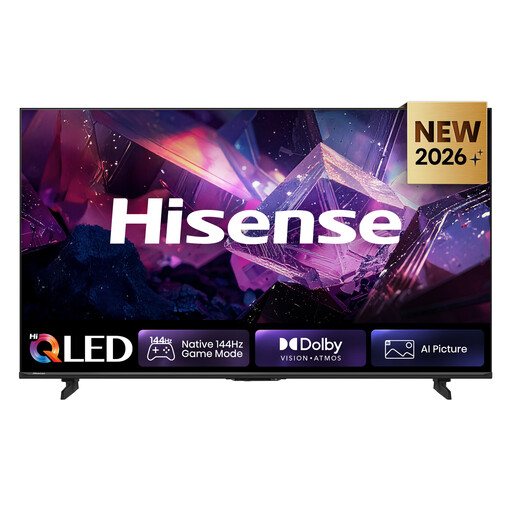
Hisense 65E7S PRO QLED TV
A QLED option to compare if you’re looking for a large screen for portfolios and watching together.
65 inches; 4K Ultra HD; stated 178° viewing angle; HDMI 2.1 and eARC; VIDAA Smart OS.
Check the viewing angle from the seats in your own room too.
Joybuy
 No image available
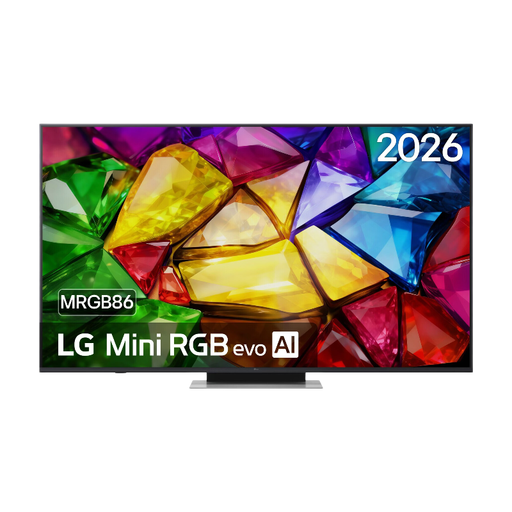
LG 65MRGB86B9A Mini RGB evo TV
A 65-inch option if you’re looking for a TV for presentations and entertainment. Check beforehand that the connections suit your setup.
4K UHD; webOS 26; nine picture modes; Google Cast; three HDMI inputs, including eARC.
Joybuy
 No image available
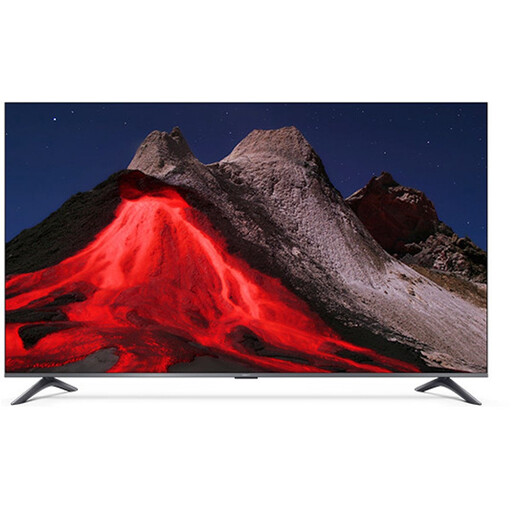
Xiaomi TV A Pro 2026 65-inch 4K QLED Google TV
An option to compare for 4K portfolio content and watching together.
65 inches; 4K; stated 178° viewing angle; three HDMI ports; Google Cast and AirPlay.
Check the view from the seats furthest to the side and make sure your devices support your preferred sharing method.
Joybuy
Frequently asked questions
How can I present from my laptop without repeatedly changing the shared setup?
First, check whether your laptop and TV can connect using a suitable HDMI connection and how many inputs will remain available for other devices. If you want to use Google Cast, check that the TV or media player supports it, and that the computer and Cast device are connected to the same suitable Wi-Fi network.
Which picture setting should I use to show designs?
Start with a home picture setting rather than the often extra-bright, vivid shop setting. Then assess familiar images of your own in the room’s usual lighting. Even a suitable setting does not automatically make a TV a calibrated reference monitor.
What does displaying a static portfolio slide for a long time mean for OLED?
Images that change are a different usage pattern from leaving the same slide on screen for hours. RTINGS.com describes image retention as a consideration with intensive static use; there is no set number of hours that applies to every model and slide. If you often display static images for long periods, compare LCD or mini-LED models too.
How do I compare the power consumption of TVs?
Compare the kWh per 1,000 hours shown on the energy label for TVs of a suitable size. Your actual costs also depend on how long you use the TV and your electricity tariff. A higher brightness setting increases energy consumption.
What rights do I have in the Netherlands if my TV is faulty or I buy it online?
If you buy as a consumer, your statutory guarantee may apply if the TV does not perform as you could reasonably expect under normal use. The retailer is responsible for dealing with your claim. ACM ConsuWijzer says that for a new TV bought online, you generally have 14 days from delivery to change your mind. If a school buys the TV mainly for business use, do not assume that the same consumer protections apply.


