
Housemates sitting in different places
If you play together, housemates sitting to the side need to be able to follow the action too. Team17 describes Overcooked! 2 as a local co-op game for up to four players.


Choose a TV that’s easy to see from your usual seats, fits the room and can connect to your games console via HDMI. Game Mode and low input lag are worth checking. Only pay extra for 4K with a high refresh rate or VRR if your console and other games support those features.
If you play together, housemates sitting to the side need to be able to follow the action too. Team17 describes Overcooked! 2 as a local co-op game for up to four players.
You’re looking for a TV that suits the room and your games, without paying for features your console doesn’t need. The Consumers' Association and RTINGS.com highlight things to consider, such as viewing distance and input lag.
You want to match Game Mode, HDMI connections and, if relevant, a higher refresh rate to your console and games. Nintendo, for example, explains the Switch 2’s output limitations.
Start by considering the viewing distance, available space and visibility from your usual seats. Then check that the TV is compatible with your console and games. The Consumers' Association covers viewing angles and reflections, while RTINGS.com discusses input lag and Nintendo explains console output.
| What to consider | What should you check? | Who is this important for? |
|---|---|---|
| Screen size and viewing angle | Measure the viewing distance and available space. Check visibility and reflections from seats to the side. | If we play with housemates sitting in different places, I want everyone to be able to follow the action. Around 33% of consumers prioritise being able to see the screen from every seat. |
| Shared costs | Agree on the screen size and features you need for the games and console you actually use. | If we’re paying for the TV together, I don’t want to pay for extra features our equipment can’t use. Around 27% of consumers prioritise avoiding unnecessary spending. |
| Responsiveness and connections | Check input lag in Game Mode with the relevant signal, and count how many HDMI inputs your devices need. | If responsive controls and connected devices matter to us, I want to know whether the TV can handle them. Around 20% of consumers prioritise console responsiveness and connections over other purchasing needs. |
| Everyday use and energy consumption | Compare the energy label for the exact model variant. If you choose OLED, bear in mind the risk of leaving a static image on screen for a long time. | If the TV is on in the shared living space outside gaming sessions too, I want to take energy use and ease of use into account. Around 20% of consumers prioritise shared everyday use and energy costs. |
The TV’s refresh rate alone doesn’t tell you how many frames the game and console will actually output. For 4K output on Switch 2, Nintendo specifies up to 60 fps, depending on the software supported.
Check your console’s output and the capabilities of the games you play. Compare input lag in Game Mode using the signal you’ll be playing with.
When you play together, viewing distance, side-on visibility and reflections can vary from seat to seat. The panel type alone doesn’t guarantee a good view from every seat.
Measure the available space and check the picture from the places where your housemates usually sit.
A manufacturer’s warranty doesn’t automatically replace your statutory rights against the retailer. ACM ConsuWijzer distinguishes between a retailer’s guarantee and your legal guarantee.
Keep your proof of purchase and contact the retailer if your TV is faulty.
Philips offers compact 43-inch 4K LED models, including the 43PUS7000/12, which are worth comparing if space is limited.
The LG OLED48B68LA.AEU is a 48-inch OLED model to compare if its size and panel type suit your shared set-up.
The Samsung QE43Q7F4AUXXN is a 43-inch QLED option for a compact set-up.
The 55T8C is a larger QLED option to compare if your viewing distance and available space call for it.
This selection includes 43- to 55-inch TVs for gaming together, with LCD and QLED models as well as OLED options. Check that your chosen size suits the room and viewing distance, and that its gaming features are compatible with your console and games.
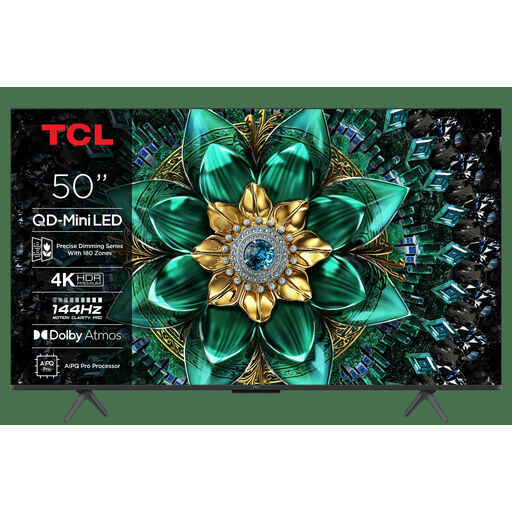 No image available
An option to consider if a 50-inch screen suits your shared viewing distance and you also play games that support the listed features.
The product title lists 4K, Mini LED and 144 Hz. The product description mentions HDMI 2.1, ALLM, VRR and FreeSync Premium Pro. Check that these are compatible with your console and games.
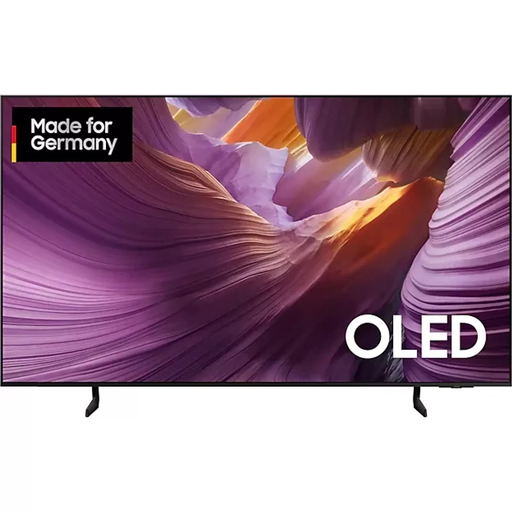 No image available
A larger OLED option to consider if the room and viewing distance suit a 55-inch screen. If the TV is shared, bear in mind that game menus may remain static on screen.
The product title lists a 55-inch screen, OLED and 4K. The product description mentions four HDMI ports. The Consumers' Association highlights image retention as something to bear in mind with OLED.
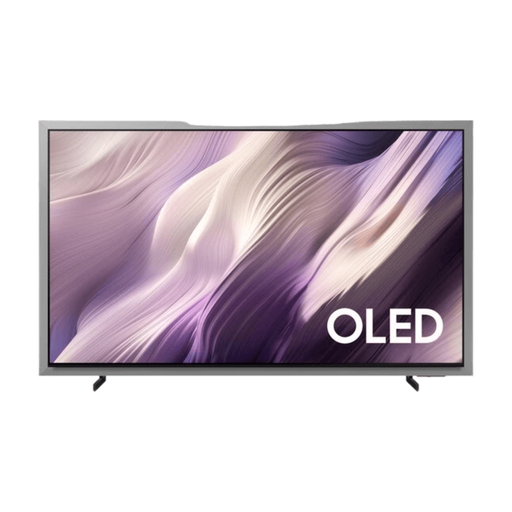 No image available
This 55-inch OLED option could suit you if you play other games as well as cooking games. Check that its features match your equipment.
The product title lists QD OLED and a 55-inch screen. The product description mentions Game Mode, VRR, four HDMI 2.1 ports and an anti-reflection screen. The Consumers' Association highlights image retention as something to bear in mind with OLED.
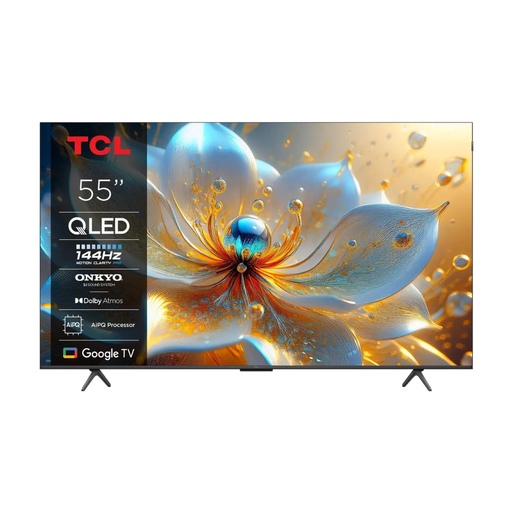 No image available
A larger screen option if a 55-inch TV fits your room and you also play games that support the listed gaming features.
The product title lists 4K, QLED and 144 Hz. The product description mentions four HDMI inputs, HDMI 2.1, ALLM, VRR and Game Master Mode.
 No image available
A more compact option to compare if a 43-inch screen suits your viewing distance and the space you share.
The product title lists 4K, QLED and 120 Hz. The product description mentions Game Mode, ALLM and VRR. Check which features work with your equipment.
No, a 120 Hz TV isn’t a general requirement for Overcooked! 2. Team17 describes local co-op for up to four players, but doesn’t specify a 120 Hz TV requirement. If you’re considering a higher refresh rate, check the other games you play and your console’s output. For 4K output on Switch 2, Nintendo specifies up to 60 fps, depending on the software supported.
Connect the console via HDMI and select the correct input on the TV. Then check Game Mode and make sure there are enough HDMI ports for all the devices you want to keep connected. The Consumers' Association describes HDMI as the standard connection for games consoles.
Don’t leave a game menu or paused image on screen for longer than necessary. The Consumers' Association explains that temporary image retention and permanent screen burn are different issues, and highlights image retention as something to bear in mind with OLED.
If your TV is faulty, you may have statutory rights against the retailer as well as any manufacturer’s warranty. ACM ConsuWijzer advises contacting the retailer. How long a TV should reasonably last depends on the product and the circumstances. Online purchases usually also come with a cooling-off period that ends 14 days after delivery; check which exceptions apply.
EU rules on energy labels and product information apply to electronic displays, including televisions. Compare the energy label and product information sheet for the exact model variant. This is product information, not a separate permit for home use.