
Viewer with limited space
You want a screen that suits your viewing distance and fits on or between your furniture. The Dutch Consumers’ Association recommends using viewing distance as a starting point when choosing a screen diagonal.


Start by measuring your viewing distance and the space available for the TV, including its stand. A bigger screen won’t automatically feel more comfortable in a narrow living room. Then choose according to where you sit: contrast and viewing angle matter for dark concert footage, while ambient light and sound call for different considerations. The Dutch Consumers’ Association uses viewing distance divided by 2.4 as a starting point for the screen diagonal in centimetres, not as a fixed size.
You want a screen that suits your viewing distance and fits on or between your furniture. The Dutch Consumers’ Association recommends using viewing distance as a starting point when choosing a screen diagonal.
You want to watch concert films without automatically having to make room for extra audio equipment. So check how music and speech sound on the exact TV model you’re considering.
You watch dark stages with bright spotlights, sometimes from an angle, and want to know how the contrast and viewing angle perform on the specific model.
First measure your viewing distance and the space available. Then decide whether built-in sound, picture quality in low light or visibility during the day matters most to you.
| What to consider | What should you check? | Who might care most? |
|---|---|---|
| Size and placement | Measure the viewing distance and the available width, height and space for the stand. The Dutch Consumers’ Association uses viewing distance divided by 2.4 as a starting point for the diagonal in centimetres. | If you want to avoid a TV that’s too wide for your furniture or feels too big from your seat, start by measuring. Around 31% of consumers put a suitable size and placement first. |
| Music and speech | Look for an assessment of both music and speech on the exact model. If you’re considering a soundbar, check whether the TV and audio system have HDMI-ARC or eARC. | If you want to enjoy concert films without an extra device, pay attention to both music playback and speech clarity. Around 25% of consumers prioritise this combination. |
| Dark pictures and viewing angle | Watch dark footage on the specific model and check the picture from the seats you use. | If you often watch in the evening or sit off-centre, you’ll want to know how dark scenes look and how the picture appears from your seat. Around 25% of consumers put dark-picture performance and viewing angle at the top of their list. |
| Daylight and reflections | Assess brightness and reflections where the TV will go and at the time you usually watch. Compare energy use on the energy label. | If you usually watch in daylight or with nearby lamps on, you’ll want the picture to remain comfortable to view in that spot. Around 19% of consumers make daytime visibility their top priority. |
The screen diagonal doesn’t tell you how wide the TV is with its stand or whether the viewing distance will feel comfortable.
Before choosing a model, measure the distance from your seat and the space available on or around your furniture.
If a TV doesn’t fit on your furniture, you may need to find another place for it.
An integrated system or supported audio format doesn’t, by itself, tell you how music and speech sound on the exact model.
Listen for yourself if you can, or look for a listening review of the specific model. If you’re considering external audio, check for an ARC or eARC connection.
Black levels vary between LCD models. The term mini-LED doesn’t guarantee a particular level of contrast or that there’ll be no light halos.
Compare dark scenes and bright stage spotlights on the specific model, and take the light in your room into account.
Prolonged static images can be a consideration with OLED. Image retention doesn’t automatically mean the screen has suffered burn-in.
Take the type of content you watch into account, and check the manufacturer’s usage and care instructions.
The Dutch OLED48B68LA is a 48-inch OLED model. LG lists OLED, 4K and webOS among its features.
Philips lists Ambilight for the 48OLED811/12 and an integrated Bowers & Wilkins audio system for the 48OLED911/12.
The TCL 50C7K is a 50-inch QD mini-LED LCD model to consider if you’re looking at picture technologies other than OLED.
Samsung lists mini-LED and an F energy rating for the QE50QN80HAUXXN, a 50-inch Neo QLED model.
This selection includes TVs from 50 to 85 inches with a range of picture and sound features. Carefully measure the available space and viewing distance: the 75- and 85-inch models may be difficult to accommodate in a narrow living room.
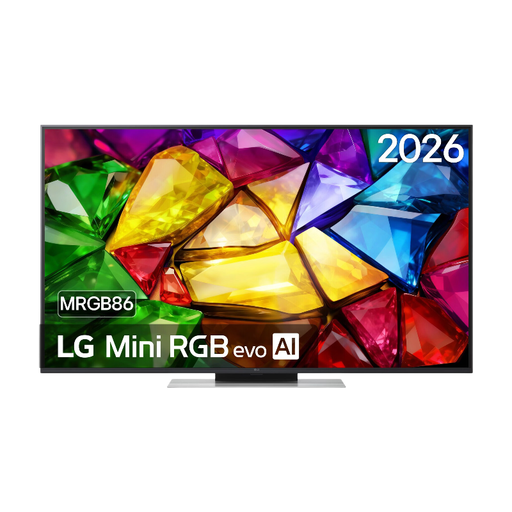 No image available
This 50-inch model is worth comparing if you’re looking for a TV with built-in audio; first check that its overall dimensions will fit.
The product description lists 120Hz, Dolby Vision, HDR10, HLG, a 20W 2.0-channel system, Dolby Atmos and webOS 26.
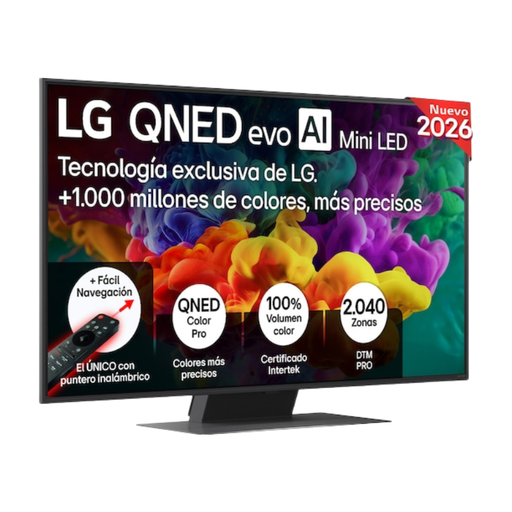 No image available
This 50-inch mini-LED LCD model is one option to compare with other picture technologies. Check how it performs from your seat and in the light conditions in your room.
The product description lists Dolby Vision, anti-reflection technology and VRR up to 144 Hz.
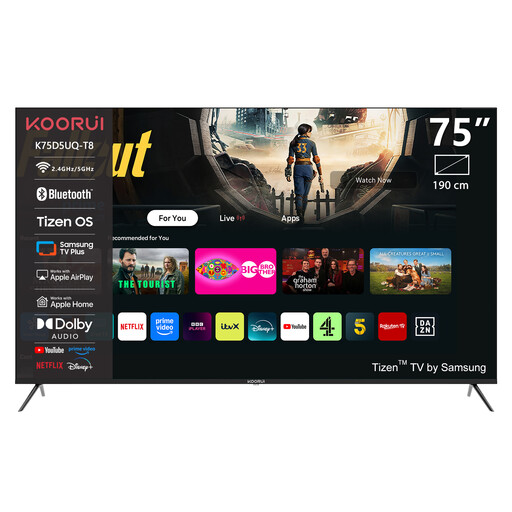 No image available
At 75 inches, this is a large model. Measure your viewing distance and the available width before considering it for a narrow living room.
The product description lists Dolby Vision IQ, HDR10+ Adaptive, a 2.0 sound system with Dolby Atmos and HomeOS 9.5.
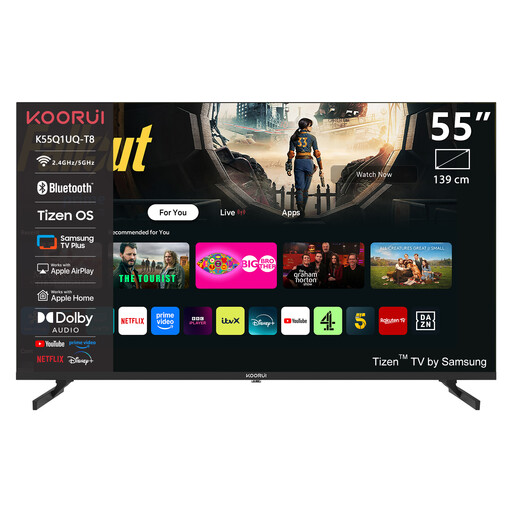 No image available
The 55-inch size is smaller than the 75-inch option in this selection, but you should still check the overall dimensions and viewing distance for your room.
The product description lists Dolby Vision, an integrated 2.1.2-channel sound system and Google TV.
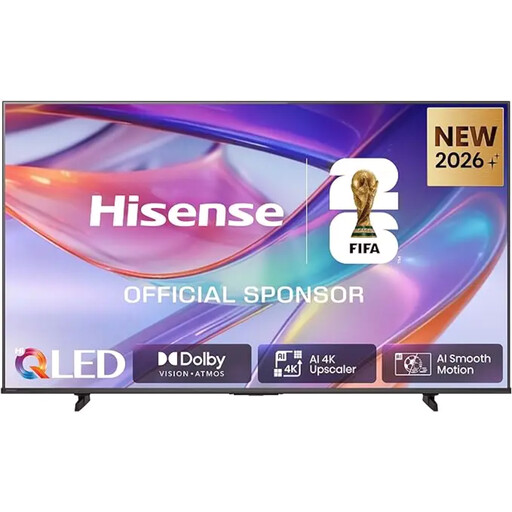 No image available
The 85-inch diagonal calls for careful consideration of your viewing distance and available space. Check the overall dimensions before choosing this model.
The product description lists 400 nits, Dolby Vision IQ, HDR10+ Adaptive and a 2.0 sound system with Dolby Atmos.
Measure the distance from your eyes to where the screen will go. The Dutch Consumers’ Association uses viewing distance divided by 2.4 as a starting point for the diagonal in centimetres; also check the overall dimensions, including the stand.
Check which HDMI port on the TV supports ARC or eARC, then use the corresponding connection on a compatible soundbar. Check the connections on both exact models.
Prolonged static images are a consideration with OLED, but image retention doesn’t automatically mean the screen has suffered burn-in. Check that the TV suits your intended use and read the manufacturer’s care instructions.
When you buy as a consumer, you’re entitled to a product that works properly, and the seller is your point of contact if it’s faulty. According to the Dutch government, there’s no fixed statutory two-year warranty period in the Netherlands; the product’s expected lifespan and the circumstances also matter.
For online purchases, you generally have 14 days from delivery to change your mind, subject to statutory exceptions; ACM ConsuWijzer explains how this period works. TVs are covered by EU energy labelling rules, and their labels include energy information for SDR and HDR, among other details. The label doesn’t tell you which screen size suits your viewing distance.