What should you look for when buying?
First measure the viewing distance and check the seating layout. Then assess the screen under the room’s usual lighting. Finally, test the programme, subtitles and any audio equipment you plan to use.
| What to consider |
What should you check? |
Who is this most relevant to? |
| Reading subtitles from the back row |
Measure the distance from the back row and test a scene with the actual subtitles. The Dutch Consumers’ Association suggests dividing the distance in centimetres by 6 as a starting point for screen size in inches; this is not a specific standard for group viewing. |
If I’m sitting at the back, I want to be able to follow the text without the screen being too big for the room. Around 29% of consumers prioritise readability from the furthest seat. |
| Viewing from the side |
Watch the picture and subtitles from both outermost seats. Compare specific models: the panel type alone does not determine how the text looks from those seats. |
With a wide seating layout, I want people at the edges to be able to follow what’s on screen. Around 24% of consumers give the view from the sides their highest priority. |
| Picture quality under room lighting |
Test the TV under the usual lighting and look for reflections where the subtitles appear. Assess features such as brightness and anti-reflective finishes on a model-by-model basis. |
If the room stays lit during the screening, I want to be able to assess the text and picture without assuming the room will be dark. Around 18% of consumers focus mainly on visibility under room lighting. |
| Subtitles and audio source |
Try the chosen title and language on the app or player you intend to use. If you have separate audio equipment, check that the connections on both devices are compatible. |
When we’re using a particular programme and audio setup, I want to know in advance that the subtitles and sound will work together. Around 18% of consumers prioritise source and audio compatibility. |
| Running costs and terms |
Compare the energy label for the exact TV and check installation, equipment and screening rights separately. Confirm who is making the purchase before assuming consumer rules apply. |
If the club wants to understand the costs and terms in advance, there’s more to consider than just the TV. Around 11% of consumers give total running costs and terms their highest priority. |
TVs and bundles at Joybuy
These Joybuy products offer a range of screen sizes and types to assess against the viewing distance, seating layout and lighting in the club room.
 No image available
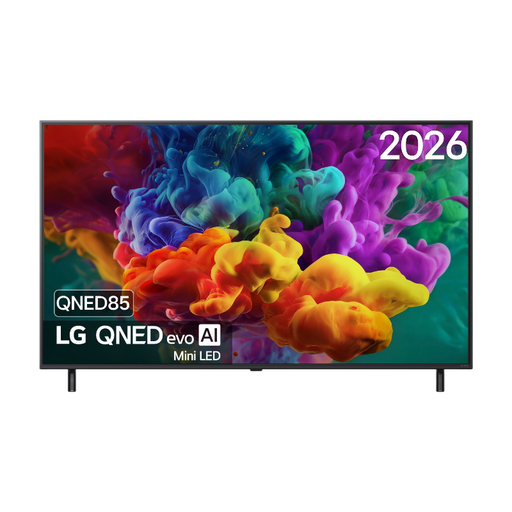
LG 55QNED85B6B QNED Evo Mini LED 4K Smart TV, 55-inch
The 55-inch screen gives you a size to compare with the distance to the back row.
The product description lists 4K, webOS 26, four HDMI inputs and HDMI eARC.
View at Joybuy
 No image available
Samsung S85F Series GQ55S85FAU 55-inch OLED 4K TV
This 55-inch OLED model is worth comparing if people will also be sitting at an angle to the screen.
The product description lists 4K, four HDMI ports, and DVB-C, DVB-S2 and DVB-T2.
View at Joybuy
 No image available
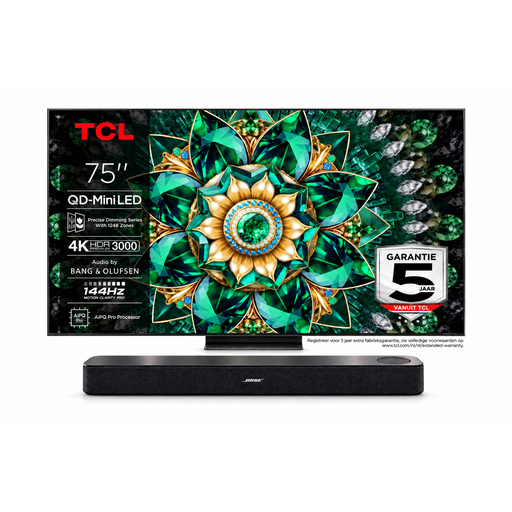
TCL 75Q7C 75-inch 4K Mini LED TV with Bose Lifestyle Ultra soundbar
The 75-inch TV in this bundle is worth considering if the viewing distance is long. Measure the room first, then test the subtitles from the back row.
The product title lists a 4K Mini LED TV, 144Hz and a five-year warranty for the TV. The description lists HDMI ARC/eARC for the soundbar; check that it’s compatible with the club’s other equipment.
View at Joybuy
 No image available
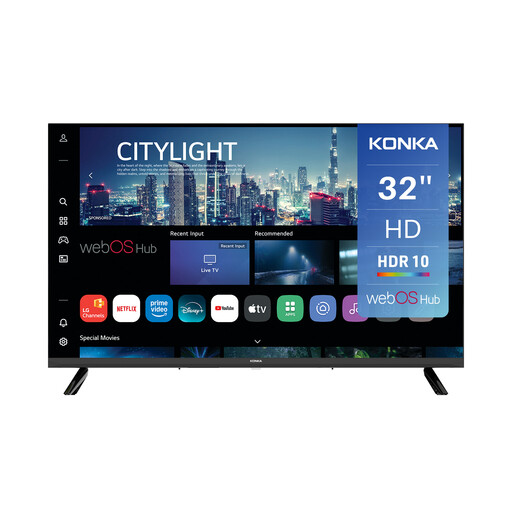
Konka KDG32YR682ANTS 32-inch smart TV, 720p HD
The 32-inch screen gives you a specific size to weigh up against the viewing distance and placement in the club room.
The product description lists webOS, three HDMI ports and eARC on one HDMI port.
View at Joybuy
Frequently asked questions
How do you choose a screen size for the back row?
Measure from the eyes of the person in the back row to the screen. The Dutch Consumers’ Association suggests dividing the distance in centimetres by 6 as a starting point for a comfortable screen size in inches. Then test with the actual subtitles, as this is not a specific standard for a community club.
Can the club make subtitles bigger on any smart TV?
Not always. On Netflix, the languages available vary by title, and not all display options are available on a connected TV. So try the programme and subtitle language you intend to use on the club’s equipment.
What should you check when using a separate player or sound system?
Check the connections on both devices and test the picture, subtitles and sound together. Sony, for example, lists four HDMI inputs and ARC/eARC for the K-65XR5; this tells you nothing about the connections on other TVs or the club’s equipment.
Which running costs and warranty terms are relevant?
The TV energy label provides information about energy consumption. Consumer statutory warranty rights do not necessarily apply in the same way when an organisation buys for business purposes. Check who the contracting party is and ask for the applicable purchase and warranty terms.
Can the community club screen a drama to a group without extra permission?
Not automatically. The Dutch government says permission is required for public use of copyright-protected films. FilmService describes a licensing route for public film screenings; Videma covers permission to screen TV programmes to groups from certain represented broadcasters. The permission required depends on the title, source and screening format; buying a TV does not grant these rights.


