
Listener with speakers near the wall
You’re looking for a spot for your turntable away from the speakers and want to assess the bass in the space available.


Start by checking the speed of your records and the connections on your speakers. Then choose between automatic operation, a separate setup or built-in speakers. Keep the turntable away from speaker vibrations where possible. The wall can also affect the bass from your speakers, so check the positioning advice for your speaker model.
You’re looking for a spot for your turntable away from the speakers and want to assess the bass in the space available.
You check the format and speed of your records first, especially if your collection includes 78 rpm records.
You want to know whether your speakers or amplifier have a suitable input, and how much extra equipment and hands-on operation you’ll need.
First, check that the turntable works with your records and your existing audio inputs. Then decide how much flexibility you need to position the turntable and speakers separately.
Choose this if: you have active speakers with a line input or a suitable amplifier, and can position the turntable separately.
The trade-off: you have more freedom to choose and position your speakers, but may also need extra equipment and cables.
Choose this if: you already have compatible Bluetooth speakers and running an audio cable to them isn’t practical.
The trade-off: a wireless connection gives you more freedom to position the turntable and speakers separately, but won’t solve an awkward speaker position near the wall.
Choose this if: getting started easily with less separate equipment is your priority.
The trade-off: you can’t position the built-in speakers separately from the turntable if you want to adjust their distance from the wall or the turntable.
| What to consider | What should you check? | Who is this important to? |
|---|---|---|
| Positioning and vibrations | Check the dimensions, how far apart you can place the turntable and speakers, and the positioning advice for your speakers. | If I don’t want to put the turntable next to vibrating speakers and want to make the most of the space by the wall, positioning comes first; around 33% of consumers say this is their main consideration. |
| Connecting to existing speakers | Check whether your active speakers have a line input, whether your amplifier has a phono input, and whether you want to use Bluetooth. Check the outputs on the exact turntable model. | If you want to keep using your existing speakers, you’ll want to know in advance whether a cable, amplifier or wireless connection is suitable; around 27% of consumers put this connection first. |
| Record speed and type | Check the speed printed on the record or sleeve. For 78 rpm records, also check whether the stylus is suitable for the specific record material. | If I want to play old soundtrack records, I check their speed first and, where necessary, the stylus; around 20% of consumers give compatibility with their own records top priority. |
| Ease of use and upgrade options | Choose between automatic and manual operation, and check which speakers, amplification, stylus and cables you’ll need. | If you want to get started with fewer steps or separate components, focus on how the turntable works and how the setup fits together; around 20% of consumers put convenience first. |
An old soundtrack may require a speed that a particular turntable doesn’t support. For example, Sony states that the PS-LX3BT and PS-LX5BT don’t play 78 rpm records. And a 78 rpm setting on its own doesn’t confirm that the stylus is suitable for every old record.
Check the speed of your records. For 78 rpm records, also check the record material and stylus compatibility.
Built-in speakers are fixed in the turntable. You can’t position them separately from it near the wall, whereas separate speakers give you more freedom to position each component independently.
Decide in advance where the turntable and speakers can go, and whether you can keep them far enough apart.
The right connection depends on the turntable’s output and the type of input on your speakers or amplifier. Phono and line connections aren’t interchangeable.
Compare the PHONO and LINE settings with the inputs on both devices before choosing a model.
According to Sony’s specifications, the PS-LX3BT and PS-LX5BT combine automatic operation and Bluetooth with switchable phono or line output.
The E1.2 is a separate turntable. According to Pro-Ject, the Phono version specifically has a built-in, switchable phono preamp.
According to Lenco, the LS-50 combines built-in speakers with an RCA line output and settings for 33, 45 and 78 rpm.
Audio-Technica’s model range includes automatic and manual turntables, with features and connections varying by model.
According to Denon, the DP-29F is a separate automatic turntable with a phono equaliser and MM cartridge.
This selection includes Bluetooth turntables and models with built-in speakers, for anyone who wants a wireless connection or would rather get started without separate speakers.
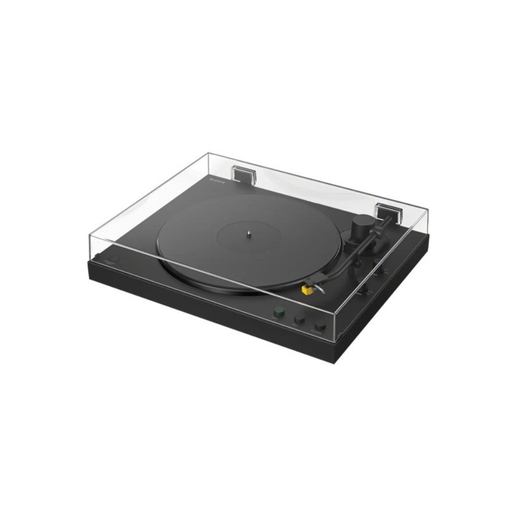 No image available
An option if you want a Bluetooth connection and automatic operation. Sony states that this model doesn’t play 78 rpm records.
Bluetooth; phono and line output; 33⅓ and 45 rpm.
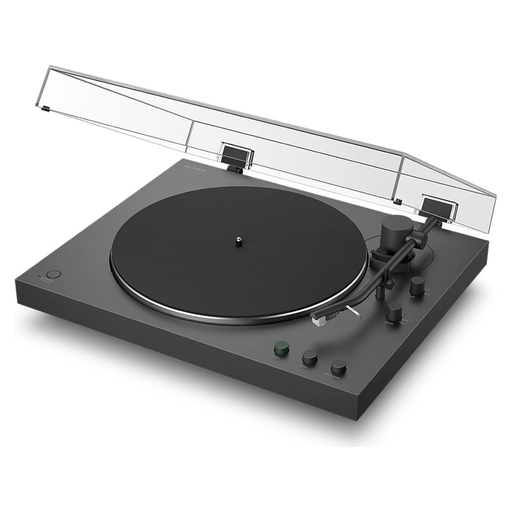 No image available
A good fit if you want automatic operation and the option of a wireless or wired connection. Sony states that this model doesn’t play 78 rpm records.
Bluetooth; PHONO/LINE switch; 33⅓ and 45 rpm.
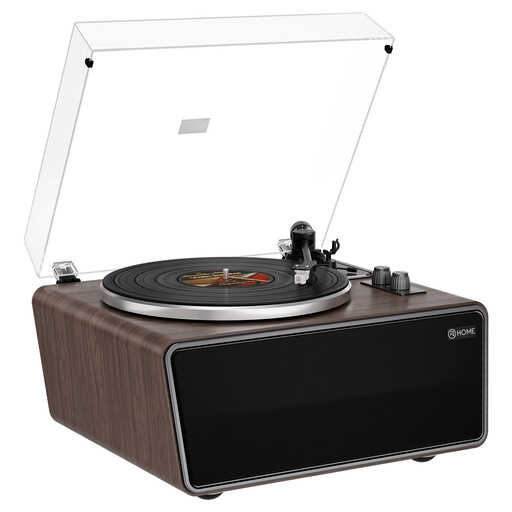 No image available
An option if you want to get started without separate speakers; the built-in speakers can’t be positioned separately from the turntable.
Four built-in speakers; phono preamp; AT-3600L MM cartridge.
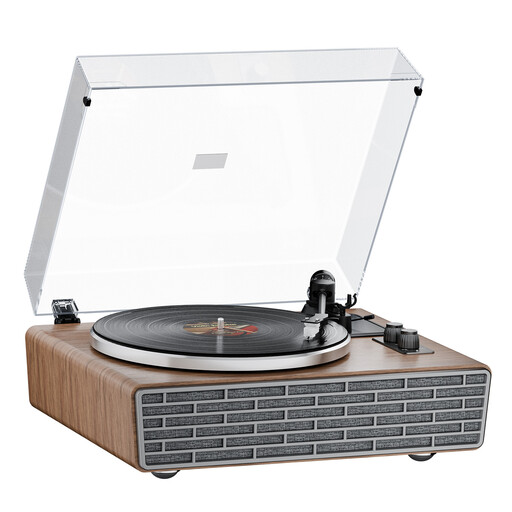 No image available
Worth considering if you want Bluetooth and built-in speakers; the speakers are fixed in the turntable.
Bluetooth; four built-in speakers; belt drive; dust cover.
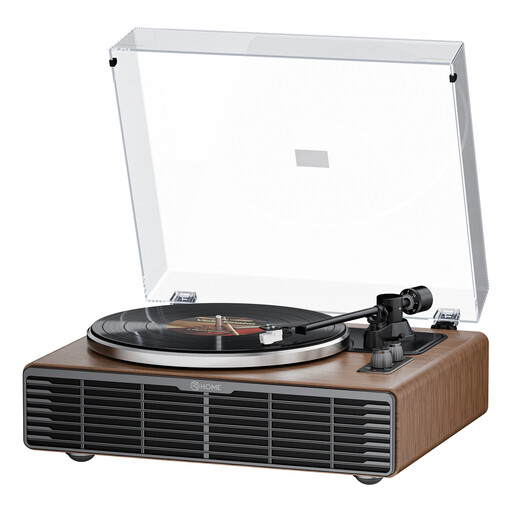 No image available
Worth considering if you want Bluetooth and built-in speakers, with RCA outputs for connecting external equipment. The built-in speakers can’t be positioned separately.
Four speakers; belt drive; AT3600L cartridge; RCA PHONO/LINE output.
Yes, if the turntable’s output is compatible with the speakers’ input. If your turntable has a switchable PHONO/LINE output, check which setting to use with the line input on your active speakers. Refer to the manuals for both devices.
Not necessarily. Speaker manufacturer KEF says that the wall can affect bass and that speakers with a rear port are more sensitive to positioning. Follow the instructions for your model and assess the available positions in your own setup.
Place a separate turntable on a stable surface, preferably away from vibrating speakers. Audio-Technica lists dust on records and the stylus as possible causes of playback problems; follow the cleaning instructions for your turntable and cartridge.
Check whether you already have suitable speakers, amplification and, if needed, a phono preamp. What you need depends on the turntable’s output and the input on your audio equipment. Also check which accessories are included with the version you choose.
According to the Dutch government, online distance purchases from a business often come with a 14-day cooling-off period. This doesn’t automatically apply to online purchases from a private seller. Check who the seller is and which exceptions apply.