
Listener with a large seating area
You’re looking for a turntable for a spacious living room and want the whole setup, including external speakers and their placement, to suit your listening area.


First, choose a turntable that works with your existing audio system. Then check that the speakers and their placement suit your listening area. An automatic turntable generally involves fewer steps, while a manual model may need more hands-on operation and adjustment. If you have 78 rpm records, check that the stylus is suitable for them too: the speed alone isn’t enough.
You’re looking for a turntable for a spacious living room and want the whole setup, including external speakers and their placement, to suit your listening area.
You already have an amplifier or active speakers and want to connect a turntable without missing a phono stage or using two at once.
You play records often and want to choose between automatic start and return, or manual operation and adjustment.
Start by checking how the turntable connects to your existing equipment and where your speakers will go. Then choose the controls and extra features to suit the records you actually play.
| What to consider | What to look for when buying | Who is this important to? |
|---|---|---|
| Playback and placement | Take stock of your speakers, amplification, connections and where you can put the turntable. Audio-Technica warns that vibrations from nearby speakers can affect the stylus. | If I listen from a spacious seating area, I want the speakers, amplification and placement to work well together. Around 36% of consumers make playback and placement their top priority. |
| Connections and signal | Check the input on your amplifier or active speakers. Use a line output with a suitable line input, or route the signal through one compatible phono stage; don’t connect line to phono. | If you already have a stereo system, you’ll want to know whether the turntable will connect without unnecessary extra equipment. Around 29% of consumers put compatibility first. |
| Ease of use | Check whether the exact model starts automatically and returns the tonearm, or whether you’ll need to operate and adjust it yourself. | If I play records often, I want as few steps as possible at the start and end. Around 21% of consumers make ease of use their top priority. |
| Special records and digitisation | Check which speeds your collection requires and whether the turntable has USB if you want to digitise your records. 78 rpm records also need a suitable stylus. | If you have 78 rpm records or want to digitise your vinyl, these features only matter if they suit your collection and how you’ll use them. Around 14% of consumers prioritise special records or digitisation. |
The turntable alone doesn’t determine how the whole setup performs in your room. Amplification, speakers and their position all play a part.
Take stock of your existing equipment and where you plan to listen before choosing a model.
Connecting a line output to a phono input, or using a phono output without a suitable phono stage, won’t give you the signal path you need.
Check the connections on both the turntable and amplifier, and use exactly one suitable phono stage.
The Audio-Technica AT-LP120XUSB supports 78 rpm, but according to Audio-Technica it comes with an AT-VM95E cartridge. The manufacturer offers a separate stylus option for 78 rpm records.
Before playing a record, check that the stylus is suitable for the record material and follow the guidance for your model.
The European AT-LP120XUSB is a manual option for anyone who wants to listen to records and may need USB, adjustable controls or 78 rpm playback.
The Dutch DP-300F is designed for easy playback with an existing stereo system.
The Dutch PS-LX3BT combines automatic operation with Bluetooth and an analogue phono/line selector.
The Dutch SL-1500C is a direct-drive option with a built-in phono stage for anyone putting together a stereo system.
The TT-S303 is a belt-drive turntable with switchable phono and line outputs.
This selection includes fully automatic models and options with built-in speakers or connections for external audio equipment. Check which connections and setup suit your existing stereo and listening area.
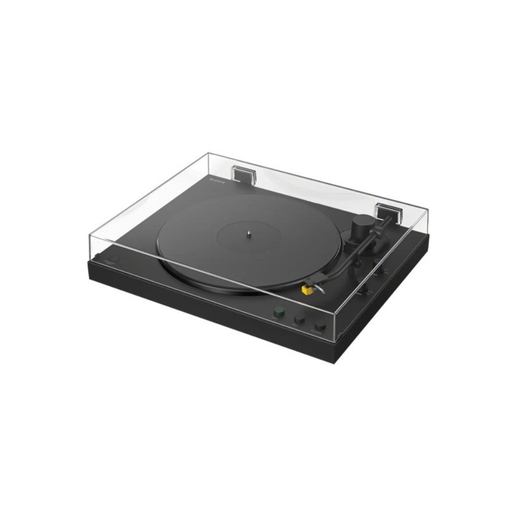 No image available
Worth a look if you want automatic playback and both wired and Bluetooth connectivity.
The product description lists fully automatic operation, 33⅓ and 45 rpm, a PHONO/LINE switch and Bluetooth.
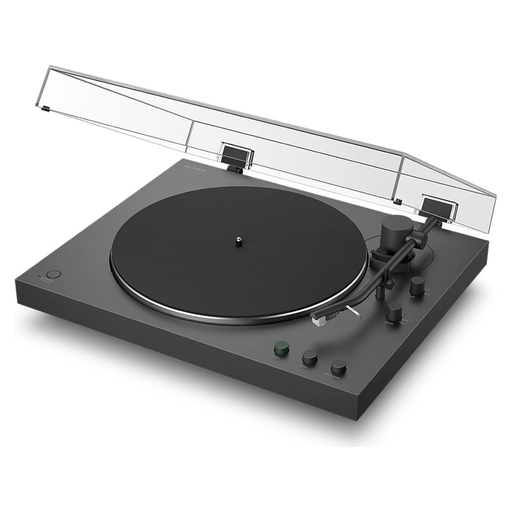 No image available
An option if you want automatic playback with the choice of connecting to a stereo system or a Bluetooth device.
The product description lists automatic start and return, 33⅓ and 45 rpm, a built-in phono stage with a PHONO/LINE switch, and Bluetooth.
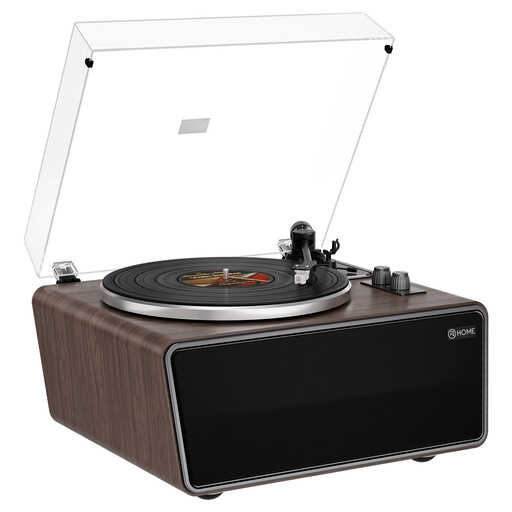 No image available
Worth considering if you want built-in speakers, with the option to connect external audio equipment too.
The product description lists four built-in speakers, USB, RCA outputs and 33⅓ and 45 rpm playback. The product name specifies an AT-3600L (MM) cartridge.
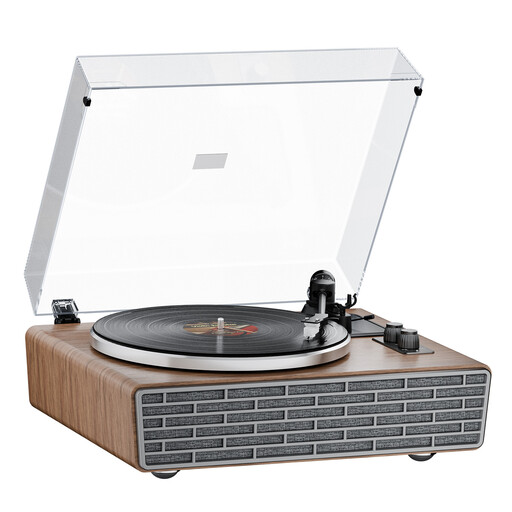 No image available
A possible choice if you want built-in speakers and the option to connect external equipment.
The product description lists belt drive, Bluetooth, four built-in speakers and 33⅓ and 45 rpm. It also mentions dual RCA outputs with PHONO/LINE.
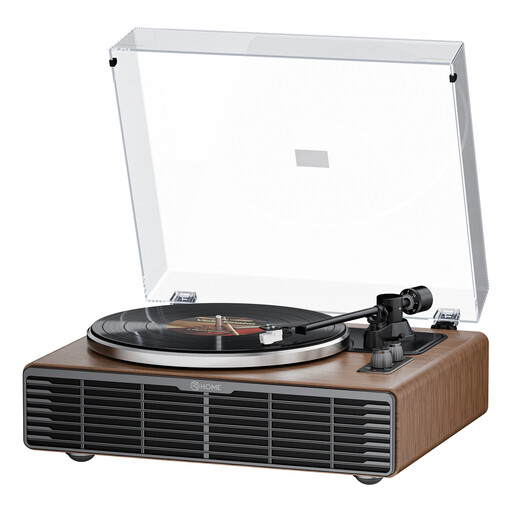 No image available
Worth a look if you want to combine built-in speakers with RCA connections for external equipment.
The product description lists four speakers, Bluetooth, 33⅓ and 45 rpm, and RCA phono/line outputs. The product name specifies belt drive and an AT3600L cartridge.
It depends on the turntable’s output and the type of speakers. A line output can connect to a suitable input on active speakers; passive speakers need an amplifier. A phono output needs a suitable phono stage first. Audio-Technica Europe advises against connecting a line output to a phono input.
Place the turntable on a stable, level surface and don’t put the speakers right next to it. Audio-Technica warns that vibrations from speakers can affect the stylus. The right distance depends on your specific setup.
Follow the stylus cleaning instructions for your model and, if the tonearm is adjustable, check the recommended tracking force. Audio-Technica points out that dust can collect on the stylus; check the setup especially after replacing a stylus or cartridge.
If there’s a fault, contact the seller. When you buy as a consumer, the product must meet what you could reasonably expect. According to the Dutch Government, the Netherlands doesn’t have a fixed statutory two-year guarantee period for every product. Any manufacturer’s guarantee is separate from your statutory rights.
For a standard distance purchase from a business in the Netherlands, you generally have a statutory cooling-off period of up to 14 days after delivery, with some exceptions. ACM ConsuWijzer explains this cooling-off period; check the seller’s returns information too. This right is separate from your rights if the product is faulty.