
Listener with existing speakers
You want to play live LPs on your current setup. First, check which inputs your amplifier or active speakers have; the Consumentenbond explains that a standard turntable may need speakers and an amplifier.


Start by checking the connections on your existing amplifier or active speakers, then decide whether you’d prefer automatic playback or to operate the tonearm yourself. For long listening sessions, it’s also important to place the turntable on a flat, stable surface away from speaker vibrations and to maintain the stylus properly. There’s no evidence to suggest that one model will automatically sound better with live recordings.
You want to play live LPs on your current setup. First, check which inputs your amplifier or active speakers have; the Consumentenbond explains that a standard turntable may need speakers and an amplifier.
You want to put on a live album without having to operate the tonearm repeatedly. Fully automatic models are an option, such as the versions described by Audio-Technica Nederland and Sony Nederland.
You want to operate the tonearm yourself and choose carefully how the turntable connects to your setup. Check the exact version, and place the turntable on a flat surface away from vibrating speakers, as recommended by Audio-Technica and Pro-Ject.
| What to consider | What should you check? | Who should pay particular attention? |
|---|---|---|
| Connections | Check whether your setup has a PHONO or LINE/AUX input, and whether the turntable has a compatible output or a switchable phono preamp. | I want to use my existing amplifier or active speakers without an incorrect PHONO/LINE combination. Around 33% of consumers put connectivity first. |
| Ease of use | Check whether the tonearm starts, stops or returns automatically; these functions are not the same. | If I want to listen to a whole live album, I want as little hands-on interaction with the tonearm as possible. Around 25% of consumers prioritise easy playback most. |
| Placement | Choose a flat, stable surface and keep the turntable away from speakers that cause the furniture to vibrate. | I want to place the turntable securely in my hobby room and avoid unnecessary vibrations. This is the main consideration for around 25% of consumers. |
| Maintenance and complete setup | Check whether the stylus can be replaced and whether you already have speakers, an amplifier or a phono preamp. | I want to know in advance which components I already have and what I’ll need for maintenance. Around 17% of consumers put these things first. |
A standard turntable won’t play through passive speakers on its own. A working setup may also require an amplifier and a compatible phono preamp.
First, make a list of your existing equipment and its inputs. Then check the output and phono preamp on the exact turntable model.
You may need active speakers, an amplifier with speakers or a separate phono preamp.
With an incompatible setup, the sound may be very quiet or distorted, according to Audio-Technica’s installation instructions.
Use PHONO with a compatible input labelled PHONO, and LINE with a compatible line input. For other models, follow their own instructions.
Audio-Technica recommends placing the turntable on a flat surface, away from speakers that cause vibrations in the surface beneath it.
Try a stable spot of its own before buying a vibration-damping accessory.
Finding another spot may take up space; extra vibration isolation is only worth considering if your existing setup makes it necessary.
For the Pro-Ject E1.2, the manufacturer specifies that the built-in, switchable phono preamp is included with the Phono version.
Check the full model name and connections of the version you’re considering.
Without a built-in phono preamp, you may need a separate one if your setup doesn’t have a PHONO input.
The AT-LP60X is worth considering if you’re looking for fully automatic operation and a connection to an existing setup.
The PS-LX3BT is a good option if you want fully automatic operation with a choice of Bluetooth or an analogue connection.
The DP-300F offers a fully automatic option with a switchable phono preamp.
The E1.2 range is worth a look if you’re after a manual turntable that’s pre-adjusted.
This selection includes automatic turntables with Bluetooth and models with built-in speakers. Check that the connections and controls on each version suit your setup and preferences.
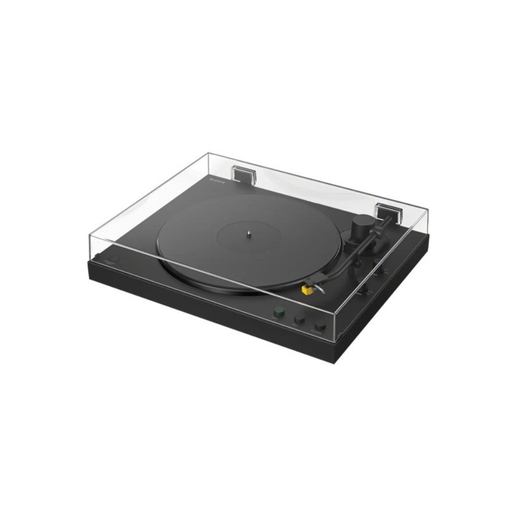 No image available
An option if you want automatic playback alongside a PHONO/LINE connection or a Bluetooth receiver.
Belt drive; supports 33 and 45 rpm. The product description lists automatic tonearm return, a PHONO/LINE switch and Bluetooth playback to speakers or headphones.
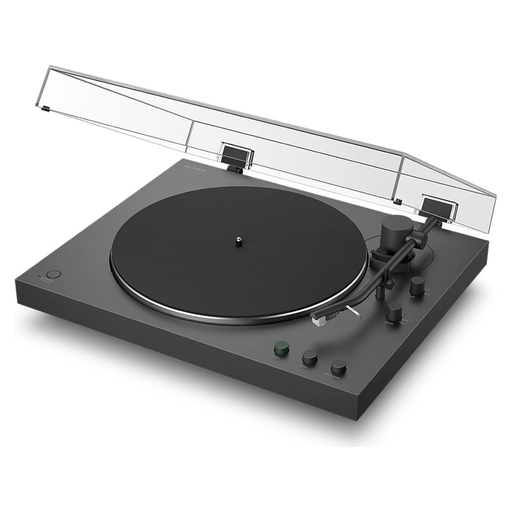 No image available
This version is suitable if you want automatic playback and the option to use Bluetooth or an analogue connection.
Sony says the model supports 33⅓ and 45 rpm, automatic start and return, a PHONO/LINE switch and Bluetooth. Sony states that the headshell is not interchangeable.
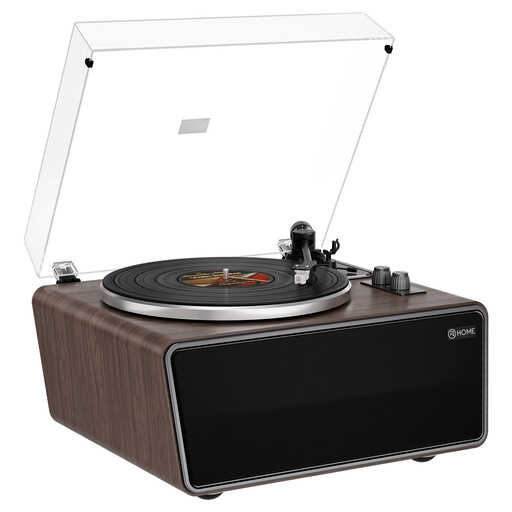 No image available
Worth considering if you’re looking for built-in speakers but also want to be able to connect external equipment.
The product description lists four built-in speakers, a phono preamp, RCA Phono/Line outputs, an AUX input and support for 33⅓ and 45 rpm. It also lists an AT-3600L cartridge.
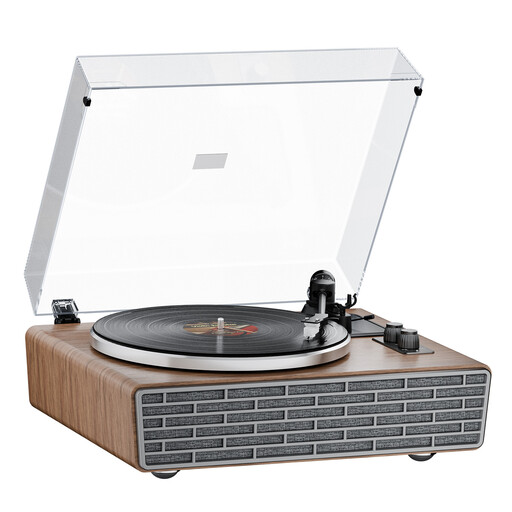 No image available
This turntable is an option if you want built-in speakers as well as the ability to connect external equipment.
The product description lists four built-in speakers, RCA Phono/Line outputs, an AUX input, a dust cover and a spare belt included. It also lists an AT-3600L cartridge and support for 33⅓ and 45 rpm.
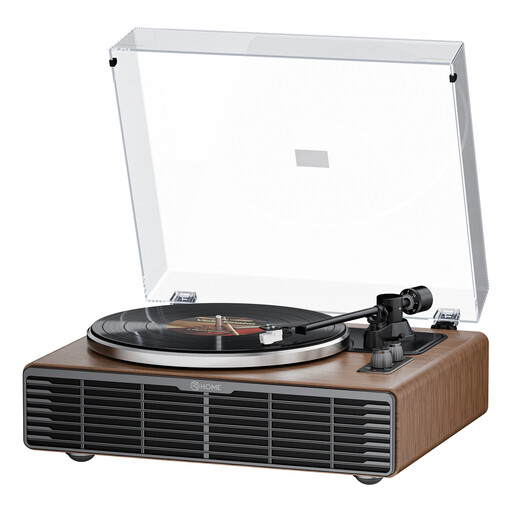 No image available
Worth a look if you want both built-in speakers and the option to connect external equipment.
The product information lists four built-in speakers, belt drive, an AT3600L cartridge, an RCA Phono/Line output, an AUX input, a transparent dust cover and support for 33⅓ and 45 rpm.
You can if the turntable has a suitable LINE output or a built-in phono preamp that’s switched on, and the speakers have a compatible analogue input. For the AT-LP70XBT, Audio-Technica recommends using LINE with active speakers and PHONO with an amplifier input labelled PHONO. For other models, check their own instructions.
Choose a flat, stable surface away from speakers that make the surface vibrate. Assess your existing setup first; a separate vibration-damping platform may help with furniture that’s prone to vibration, but it isn’t a standard requirement.
Check and clean the stylus according to the instructions for the specific cartridge. Audio-Technica warns that dust from the record groove can build up on the stylus; don’t follow a general replacement schedule that doesn’t apply to your model.
Electrical and electronic equipment placed on the market in the Netherlands must meet the applicable European product requirements. For equipment covered by these requirements, the Dutch government lists CE marking and an EU declaration of conformity among them; Bluetooth equipment is also subject to radio equipment regulations. A product listing alone does not confirm that an individual item has been checked.
For a consumer purchase, the seller must resolve problems with the product; an additional manufacturer’s warranty does not replace your statutory rights. In many cases, online distance purchases come with a 14-day cooling-off period, subject to legal exceptions.