
Listener with limited space
Your speakers are close to the wall and you’re looking for a separate, level spot for your turntable. Audio-Technica recommends keeping the turntable away from speakers that cause vibrations.


Start by finding a level, stable spot for your turntable, away from speakers that could transmit vibrations. A different model won’t fix a poor setup by itself. Then choose a turntable with connections and phono pre-amplification to suit your existing equipment, and check that its controls, speeds and stylus are right for your collection.
Your speakers are close to the wall and you’re looking for a separate, level spot for your turntable. Audio-Technica recommends keeping the turntable away from speakers that cause vibrations.
You want to play records through active speakers, an amplifier or Bluetooth speakers. The connections and phono or line setting need to suit the equipment you already have.
You want to know which speeds you need and whether you can choose or replace a compatible stylus. For 78 rpm records, the material they’re made from and the right stylus matter as well as the speed.
First, decide where the turntable can sit securely, away from the speakers. Then choose connections and controls to suit your existing equipment and records.
| What to consider | What should you check? | Who is this important for? |
|---|---|---|
| Stable, vibration-free setup | Check whether the turntable can sit level and away from the speakers. Follow the positioning instructions for your speakers. | I want to stop vibrations from the speakers reaching the turntable, even if they’re close to the wall. Around 36% of consumers are particularly concerned about this when setting up. |
| Connecting to existing equipment | Check for a phono or line input and, for wireless use, Bluetooth reception. Also check the phono/line switch on the exact model. | I want to use my existing amplifier or active speakers without choosing the wrong input. This connection is the top priority for around 29% of consumers. |
| Speeds and controls | Check the speeds your records need and which functions the model automates. 78 rpm records also need a stylus suited to the record material. | I want the speed and controls to suit the records I actually play. Around 21% of consumers focus most on their collection and the controls. |
| Stylus maintenance | Check the stylus type, which suitable replacements are available and the maintenance instructions for the exact model. | I want to know how to maintain and replace the stylus when needed. Around 14% of consumers say this is their top priority. |
A model’s specifications won’t solve the problem if speaker vibrations can reach the turntable or there’s no level surface available.
Before buying, decide where the turntable and speakers can be positioned separately, and which connection can handle the distance between them.
A phono input and a line input require the turntable to have the corresponding output setting. On models with a switchable built-in phono pre-amplifier, the right setting depends on the input you choose.
Check the labels on your amplifier or active speakers, then set the phono/line switch on the exact model accordingly.
If your equipment doesn’t have a suitable input or pre-amplification, you may need additional equipment.
The right speed isn’t enough: the stylus must also suit the record material.
First check whether your record is made of shellac or vinyl, and which stylus the manufacturer recommends for it.
78 rpm records may need a separate stylus suited to the material.
Audio-Technica describes the AT-LP70XBT as an automatic turntable with Bluetooth and a switchable phono pre-amplifier. The AT-LP120XBT-USB is a manual model with three speeds.
Denon describes the DP-300F as a fully automatic turntable with a switchable built-in phono pre-amplifier.
Sony describes the PS-LX310BT as a turntable that starts and stops automatically, with Bluetooth and a phono/line switch.
Rega lists a built-in MM phono pre-amplifier for the Planar 1 Plus, designed for connection to a suitable line input.
This selection of Joybuy products includes Bluetooth turntables and models with connections for external speakers, for collections of 33⅓ and 45 rpm records.
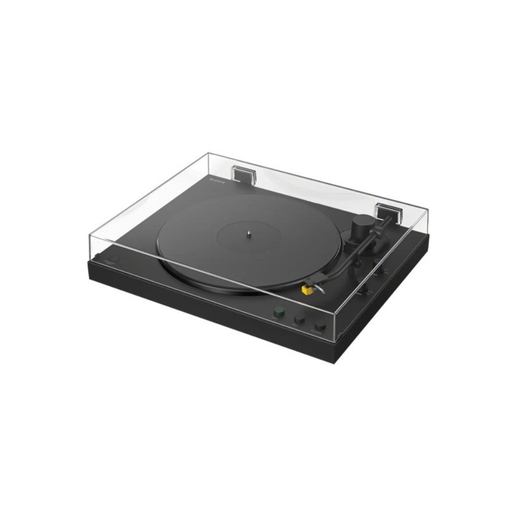 No image available
Bluetooth gives you a wireless connection option for compatible speakers. Even so, place the turntable on a level surface away from speaker vibrations.
Listed speeds: 33⅓ and 45 rpm. The product information lists automatic operation, an MM cartridge and a PHONO/LINE switch.
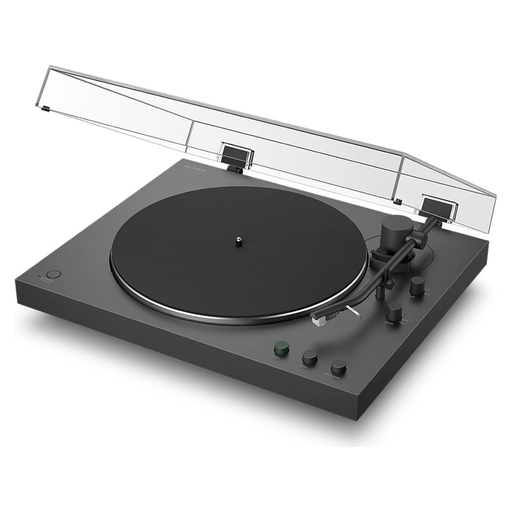 No image available
This model offers Bluetooth playback and a wired PHONO/LINE connection. Check that these suit your existing speakers or amplifier.
Listed speeds: 33⅓ and 45 rpm. The product information lists automatic operation and an MM cartridge.
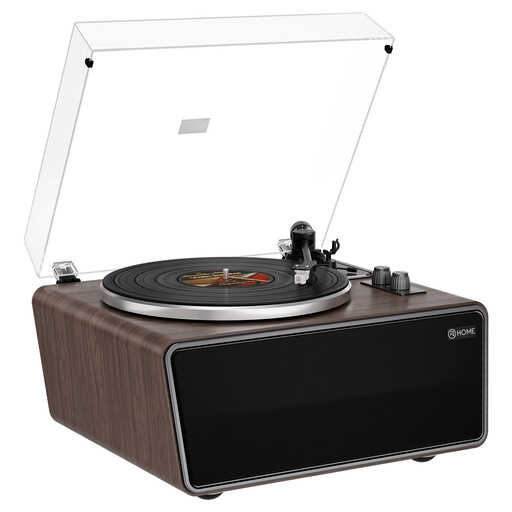 No image available
The built-in speakers let you play records without extra equipment. The listed RCA Phono/Line outputs are useful if you also want to connect external equipment.
Listed speeds: 33⅓ and 45 rpm. The product information lists an AT-3600L cartridge (MM) and an adjustable counterweight.
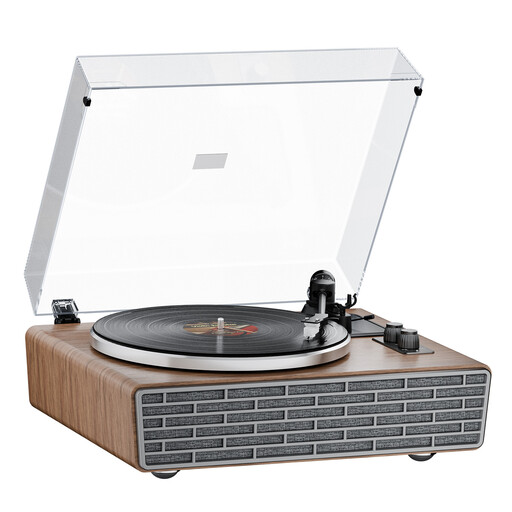 No image available
Bluetooth and built-in speakers give you different playback options. The product information lists RCA Phono/Line outputs for connecting external active speakers.
Listed speeds: 33⅓ and 45 rpm. The product information lists a belt drive and an AT-3600L cartridge.
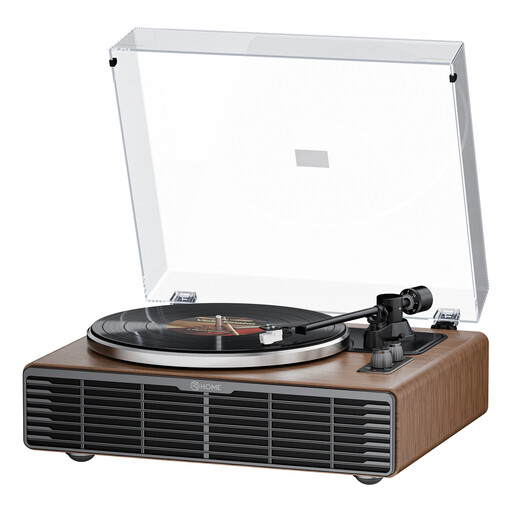 No image available
The built-in speakers provide one playback option. The product information lists RCA Phono/Line outputs for connecting external active speakers.
Listed speeds: 33⅓ and 45 rpm. The product information lists a belt drive and an AT3600L cartridge.
Ideally, choose a level surface where the speakers won’t transmit vibrations to the turntable. Audio-Technica advises against placing it next to speakers that vibrate; check how your speakers are positioned in your setup.
Not necessarily. Follow your speakers’ instructions and assess their position in your room. KEF describes rear-ported speakers as more sensitive to being placed close to a wall.
That depends on the inputs on your amplifier or active speakers, and the turntable’s output. A model with a switchable built-in phono pre-amplifier can connect to a suitable line input; for a phono input, use the corresponding switch setting.
As well as a turntable that plays at 78 rpm, choose a stylus that suits the record material. Audio-Technica stresses that the right speed alone isn’t enough; check compatibility with shellac or vinyl.
Follow the maintenance instructions and check which replacement stylus is compatible with your model. Audio-Technica warns that dust on the stylus can reduce playback quality or damage the stylus assembly.