
If you always sit in the same spot
If you mainly want an adjustable breeze beside your chair, pay attention to the direction and airflow where you sit. The Consumers’ Association assesses airflow at different speeds and distances.


Choose a tower fan based on how well you can direct its airflow towards your seat, not just on its stated air volume. A fixed direction is a good fit if you mainly want to cool your own chair. Oscillation can spread the airflow across more seats, but it won’t keep it pointed at one person. The Consumers’ Association assesses airflow at different speeds and distances, while Milieu Centraal points out that a fan doesn’t cool the air like an air conditioner or bring in fresh air.
If you mainly want an adjustable breeze beside your chair, pay attention to the direction and airflow where you sit. The Consumers’ Association assesses airflow at different speeds and distances.
If you want to spread the airflow between your chair, sofa and other spots, check the oscillation feature and angle too. Duux lists conflicting angles for the Elevate Lite on the same product page.
If you want enough airflow close to the fan without distracting noise on your chosen setting, check how it performs in use. Milieu Centraal explains that fans make you feel cooler; they don’t cool the room air.
Start by checking the airflow where you sit. Then consider whether you need a fixed direction or airflow spread across several seats. Finally, assess noise, placement and controls on the settings you plan to use.
| What to consider | What should you check? | Who is this most important for? |
|---|---|---|
| Airflow at your chair | Check the direction and speed settings. Assess the airflow at the distance and spot where you plan to use it. | If I mainly want a comfortable breeze beside my chair, I’ll check what reaches that spot rather than relying on a claim about the whole room. Around 33% of consumers say targeted airflow is their main priority. |
| Reaching other seats | Check the oscillation angle of the exact model and whether you can switch oscillation off. | If my sofa or another seat also needs airflow, I want to be able to spread it around without always directing it at one person. Around 27% of consumers prioritise airflow across several spots. |
| Noise on the setting you use | Where possible, compare noise and airflow on the same setting. Check which setting a quoted noise level refers to. | If I read, talk or watch TV close to the fan, I want a setting that gives me enough airflow without distracting noise. Around 20% of consumers prioritise a useful, quiet setting. |
| Placement and controls | Measure the available floor space and check the base, cable route, clearance for oscillation and whether you can use the controls from your chair. | If the fan will sit beside furniture or in a walkway, I want to be able to place it securely and operate it without getting up. Around 13% of consumers focus mainly on placement and controls. |
| Power consumption during extended use | Check the wattage on the setting you use, if it’s listed. Calculate kWh using watts × hours of use ÷ 1000, then multiply by your own tariff. | If the fan is on for long periods, I want to estimate its energy use based on the setting I choose. Around 7% of consumers prioritise running costs. |
How the airflow feels also depends on the setting, direction and distance. A stated air volume alone won’t tell you what you’ll feel at seat height.
Choose based on where you sit and the setting you’ll use. If possible, assess the airflow from the distance at which you plan to use the fan.
Milieu Centraal explains that moving air from a fan can make you feel cooler, but it doesn’t actively cool the room. Bringing in and removing fresh air is a separate function.
Use the fan for personal cooling, and make sure you also have suitable fresh-air supply and extraction.
Philips gives its noise level for the lowest speed settings, while Duux’s 4 W figure applies to the low setting. These figures don’t automatically describe a more powerful setting.
Check which setting noise and energy claims refer to. Where possible, compare the setting that gives enough airflow for your seat.
The base and cable need to fit in your chosen spot. An unstable position or oscillation that brings the fan into contact with furniture can make it impractical to use.
Measure the floor space and check the cable route and clearance for oscillation before choosing a model.
The CX5550/01 tower fan is worth considering if you want to compare several speeds and remote control.
The Elevate Lite DXTF30 is a slim tower fan to consider if you’re looking for plenty of speed settings and remote control.
The Eole Silence Force VU7050F0 is worth considering if you want to compare adjustable oscillation and speed settings.
The AFT760Z is a simpler tower fan to consider if remote control isn’t essential.
The Joybuy products below are freestanding fans for air circulation, not tower fans. Consider them only if you’re also looking at a freestanding model to place beside your chair.
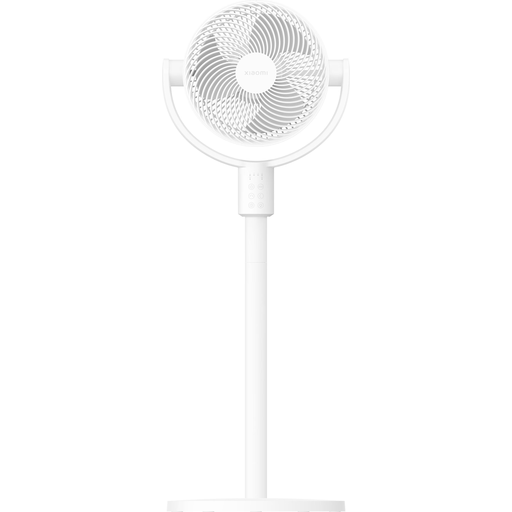 No image available
Worth considering if you’re looking for a freestanding model with several speeds and automatic oscillation for air circulation where you sit.
The product name lists 100 speeds, 3D Auto Oscillation, 2 Modes and an adjustable-height design. It also lists an airflow of 1440m³/h, a range of 13m and 28db for the Quiet Sleep Mode.
 No image available
Worth considering if you’d like to look at a freestanding fan with adjustable speeds and app control.
The product name lists 7+5 Dual Blades, a DC Inverter Motor and 100 Level Speeds Adjustable.
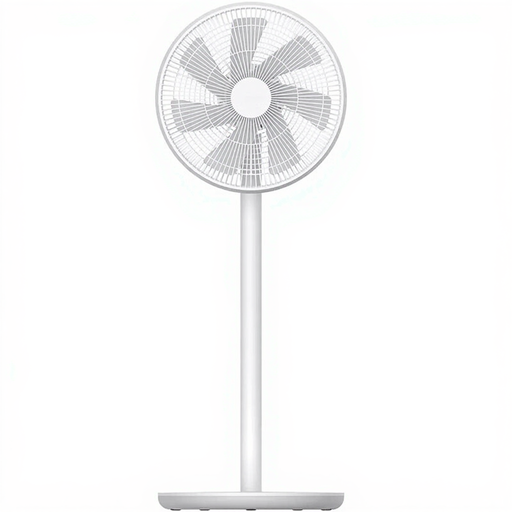 No image available
Worth considering if you want to spread the airflow between seats with a freestanding model.
The product name lists 90° oscillation, an airflow range of 12m and an adjustable-height design.
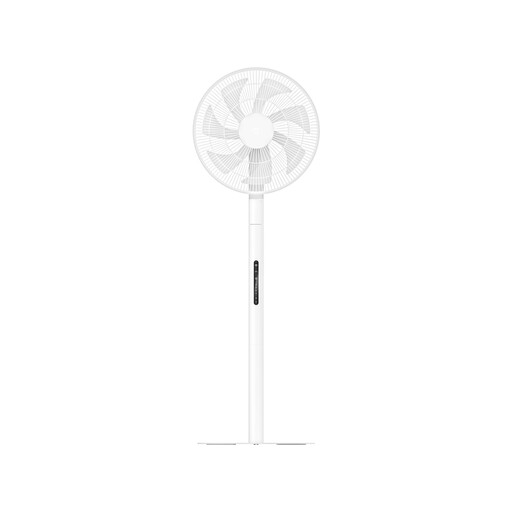 No image available
Worth considering if you’re looking for a freestanding fan with several control options to use beside your chair.
The product name lists a DC Inverter Motor, an airflow range of 14m and support for Type-C Portable Charging.
No. A fan doesn’t lower the air temperature like an air conditioner. Milieu Centraal explains that moving air can make you feel cooler; bringing in and removing fresh air is also necessary.
Choose a stable spot where the base fits, the cable doesn’t block a walkway and the fan has room to oscillate. The Consumers’ Association recommends placing it securely, as a tall fan can topple over.
A fixed direction is a good fit if you mainly need airflow at one seat; oscillation can spread it across several spots. Check whether you can switch oscillation off on the exact model and what angle it covers.
Calculate kWh by multiplying the power in watts by the number of hours used, then dividing by 1000. Multiply the result by your own tariff per kWh. Where possible, use the wattage for the setting you actually choose.
Not without checking which setting the figure applies to. Philips gives its noise level for the lowest speed settings, while Rowenta gives its figure for the quiet setting. Compare noise and airflow on the same setting you plan to use.