
The long-form writer
You mainly write paragraphs and do a lot of rewriting. Check which keyboard fits the model, and consider a laptop too: the Dutch Consumers’ Association says it’s more convenient for word processing.


For writing a speech at the kitchen table, a suitable physical keyboard is a sensible first choice if you mainly type long passages. Pen support matters more if you jot down ideas by hand or want to make corrections. A larger screen can give you more room to read and edit, but it’s less convenient to carry around. The Dutch Consumers’ Association says a laptop is more convenient for word processing, so consider one of those too if writing is almost all you’ll use your device for.
You mainly write paragraphs and do a lot of rewriting. Check which keyboard fits the model, and consider a laptop too: the Dutch Consumers’ Association says it’s more convenient for word processing.
You want to be able to see your draft and notes clearly. Think about how much screen space you need and whether you also want to take the tablet with you; the Dutch Consumers’ Association notes that larger tablets are less convenient to carry around.
You like to think things through or make corrections with a pen. Check whether the exact tablet version supports a pen and whether the pen you want is included in the offer.
| What to consider | What should you check? | Who is this important for? |
|---|---|---|
| Typing long texts | Check whether the keyboard fits the exact model, what its layout is and whether it’s included in the offer. | If I write long passages and often rewrite them, I want to type comfortably. Around 36% of consumers prioritise typing and revising text. |
| Clarity when editing | Compare the screen size with the space you have at the table and the text display you find comfortable. | If I want to see my draft and notes at the same time, having enough screen space is important. Around 29% of consumers prioritise being able to see things clearly while reading and editing. |
| Writing and annotating with a pen | Check which pen is supported for each version and what’s included in the box or bundle. | If I jot down ideas by hand or mark up passages, I want to know which pen works with the tablet. Around 21% of consumers prioritise using a pen. |
| Accessories you need | Check which tablet, case, keyboard and pen you need, and which are actually included in the offer you’ve chosen. | If I want to avoid unexpected extra purchases, I compare the complete set-up. Around 14% of consumers prioritise the accessories they need. |
The fact that a tablet works with a keyboard doesn’t mean the keyboard comes with the version you’ve chosen.
Check what’s included in the box or bundle, compatibility with the exact model and the keyboard layout.
A larger screen can give you more room to read and edit, but a larger tablet is less convenient to carry around.
Choose a size that suits your workspace and any use on the go.
The Dutch Consumers’ Association says a laptop is more convenient for word processing.
So, if you mainly write long texts, compare a tablet with a keyboard against a laptop too.
The 11-inch iPad (A16) we looked at may be worth considering if you want a tablet with a model-specific keyboard option and support for a compatible pen.
The Galaxy Tab S10 FE Wi-Fi version we looked at is worth considering if you want to make handwritten notes alongside your draft.
The Idea Tab Pro Gen 2 bundle we looked at is aimed at anyone considering a larger screen, pen and physical keyboard together.
Explore these tablet options for reading, writing and taking notes at the table; check which accessories are included with each version.
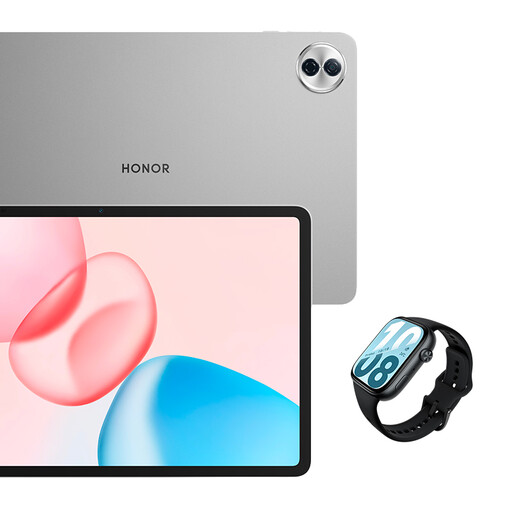 Image unavailable
The 12.1-inch tablet has a larger screen for viewing a draft at the table.
The title lists a 2.5K screen, 120 Hz, Wi-Fi and 256 GB of storage. The bundle also includes a Watch X5i smartwatch.
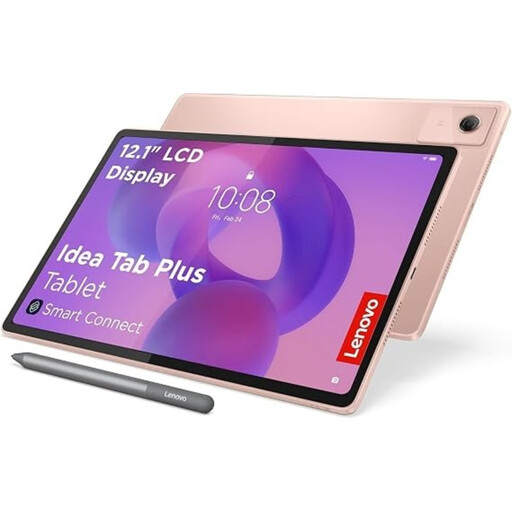 Image unavailable
Worth considering if you want to make handwritten notes as well as read and edit.
12.1-inch 2.5K screen, 8 GB RAM and 256 GB of storage. The product description lists a Lenovo Pen as included.
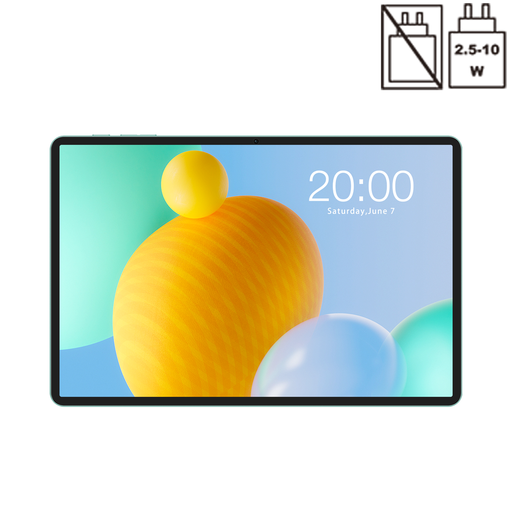 Image unavailable
An 11-inch option for anyone looking for a tablet to use with documents and other files at the table.
The title lists 128 GB of storage, a 90 Hz IPS screen and dual-SIM 4G. The RAM is listed as 32 GB (6 GB + 26 GB virtual).
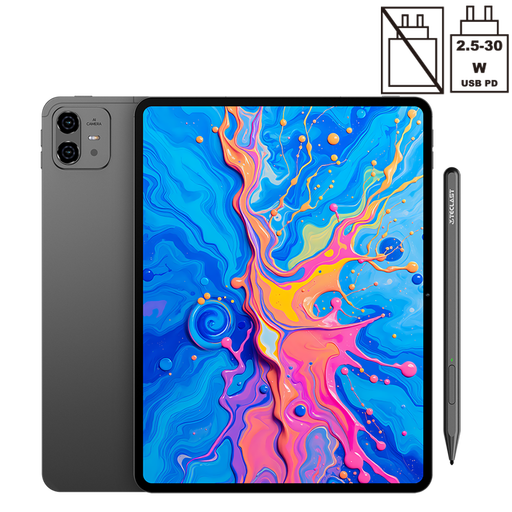 Image unavailable
The larger screen may suit anyone who wants more room to view text and ideas at the table.
The title lists a 2K screen and 256 GB of storage, plus 20 GB RAM (8 GB + 12 GB virtual) and an included stylus.
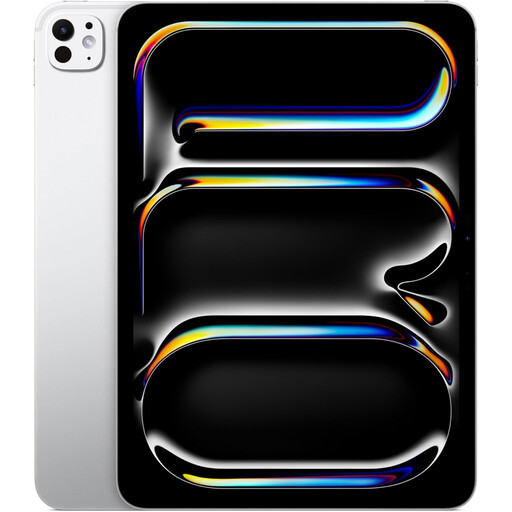 Image unavailable
An 11-inch tablet to compare if you want to read and write at the table with an iPad.
The product description lists support for Magic Keyboard and Apple Pencil. Check which accessories are compatible with this version and what’s included.
If you mainly type long passages, start with a suitable physical keyboard. If you mainly write down ideas or make corrections by hand, check the pen support for the exact version. In either case, check what’s included with your purchase.
Check that the keyboard fits the exact model and that the layout suits you. For example, Lenovo lists a ‘US International’ QWERTY layout for the Idea Tab Pro Gen 2 bundle we looked at.
According to ACM ConsuWijzer, the seller must put things right free of charge if a product breaks sooner during normal use than you could reasonably have expected. This may mean a repair, replacement or refund; there’s no fixed legal time limit that applies to all products.
According to ACM ConsuWijzer, online purchases often come with a cooling-off period, usually up to 14 days after delivery. Check the terms and any exceptions that apply to your purchase.
No. According to the European Commission, energy labelling requirements have applied since 20 June 2025 to smartphones and slate tablets placed on the EU market; tablet computers aren’t covered by those rules. So, first check which product category your chosen tablet belongs to.