
Artists with an existing tablet
You want to choose a separate pen that works with your iPad, Galaxy Tab or Lenovo tablet. Apple Support Netherlands, Samsung Netherlands and Lenovo Netherlands explain compatibility by model or pen version.


Start by checking the exact model of your tablet: a stylus will only work if your tablet is supported, and sometimes the software version matters too. Then choose between pressure-sensitive lines, tilt-controlled contours or a battery-free EMR pen. The latter only works with a screen that has an EMR digitiser. Apple Support Netherlands, Samsung Netherlands and STAEDTLER explain compatibility by model or screen type.
You want to choose a separate pen that works with your iPad, Galaxy Tab or Lenovo tablet. Apple Support Netherlands, Samsung Netherlands and Lenovo Netherlands explain compatibility by model or pen version.
You create contours, symbols or hatching and want to decide whether pressure sensitivity, tilt or support from your drawing app matters most. Logitech and STAEDTLER describe different ways to control your lines.
You want to avoid interruptions for charging or pairing during a relaxed drawing session. A battery-free pen could be a good fit if your tablet has a compatible EMR screen; STAEDTLER lists this as a requirement for the Noris digital.
First, check that the pen is compatible with your tablet. Then compare how it controls lines, how it charges and what you need for longer drawing sessions.
| What to consider | What to look for | Who is this important for? |
|---|---|---|
| Compatibility | Check the full tablet model and, where applicable, the software version against the compatibility list for that exact pen version. | I want to be sure the pen will work with my existing tablet before I buy it. Around 36% of consumers prioritise compatibility above all else. |
| Line control | Check pressure sensitivity, tilt detection and support from your drawing app separately; tilt is not the same as pressure sensitivity. | I want to know how my strokes will change when drawing fine contours and hatching. Around 29% of consumers put line control first. |
| Interruptions | Check whether the pen needs charging or pairing. For a battery-free EMR pen, make sure the screen supports EMR. | I don’t want to keep stopping to charge or pair the pen again during a relaxed drawing session. Around 21% of consumers prioritise uninterrupted use. |
| Pen tips | Check whether the tip can be replaced and which spare tips are included with that exact version. | I want to know which pen tips are ready to use and which will need replacing later. Around 14% of consumers prioritise supplies and replaceability. |
Different pen versions work with different devices. The Noris digital, for example, requires a screen with an EMR digitiser.
Make a note of your tablet’s full model name and check it against the exact pen version before comparing features.
One feature responds to the angle of the pen, while the other responds to pressure. Logitech describes the Crayon as not pressure-sensitive.
Work out which type of line control your drawing style and app need, then check each feature separately.
Logitech’s information for an older version covers Lightning, while the USB-C version has a different connector.
Check the version on the packaging and follow the charging and usage instructions for that model.
The Dutch government explains that statutory warranty in the Netherlands has no fixed duration and is separate from any manufacturer’s warranty.
Keep your proof of purchase and contact the seller if the product is faulty.
Apple Pencil models are designed for specific iPads, so check that your tablet is compatible.
S Pen models are designed for Galaxy devices with compatible pen support.
The Noris digital classic is a pencil-shaped pen for tablets with an EMR screen.
The Crayon (USB-C) is an option for compatible iPads if tilt-controlled lines are enough for you.
The Tab Pen Plus is designed for Lenovo tablets that Lenovo confirms are compatible with it.
This selection includes pens for drawing on iPads, capacitive Android and iOS screens, and specific e-ink tablets. Before choosing, check that the exact pen version works with your tablet and drawing app.
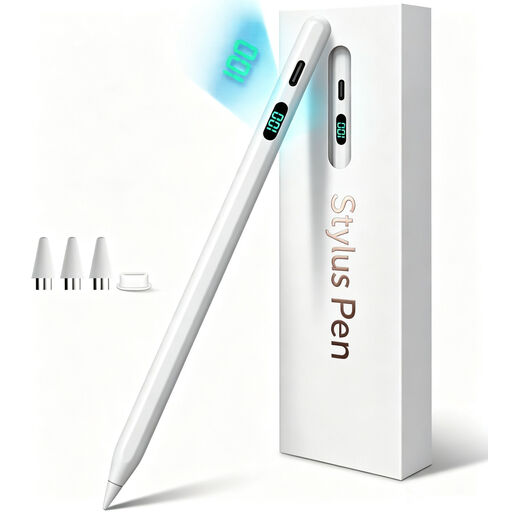 No image available
Worth considering for sketching on a compatible iPad if tilt-controlled lines are enough for you. The product description lists tilt detection and palm rejection, but not pressure sensitivity. The product name mentions iPad models from 2018–2026; check that your exact model is supported.
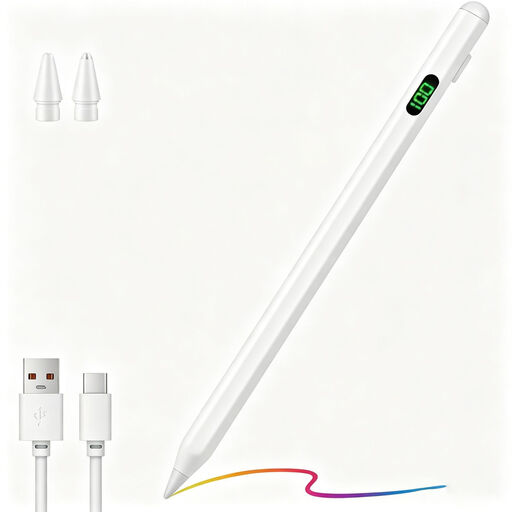 No image available
Designed for drawing and sketching on capacitive screens. The product description lists Android and iOS devices, a POM tip, USB-C fast charging, an LED battery indicator and replacement tips. Check compatibility with your specific tablet and drawing app.
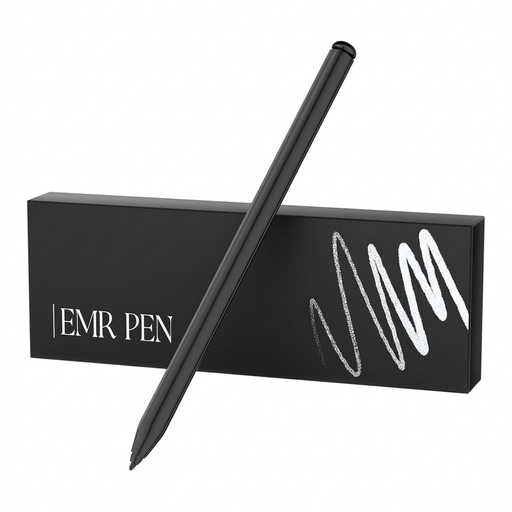 No image available
Worth considering for pressure-sensitive sketching without charging the pen, but only with the compatible e-ink tablets listed. The product description mentions pressure sensitivity, palm rejection and battery-free operation. Compatibility with reMarkable 1 and 2 and Kindle Scribe does not automatically mean it will work with other tablets.
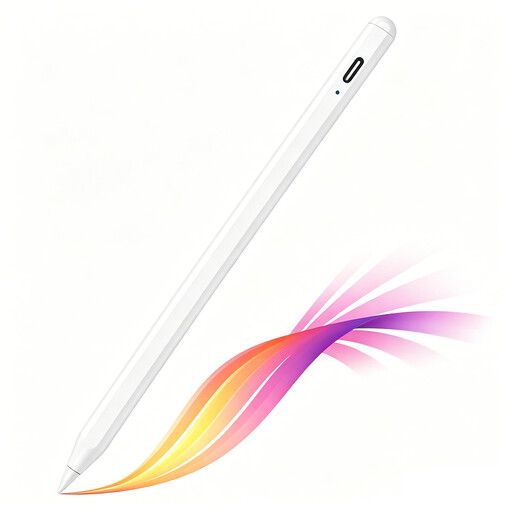 No image available
A good fit for sketching and contours if you have a compatible iPad. The product description lists tilt detection, palm rejection and USB-C charging. The magnetic attachment is for storage; wireless charging is not supported. Check which iPad models are compatible with this version.
 No image available
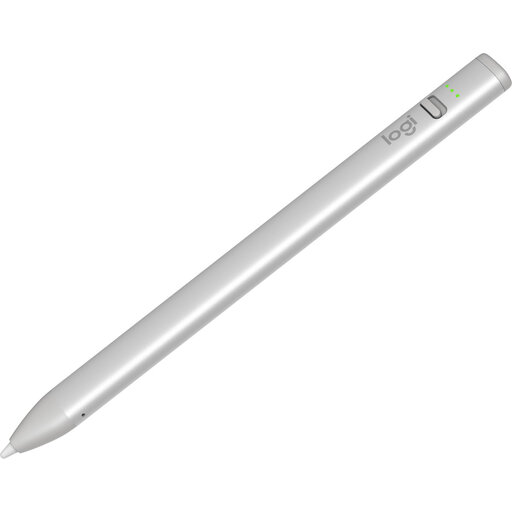
Worth considering for drawing contours on a compatible iPad if you don’t need pressure-sensitive line widths. Logitech describes the Crayon as not pressure-sensitive; the product description mentions tilt-controlled line thickness, palm rejection and use without pairing. Check compatibility with your iPad model.
It depends on the pen and tablet. Apple describes magnetic pairing for Pencil Pro with a compatible iPad; STAEDTLER says the Noris digital needs no pairing or driver when used with an EMR screen. Also check that your drawing app supports the features you want.
Check whether the tip on your pen model is replaceable and use a compatible replacement. STAEDTLER lists five spare tips in the box with the Noris digital classic; this pack contents doesn’t automatically apply to other pens.
No. According to the Dutch government, there is no fixed statutory warranty period in the Netherlands: you’re entitled to a product that works properly for as long as you can reasonably expect it to. Any manufacturer’s warranty is separate; contact the seller if the product is faulty.
For online purchases from a business, the Dutch government says you’ll often have a 14-day cooling-off period. This doesn’t necessarily apply, for example, when buying from a private seller. Check who the seller is and which terms and conditions apply to your purchase.
Check who the seller is and which requirements apply to the product category. The Dutch government points out that purchases from outside the EU can affect your rights, additional costs and product safety. Devices that are required to meet European rules should carry a CE marking. This doesn’t mean that a specific stylus has been individually checked.