What should you look for when buying?
Start by checking that the tablet and pen work together and that your PDF app does what you need. Then consider the writing feel, charging method and any accessories.
| What to consider |
What to look for |
Who is this important for? |
| Compatibility |
Check your tablet’s full model name and the specific pen version against the compatibility information. For the Noris digital, make sure the screen has an EMR digitiser. |
If I’m looking for a pen for my existing tablet, I want to be sure the two will work together first. Around 31% of consumers put tablet compatibility first. |
| PDF workflow |
Try using one of your own lecture handouts to check whether the app can import, annotate, save and share the PDF. |
I want to edit and save my lecture handouts in the app I use. Around 25% of consumers prioritise annotating and saving PDFs. |
| Writing in a quiet space |
Check how the pen feels in your hand and test palm rejection in your app. If possible, try the pen tip on your own screen and any screen protector. |
During longer study sessions, I want to write comfortably without accidental touches. Around 19% of consumers say writing in a quiet study space is their main buying concern. |
| Charging |
Check how the pen charges and whether your tablet or accessory has the required charging point. |
I don’t want to have to stop a study session to charge my pen. Around 13% of consumers prioritise a charging method that minimises interruptions. |
| Accessories and replacements |
Check what’s included with the pen or tablet, whether you need a charging accessory and whether suitable replacement tips are available. |
I want to know in advance which accessories or replacement tips I’ll need. Around 12% of consumers pay particular attention to extra purchases and replacements. |
Stylus pens at Joybuy
This selection includes stylus pens for selected iPad models and Surface devices, designed for taking notes and annotating. Check that the exact pen is compatible with your tablet.
 No image available
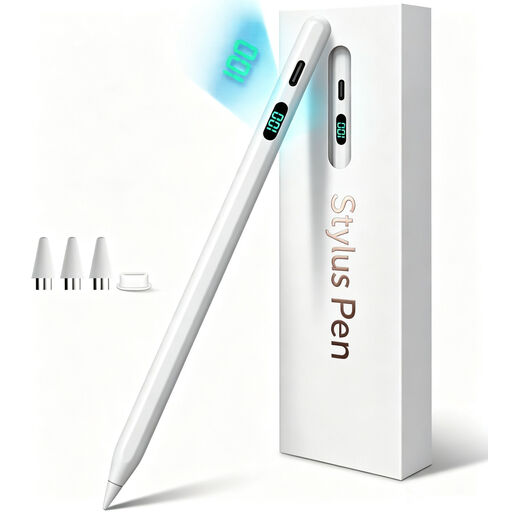
Stylus pen for iPad with USB-C charging
Designed for writing and PDF annotation on selected iPad models; check that your exact model is supported.
USB-C charging, tilt detection and palm rejection are listed. No Bluetooth pairing is required.
Joybuy
 No image available
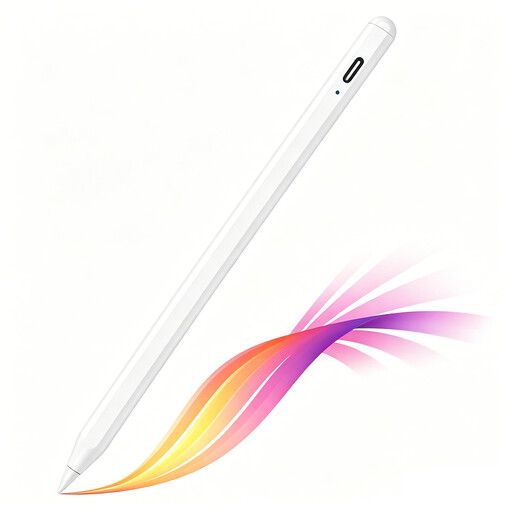
iPad stylus with USB-C charging port
For writing and annotation on selected iPad models; check compatibility with your tablet.
The description lists USB-C charging, tilt detection, palm rejection and up to 8 hours of use after charging. Magnetic attachment is for storage, not wireless charging.
Joybuy
 No image available
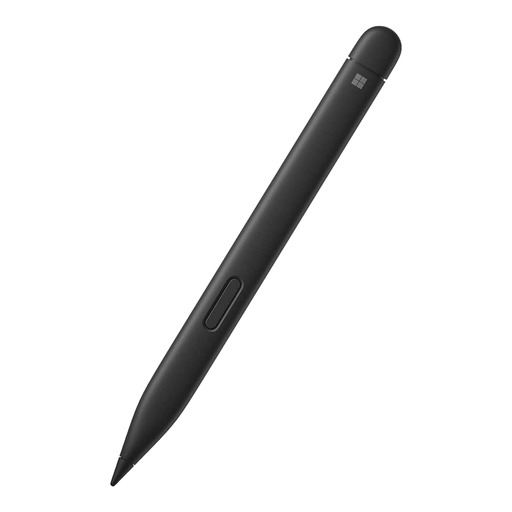
Microsoft Surface Slim Pen 2 Black 8WV-00002
An option for taking notes on a Surface device that supports pen input; check your exact model.
The product description lists haptic feedback, pressure sensitivity and palm rejection. Compatibility depends on the Surface model; Surface Pro 8 and Surface Pro X-Type Covers are among those mentioned.
Joybuy
 No image available
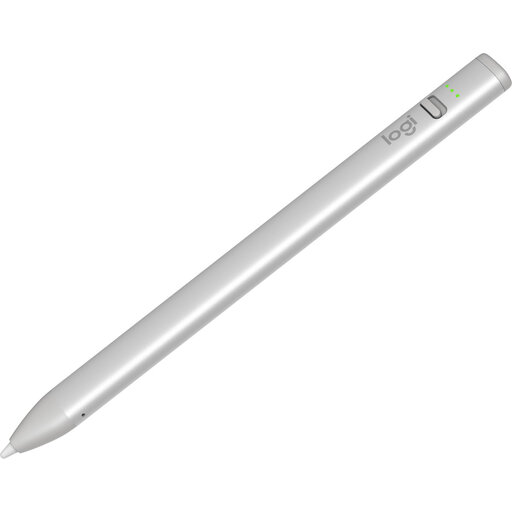
Logitech Crayon USB-C Silver
For writing and taking notes in supported apps on a compatible iPad.
USB-C charging, tilt detection, palm rejection and use without pairing are listed. The description mentions iPads from 2018 with iOS 12.2 or later, and up to 6.5 hours of use per charge.
Joybuy
 No image available
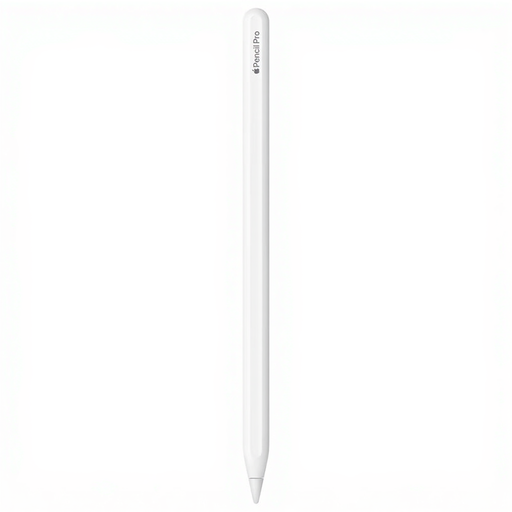
Apple Pencil Pro 2024
For taking notes on specific iPad Pro, iPad Air and iPad mini models; check that your exact iPad is supported.
Tilt and pressure sensitivity, palm rejection, and magnetic pairing and charging are listed.
Joybuy
Frequently asked questions
Can you use any stylus to write on lecture handouts on any tablet?
No, the pen must be compatible with your exact tablet model. STAEDTLER requires an EMR digitiser for Noris digital, and Microsoft lists Surface models that don’t support pen input. Then check whether your app can annotate PDFs.
How do I annotate PDF lecture handouts with an S Pen?
Samsung explains that you can import a PDF into Samsung Notes and write on it with the S Pen, then save or share the result. Available features may vary by device, region and software version.
Does a pen that attaches magnetically also charge magnetically?
Not always. For Apple Pencil (USB-C), Apple describes pairing and charging via a USB-C cable, even though the pen can attach magnetically to an iPad. For Surface Slim Pen, check which charging point or accessory is suitable for your combination.
What if the pen tip wears out or the pen develops a fault?
Check whether replacement tips are available for your exact pen and follow the relevant instructions; STAEDTLER lists five spare tips with Noris digital jumbo. If a product is faulty, you can contact the seller in the Netherlands to claim under the statutory guarantee. According to the Dutch government, there is no fixed statutory guarantee period that applies to all products.
Do I have a cooling-off period when buying a stylus online in the Netherlands?
For many eligible distance purchases from a business, you have a 14-day cooling-off period, although exceptions apply. The Dutch government also distinguishes between buying online from a business and buying from a private individual; check which rules apply to your purchase.


