What should you look for when choosing?
First, check that the pen is compatible with your tablet. Then compare the charging method, the drawing controls you need and your options for exporting the cover design.
| What to consider |
What to look for |
Who is this important to? |
| Compatibility |
Compare the full tablet model name and, where applicable, the required software version with the information for the exact pen. |
If you want to draw on your existing tablet, you’ll want to know in advance whether the pen will work with it. Around 36% of consumers put compatibility with their own tablet first. |
| Charging |
Distinguish between magnetic storage and magnetic charging. Also check whether the pen needs a USB-C cable and a separate charging session. |
If you have limited access to power sockets, you’ll want to minimise charging interruptions without overlooking your tablet’s battery. Around 29% of consumers prioritise how the pen charges. |
| Drawing controls |
Check pressure sensitivity and tilt detection separately for the exact pen, and find out which features your drawing app supports. |
For drawn textures or lines with varying thickness, you’ll want to know which inputs the pen and app actually support. Around 21% of consumers choose drawing control as their main consideration. |
| File export |
Check whether your app can export the aspect ratio, dimensions and colour space required by your intended publishing platform. |
If you want to submit a finished cover, your design will also need to meet the publishing platform’s requirements. Around 14% of consumers prioritise an output that’s ready to publish. |
Stylus pens at Joybuy
These product picks are designed for drawing on tablets and include models for the Surface and iPad devices listed. Always check that the pen is compatible with your exact tablet.
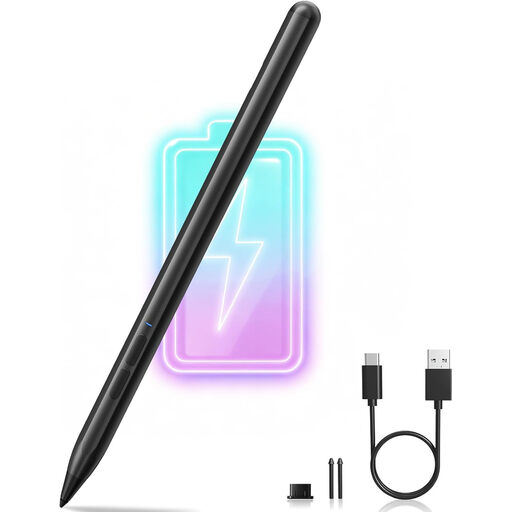 Image unavailable
MP-02 stylus pen for Microsoft Surface
Worth considering if you draw on one of the Surface models listed; check your exact device.
The product listing states 4096 pressure levels, palm rejection and magnetic attachment. Models listed include Surface Pro 11/10/9/8/7/6/5/4/3/X and Surface Go 4/3/2/1. The required lithium-ion battery is not included.
Joybuy
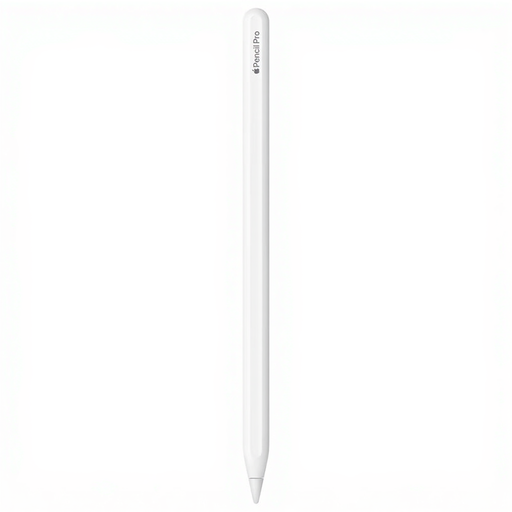 Image unavailable
Apple Pencil Pro (2024)
Designed for drawing on compatible iPad models; check whether your exact iPad is supported.
The product information lists pressure and tilt sensitivity, brush controls, and magnetic pairing and charging with a compatible iPad.
Joybuy
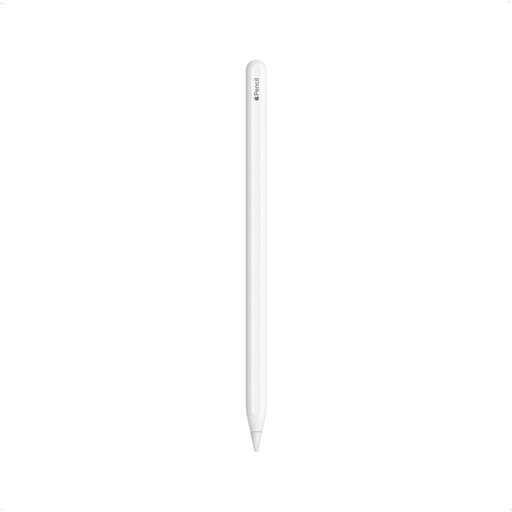 Image unavailable
Apple Pencil (2nd generation)
An option for the iPad generations compatible with this version; compare your tablet’s full model name.
The product information lists magnetic pairing and charging. The compatibility details include certain iPad Pro, iPad Air and iPad mini models.
Joybuy
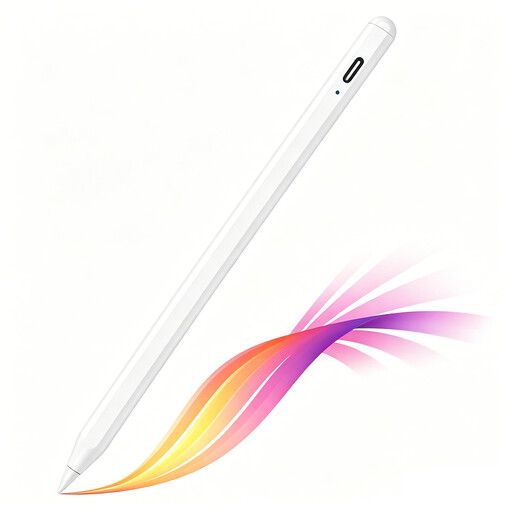 Image unavailable
Stylus pen for selected iPad models with USB-C
The product information lists sketching and annotating on selected iPad models; check compatibility with your tablet.
According to the product listing, the pen has tilt detection, palm rejection and an LED battery-level indicator. It charges via USB-C; the magnetic attachment is for storage and does not support wireless charging.
Joybuy
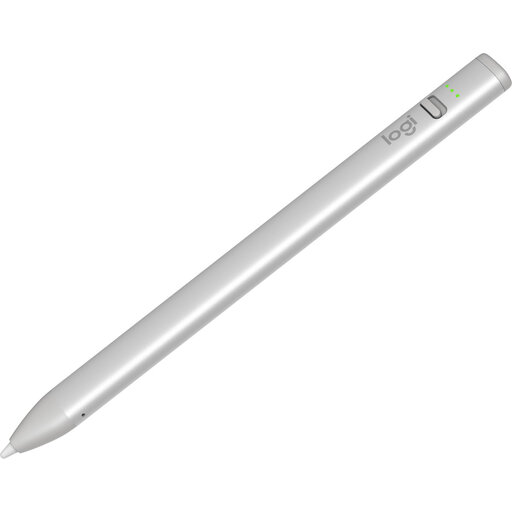 Image unavailable
Logitech Crayon (USB-C), silver
A pen for sketching on compatible iPads; check that your tablet and drawing app are supported.
The product information lists tilt detection, palm rejection and USB-C charging. According to the product listing, battery life is up to 6.5 hours per charge.
Joybuy
Frequently asked questions
Does an Apple Pencil (USB-C) charge when attached magnetically?
No, this version doesn’t charge when attached magnetically to an iPad. According to Apple, pairing and charging are done via a USB-C cable; Apple Pencil Pro charges magnetically when attached to a compatible iPad.
Do you need to charge the S Pen for a Galaxy Tab S11 separately?
According to Samsung, the S Pen for the Galaxy Tab S11 and S11 Ultra doesn’t support charging or Bluetooth pairing. Make sure you choose the pen for these models; this information doesn’t automatically apply to older S Pen versions.
What should you check before submitting a cover to Spotify?
Spotify for Artists lists an aspect ratio of 1:1, a width and height of 640 to 10,000 pixels, and the sRGB colour space among its cover art requirements. Check whether your drawing app can export with these settings; other publishing platforms may have different requirements.
What rights do you have if a stylus bought online in the Netherlands is faulty?
For online purchases from a business, you’ll usually have 14 days to change your mind, but the seller and any exceptions are important. If the product is faulty, you can also hold the seller responsible under the statutory guarantee. According to the Dutch government, the Netherlands does not have a fixed, general statutory guarantee period of two years.


