Joybuy products
This selection includes tablets and devices for handwritten notes. Check how notes are saved and shared on each model, and whether the pen you need is included.
 No image available
Lenovo Idea Tab Plus WiFi, 12.1-inch, 2.5K, 8GB RAM, 256GB, with pen, Rose
The product description says a pen is included, which could suit handwritten questions during a seminar.
The description lists a 12.1-inch, 2.5K screen, 8GB RAM and 256GB storage. Check which note-taking app and sharing options suit the way you work.
Joybuy
 No image available
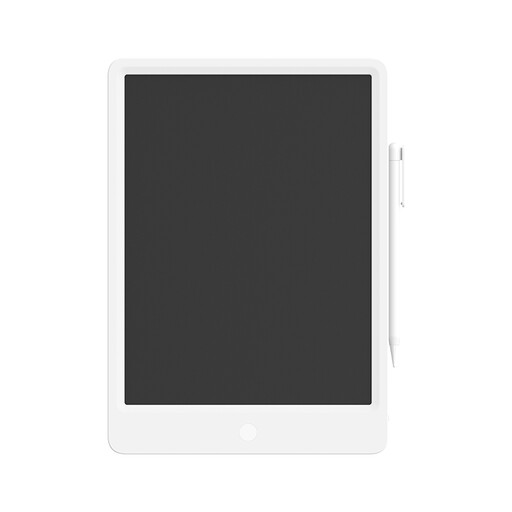
Mi LCD Writing Tablet 13.5-inch with stylus
The title describes a reusable writing tablet with a stylus. Check whether it suits the way you want to save and find your seminar questions.
The listed screen size is 13.5 inches.
Joybuy
 No image available
Xiaomi Pad 8 Pro, Grey, 12G RAM, 512G ROM
This is a general-purpose tablet option. Check separately whether there’s a pen available that suits the way you write and share.
The product title lists 12G RAM and 512G ROM.
Joybuy
 No image available
iFLYTEK AINOTE Air 2, 8.2-inch E Ink tablet with stylus and protective case
The product description mentions handwritten notes and synchronisation between devices via companion apps. Check that your preferred app and sharing method are supported.
The described version has an 8.2-inch E Ink screen and a stylus.
Joybuy
 No image available
TECLAST ArtPad Pro Tablet, 12.7-inch 2K, 20GB (8GB + 12GB Virtual) RAM, 256GB, with stylus
The product description mentions an included stylus for note-taking. Check which sharing and storage options suit your seminar.
The title lists a 12.7-inch 2K screen, 20GB (8GB + 12GB Virtual) RAM and 256GB storage.
Joybuy
Frequently asked questions
Can seminar partners write in my note at the same time?
You can do this in Apple Notes via iCloud, where Apple says you can invite people to collaborate on a note or folder in real time. Check that your partners can use this approach; sending a PDF or copy doesn’t offer the same functionality.
How do I set up a tablet for use at a shared table?
Set access to your device and data carefully for each app, and keep your device and apps up to date. The Dutch Data Protection Authority gives this as privacy and security advice for smartphones and tablets, not as a reason to choose one particular model.
Do I need Connect to share questions from a reMarkable?
According to reMarkable, options including sharing by email remain available without Connect. Without a subscription, cloud synchronisation to mobile and desktop apps is more limited: files that haven’t been opened and synchronised online for more than 50 days won’t be updated in those apps in the same way.
What are my rights when I buy a tablet online in the Netherlands?
For a consumer buying at a distance, a 14-day cooling-off period applies in many cases, although exceptions and the precise agreement matter, as the Dutch government explains. Products must also meet the standards of the statutory guarantee: they should do what you could reasonably expect with normal use. According to the Netherlands Authority for Consumers and Markets, there is no fixed statutory guarantee period of just two years in the Netherlands; the retailer is responsible.


