
Waiting traveller with limited luggage space
You want to play while you wait, then hold and pack away your tablet with ease. The Consumentenbond notes that smaller tablets are compact, making them handy for travel.


A compact tablet is easier to hold and pack away when you’re travelling, while a larger screen gives you more room to play. Choose based on the games and emulator you want to use, and check that they work together on the exact model. Install and test your games in advance, so you won’t need an internet connection while you wait.
You want to play while you wait, then hold and pack away your tablet with ease. The Consumentenbond notes that smaller tablets are compact, making them handy for travel.
You don’t want to rely on Wi-Fi at the terminal. Check the storage and prepare your emulator, required core and legally obtained game files in advance. RetroArch does not provide copyrighted games.
You’re looking for a compact device with specified processing power, but you’ll still need to check whether your particular game and emulator work on it.
Start with the emulator and games you want to use. Then choose the size, storage and other features that suit gaming while you’re travelling.
| What to consider | What to look for | Who should prioritise this? |
|---|---|---|
| Easy-to-handle size | Compare the screen size and weight of the exact version, and consider whether you’ll hold the tablet or set it down. | If you often play while you wait and then pack your tablet away, portability matters. Around 25% of consumers prioritise a handy size. |
| Offline preparation and storage | Check the storage on the version you’re considering and whether it has a card reader. Set up your emulator, core and game file before you leave. | If you want to play straight away without terminal Wi-Fi, it’s important to have a local setup that you’ve tested in advance. Around 25% of consumers prioritise offline play and storage. |
| Compatibility with your games | Make a note of the games and emulator you want, check the app version and, where possible, test the combination on the exact model. | If you have a particular emulator or game in mind, you’ll want to know before you leave whether they work together. Around 19% of consumers choose mainly based on compatibility and gaming performance. |
| Playing without a plug socket | Only compare battery tests carried out under similar conditions, and charge your tablet before you leave. | If you don’t want to look for a plug socket during a long wait, battery life is an important factor. Around 19% of consumers prioritise battery life. |
| Overall setup | Check which accessories are included. Only add a controller, memory card or charger if you need one. | If you want to work out the cost of your complete gaming setup first, the included items and any accessories can help you decide. Around 12% of consumers prioritise the total purchase cost. |
An emulator doesn’t automatically include game files. The Dutch government states that downloading from an illegal source is prohibited.
Prepare game content for which you have the necessary rights in advance, and test it with the right core.
A figure in mAh and a video playback test don’t tell you exactly how many hours your tablet will last while gaming. Lenovo and Xiaomi provide battery information for their own products, but these aren’t directly comparable measurements of retro gaming sessions.
Use battery information only in the conditions specified, and charge your tablet before you leave.
Storage options vary by model and version. Lenovo doesn’t list a card reader for the Legion Tab Gen 3.
Before buying, check that the storage on the exact version is sufficient for the games you want to keep locally.
The Galaxy Tab A11 is a compact Android option. Check that the specific version meets your storage and connectivity needs.
The iPad mini (A17 Pro) is a compact iPadOS option if its size and the apps you want to use together suit you.
The Legion Tab Gen 3 is a compact Android tablet worth comparing if having specified hardware matters to you.
The Redmi Pad 2 is a larger Android option if screen space matters more to you than a compact size.
These tablets are options to compare for retro games you want to set up on a tablet in advance, from compact models to devices with larger screens.
 No image available
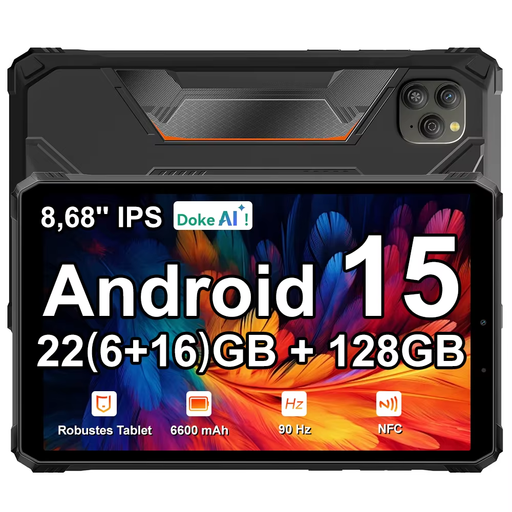
An Android tablet option for anyone who wants to set up games locally in advance. Check that your chosen emulator and games work on this version.
According to the product name: 8.68-inch IPS screen with 90 Hz, 128 GB ROM, 22 GB expandable RAM (6 + 18), 6,600 mAh battery and Android 15.
 No image available
The larger screen may suit you if you want more room to play while you wait. Check that the emulator and games you want to use are compatible.
According to the product name: 10.36-inch HD screen, 256 GB storage, 16 GB (8 GB + 8 GB) RAM, 22,000 mAh battery and Android 13.
 No image available
An iPad option to compare if you can check in advance that your chosen emulator and gaming setup work on the exact model.
According to the product name: 11-inch iPad Air with M4, Wi-Fi and 128 GB storage.
 No image available
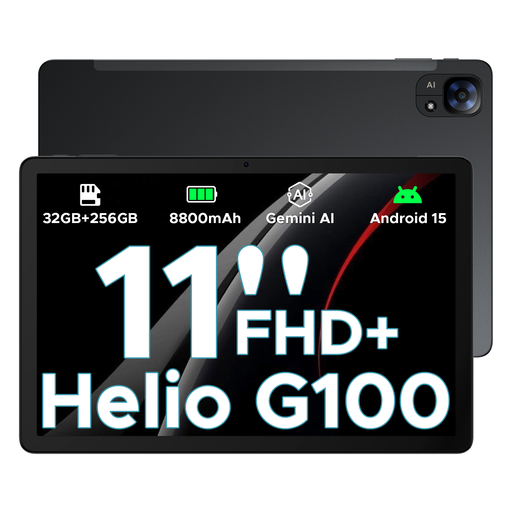
A larger Android tablet option for anyone who values screen space. Check in advance that your chosen emulator and games work.
According to the product name: 11-inch FHD+ screen with 90 Hz, Helio G100, 32 GB + 256 GB/2 TB and 8,800 mAh battery.
 No image available
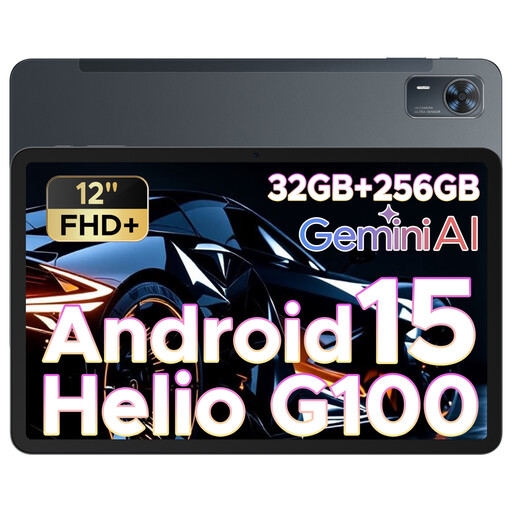
This screen size may suit you if you’ll mainly set the tablet down or want more room to play. Check that your gaming setup works on this version.
According to the product name: 12-inch FHD+ screen with 90 Hz, Helio G100, 32 GB + 256 GB/2 TB and 8,800 mAh battery.
Yes, if you don’t want to rely on Wi-Fi while you wait. Install your chosen emulator and core in advance, then test that your legally obtained game content starts. RetroArch doesn’t provide copyrighted games.
No, don’t assume that. RetroArch lists Android and iOS as platforms, but warns that features may vary between app store versions. Before you leave, also check that your controller works with the tablet and app.
Charge the tablet in advance and test your emulator, game files and any controller. Lenovo notes that the Legion Tab’s battery performance can vary depending on factors such as screen brightness, software and usage.
Check whether you’ll need a cable, charger, controller or memory card for your setup. According to the Dutch government, if a product is faulty, the seller must provide a solution; an additional warranty doesn’t replace this statutory right. For distance purchases, you’ll often have a 14-day cooling-off period, although exceptions apply.
Not automatically. The Dutch government states that downloading from an illegal source is prohibited. Use game files for which you have the necessary rights; owning an original game doesn’t in itself give you permission to use an unauthorised download.