What should you look for when choosing?
Start with the limitation you’d notice most in your own workflow: file access, reading space, annotation or software compatibility.
iPadOS tablet
A good fit if: you mainly read or annotate reports and manage your files with the Files app or another supported app.
Bear in mind: connected storage may require the right port, formatting and app. Check compatibility with your own drive.
Android tablet
A good fit if: you want to manage local files as part of an Android workflow and perhaps mark up reports with a pen.
Bear in mind: storage, apps, pen support and included accessories vary by model. Check that your files and applications will work with it.
Windows tablet
A good fit if: an existing Windows application is essential for your project files and the supplier confirms it works on the device you’re considering.
Bear in mind: Microsoft notes that emulation on Windows on Arm can affect performance. Also check the app version and any required drivers.
| What to consider |
What should you check? |
Who should pay extra attention? |
| Local files |
Open, copy and save a representative project folder offline. Check the available storage and, if you’re using a connected drive, the port and formatting. |
If I need project folders offline, I want to open and find them without any fuss. Around 33% of consumers rank access to local files as their top priority. |
| Reading space |
View one of your own report pages at the screen size you’re considering, including the chart legend and small captions. |
If I need to assess charts and captions clearly, I want to see enough of the page at once. For around 27% of consumers, space to read reports comes first. |
| Annotation |
Check which pen works with the model, what’s included in the box, and whether your app saves and reopens your notes. |
If I want to mark up findings directly on a report, I need a compatible pen and an app that saves my work. Around 20% of consumers rank annotation as their top priority. |
| Project software |
Ask whether the exact app version and processor are supported, and test a representative project file. |
If my project depends on specific software, I want to know it works on the device before I buy. Compatibility with existing project software is a top priority for around 20% of consumers. |
Joybuy tablets for reports and project files
This selection includes iPadOS and Android tablets for reading reports, storing local files and adding annotations.
 No image available
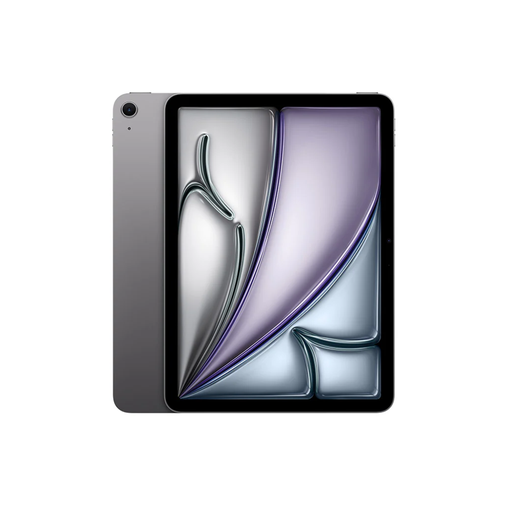
Apple iPad Air 13-inch (M4), Wi-Fi, 256GB, Space Grey
The 13-inch screen is a good match if you want to see more of a report page at once.
This model lists 256 GB of storage. The description mentions support for Apple Pencil Pro and Apple Pencil (USB‑C); check which pen, if any, is included with the offer.
View at Joybuy
 No image available
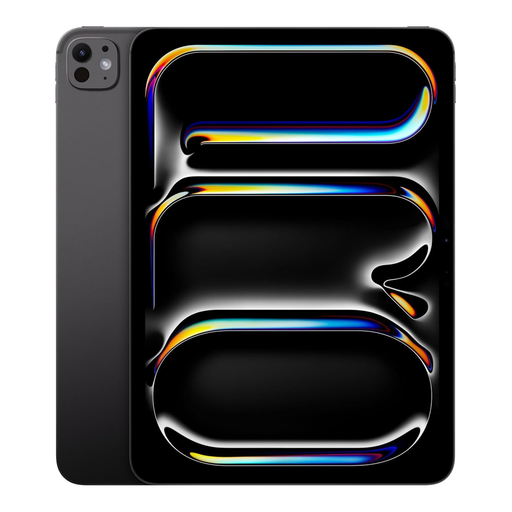
Apple iPad Pro 13-inch, Wi-Fi + Cellular, 1TB, Space Black
The 13-inch screen and listed storage suit anyone who wants to view large report pages and local project files.
This model lists 1 TB of storage and Wi-Fi + Cellular. The product description mentions support for Apple Pencil; check the exact pen model and what’s included in the box.
View at Joybuy
 No image available
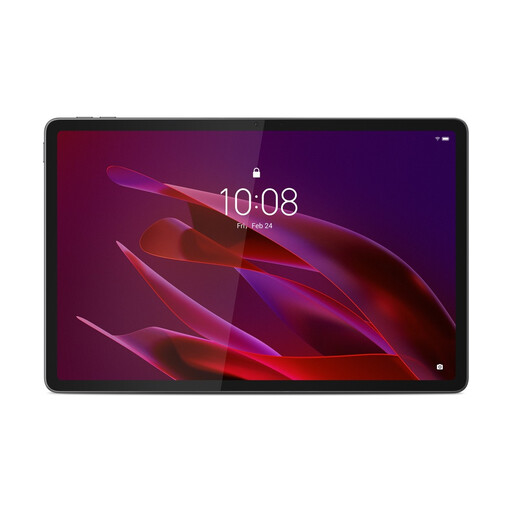
Lenovo Yoga Tab ZAG60028PL, 11.1-inch, 3.2K, 256GB, Luna Grey
This Android tablet is an option if you want to read reports and take notes with the included pen.
This model lists an 11.1-inch, 3.2K screen, 144 Hz, Snapdragon 8 Gen 3, 8 GB RAM, 256 GB of storage, Wi-Fi 7, Android 15 and Tab Pen Pro.
View at Joybuy
 No image available
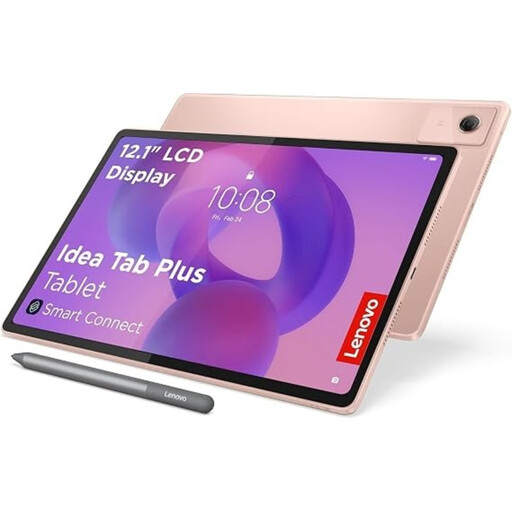
Lenovo Idea Tab Plus WiFi, 12.1-inch, 2.5K, 256GB, Rose
The 12.1-inch size and included pen are well suited to reading reports and annotating documents.
This model lists a 2.5K screen, 8 GB RAM and 256 GB of storage.
View at Joybuy
 No image available
TECLAST ArtPad Pro, 12.7-inch, 256GB, T pen-compatible
The 12.7-inch screen and listed pen compatibility are worth considering if you want to view and annotate reports.
This model lists 256 GB of storage and Android 15. Compatibility with a T pen doesn’t necessarily mean the pen is included.
View at Joybuy
Frequently asked questions
Can I use a USB drive containing project files with an iPad Air?
Yes, through the Files app with a suitable port or adapter, provided the drive meets the necessary requirements. Apple Support lists a single data partition and supported file formats, including exFAT; some external drives need extra power.
Can a Surface Pro run my existing Windows project software?
That depends on the exact application and any required drivers. Microsoft describes emulation for many x86 and x64 apps on Windows on Arm, but notes that performance may be affected. Ask the software supplier about support and test one of your own files.
Do I need to buy a pen or keyboard separately?
It varies by model. Apple lists pen compatibility for the iPad Air, Microsoft describes the keyboard and Slim Pen as options for Surface Pro, and Lenovo includes a pen in the product name for the Tab P12 model reviewed here. Check what’s included with the specific offer.
Can I store project files containing personal data locally?
If your organisation processes personal data, it must protect that data properly, in line with the Dutch Data Protection Authority’s guidance. The arrangements and security measures you need depend on the data and circumstances; the term ‘project files’ alone doesn’t prove that they contain personal data.


