
Photographers presenting outdoors
If you’re showing your work in a bright location, it’s worth checking in advance how glare and readability are affected by the screen version you choose.


When choosing a tablet for showing a photo portfolio on an excursion, first consider glare and how easy the screen is to read where you plan to show your photos. Save your selection locally in advance, then weigh up screen size, weight and storage capacity. A larger screen or special finish isn’t necessarily the best choice if you’ll be carrying the tablet for a long time.
If you’re showing your work in a bright location, it’s worth checking in advance how glare and readability are affected by the screen version you choose.
If syncing or mobile data might drop out while you’re on the move, make sure your selected photos are available locally and that the storage capacity suits your files.
If you’ll be carrying the tablet for a long time, weigh up how comfortable it is to hold against the extra viewing space offered by a larger screen.
For a photo portfolio on an excursion, the main things to consider are screen visibility, having your photos available in advance, portability and choosing the specification you actually need.
| What to consider | What should you look for? | Who is this important for? |
|---|---|---|
| Readability outdoors | Check the exact screen specification and view your own photos in similar lighting. A quoted brightness level isn’t the same as a real-world measurement in sunlight. | If I’m presenting in bright locations, I want to be able to assess glare on my own images. Around 33% of consumers prioritise readability in changing outdoor light. |
| Photos without a connection | Match the available storage to your file sizes and open your selection in advance with Wi-Fi and mobile data switched off. If you use iCloud Photos, check that the full-resolution originals are stored locally. | If you want to show your portfolio even without a signal, you’ll need to check in advance that the photos are stored locally. Around 27% of consumers give offline availability top priority. |
| Portability and viewing space | Compare the size and weight of the version you’re considering, and hold the tablet as you would during the excursion. A larger screen gives you more viewing space, but is less convenient to carry. | If I’m walking around with the tablet for a long time, I want it to remain comfortable to handle. Around 20% of consumers choose with portability in mind above all else. |
| The right specification | Compare storage and screen finish for each model. Also check what’s included: Xiaomi, for example, states that the Pad 8 doesn’t come with a power adapter in the box. | If you don’t want to pay for extras you don’t need, you can choose the screen and storage option that suits your portfolio. Around 20% of consumers prioritise getting the right overall cost. |
A cloud collection or optimised photo version isn’t the same as a local presentation that you’ve checked in advance. Apple distinguishes between full-resolution originals and versions that save space on your device.
Before you set off, check that your selection opens without a network connection and that the full-resolution originals you need are available locally.
A maximum brightness quoted by the manufacturer and the screen finish don’t, on their own, tell you how visible your photos will be in a particular location.
Compare the exact screen version with your own images in lighting similar to the conditions in which you’ll be presenting.
The Lenovo Idea Tab Pro is available with different screen finishes. Specifications for a matte version don’t automatically apply to the glossy one.
Check the full version description before comparing models or specifications.
Xiaomi states that the Pad 8 doesn’t come with a power adapter in the box. Depending on what you already own, you may need to buy a compatible adapter separately.
Check what’s included with the version you’ve chosen and whether your existing charging equipment is suitable.
The iPad Air is a relatively portable option. If you’re considering the iPad Pro, pay particular attention to the screen version you want.
The Pad 8 is an 11.2-inch option with screen specifications and storage versions worth comparing.
The Idea Tab Pro has a larger screen. Check carefully whether you’re looking at the standard or matte version.
The Galaxy Tab S11 is an 11-inch Android option to compare if you’re also considering an S Pen.
These tablets come with different screen sizes and storage options for carrying and showing a selection of photos. Check whether each model’s screen and storage suit your presentation.
 No image available
The listed storage capacity gives you a specific figure to compare with the size of your local photo selection.
According to the product name: 16 GB (8 GB + 8 GB) and 256 GB storage; 10.36-inch HD screen.
 No image available
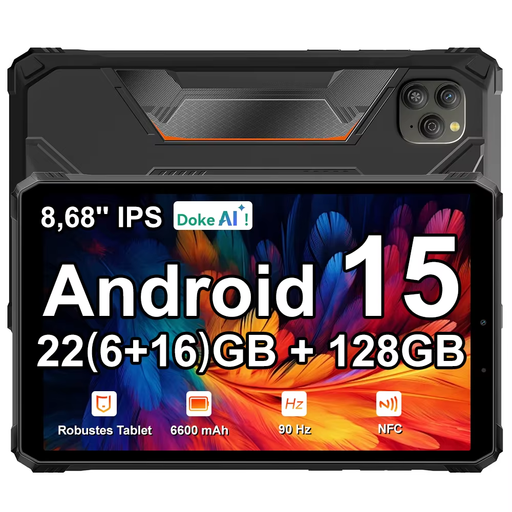
The screen size and storage capacity can help you decide whether this model suits your presentation and photo selection.
According to the product name: 22 GB (6 GB + 18 GB) RAM, 128 GB ROM and an 8.68-inch IPS screen with 90 Hz.
 No image available
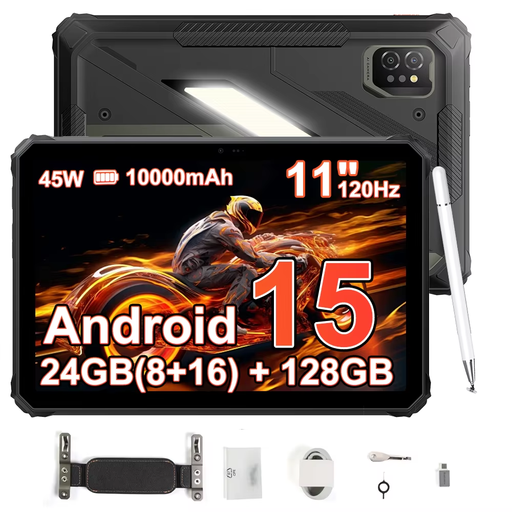
The 11-inch screen gives you a size to weigh up against how long you’ll be holding the tablet during the excursion.
According to the product name: 24 GB (8 GB + 16 GB) and 128 GB storage; 11-inch IPS screen with 120 Hz.
 No image available
An 11-inch screen lets you compare the size with how you plan to hold the tablet and show it to others.
The product description lists an 11-inch IPS screen with a resolution of 2560 × 1600 and 90 Hz, 128 GB storage and a microSD slot.
 No image available
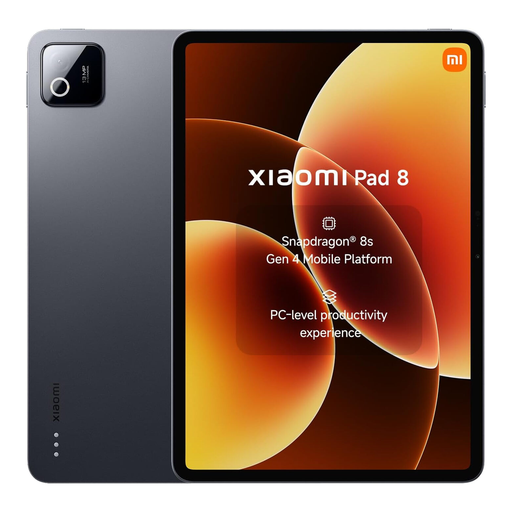
The 256 GB storage capacity gives you a starting point for comparing it with the space your photo selection needs locally.
Xiaomi lists a maximum brightness of 800 nits for the Pad 8. This is a manufacturer’s figure, not an independent measurement of visibility in sunlight.
Save your selected photos locally in advance, then open them with Wi-Fi and mobile data switched off. If you use iCloud Photos, check that the full-resolution originals are stored on your device. Apple distinguishes between originals and versions optimised for your device.
Not for showing photos that are already available locally. Mobile data only matters if you need to access new images or online content during the excursion. If so, check the connectivity option and any subscription costs.
According to the Dutch government, you’re entitled to a product that works as it should, and the Netherlands has no fixed statutory guarantee period. If a product is faulty, the seller must provide a solution; the manufacturer’s guarantee is in addition to this.
That depends on how you use the photos and who you share them with. The Dutch Data Protection Authority says that the exception for personal or household use doesn’t apply to business use. So consider the purpose and how you’ll show the photos before using them.