
Map artist with an EMR tablet
You want to draw without having to manage a pen battery, and can check whether your exact screen model supports EMR. STAEDTLER and Samsung describe battery-free pen options for compatible devices.


Start with your exact tablet model: a battery-free EMR pen only works with a screen that has an EMR digitiser, while some compatible iPads can charge an Apple Pencil magnetically. For fine map lines and shading, your drawing app’s features and the pen nib also matter. Magnetic attachment doesn’t always mean magnetic charging: the Apple Pencil (USB-C), for example, charges with a cable.
You want to draw without having to manage a pen battery, and can check whether your exact screen model supports EMR. STAEDTLER and Samsung describe battery-free pen options for compatible devices.
You want to check which Pencil works with your iPad and whether it charges through the tablet or with a cable. Apple Support publishes compatibility information for each model.
You spend longer working on lines and shading, and want to weigh up charging needs against pen features and replaceable nibs. Apple, Logitech and STAEDTLER describe different charging and nib options.
First, check that the pen works with your exact tablet and drawing app. Then compare the charging method and the features you need for map lines, shading and longer drawing sessions.
| What to consider | What to look for | Who is this for? |
|---|---|---|
| Tablet and app compatibility | Check your exact tablet model and screen variant. Apple Support lists model and software requirements for Apple Pencil; STAEDTLER states that an EMR digitiser is required. | If I want to use my existing tablet, I want to know in advance whether the pen and drawing app will work together. Around 29% of consumers put compatibility first. |
| Pen charging | Check whether the pen is battery-free, charges magnetically or needs a cable. Apple distinguishes between magnetic charging for Pencil Pro and USB-C charging; Samsung describes the Creator Edition as a non-rechargeable S Pen variant. | With few spare sockets, I want to avoid having to charge my pen separately. Around 29% of consumers prioritise avoiding the need to charge their pen. |
| Line control and shading | Check whether your app supports pressure sensitivity or tilt. STAEDTLER notes that pressure-sensitive line width also depends on the app. | If I want to vary map outlines and shading, I look at the controls my app actually supports. Around 24% of consumers prioritise control over lines and shading. |
| Grip and replacement nibs | Compare the pen grip and check which nibs are included and which replacements fit your exact model. STAEDTLER lists replacement nibs included with the Noris digital classic. | For longer drawing sessions, I want a pen that feels comfortable to hold and has compatible replacement nibs available. Around 18% of consumers focus mainly on grip and maintenance. |
The Apple Pencil (USB-C) attaches magnetically, but Apple says it charges with a USB-C cable. Apple Pencil Pro charges magnetically with a compatible iPad.
Check separately how your exact pen model attaches and charges.
An EMR pen only works with a screen that has an EMR digitiser. STAEDTLER points out that different versions of the same device may vary in this respect.
Check the full tablet and screen model in the compatibility information before choosing a pen.
Samsung says the S Pen Creator Edition doesn’t need charging, while other versions, such as the S Pen Pro, do need to be charged.
Compare the exact S Pen variant with its list of compatible devices; the brand name alone isn’t enough.
A pen nib can wear down, and replacement options vary by model.
Check which nibs are included and which replacements are suitable for your pen.
Apple Pencil Pro and Apple Pencil (USB-C) are options for different compatible iPads; check the list for your exact model.
S Pen variants are designed for specific compatible Galaxy devices.
The Noris digital classic is a battery-free pen for compatible screens with an EMR digitiser.
The AL-star EMR is a pen option for devices that support EMR technology.
Crayon (USB-C) is a drawing pen option for supported iPads.
This selection includes battery-free EMR pens for the compatible Wacom devices listed, as well as pens for iPad, including a magnetically charging Pencil and models that charge via USB-C. Check compatibility with your exact tablet before choosing.
 No image available
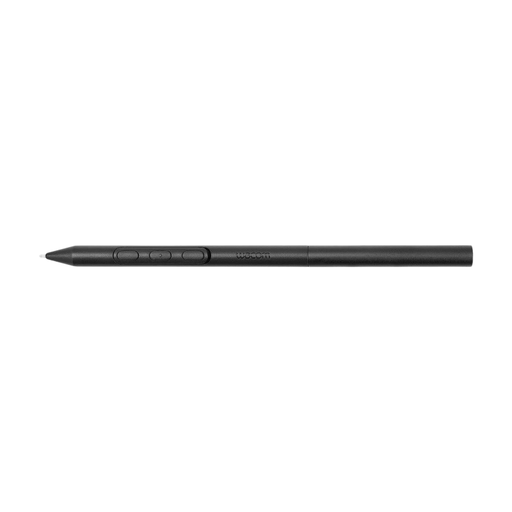
An option if you use a compatible Wacom device listed and don’t want to charge the pen itself.
The description mentions adjustable weight, grip, balance point and pen buttons. Compatibility is listed for Wacom MovinkPad 11 and Cintiq Pro 17, 22 and 27.
 No image available
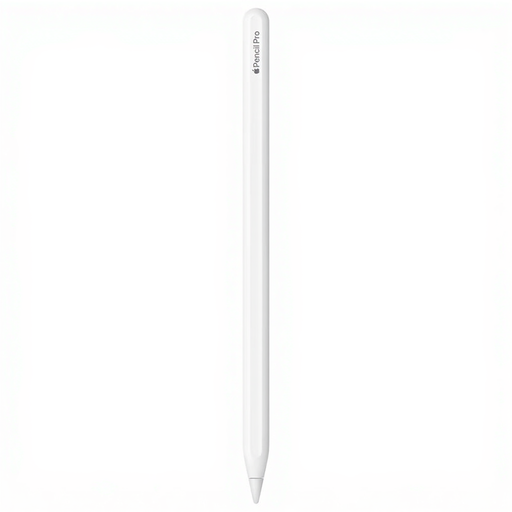
Ideal if you want to use a compatible iPad as a charging point while you draw.
Apple lists magnetic pairing and charging, plus squeeze and barrel roll controls. The compatible models listed include iPad Pro 11-inch and 13-inch (M4), iPad Air 11-inch and 13-inch (M2), and iPad mini (A17 Pro); check your exact model.
 No image available
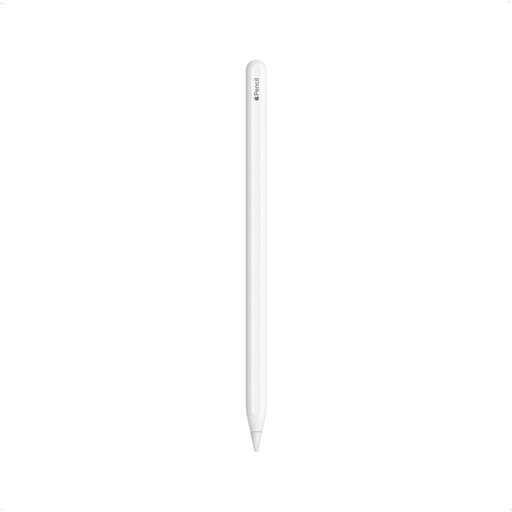
An option to consider if you have one of the compatible iPads listed and want to switch between tools while drawing.
The compatible models listed are iPad Pro 12.9-inch (3rd, 4th, 5th and 6th generation), iPad Pro 11-inch, iPad Air (4th and 5th generation) and iPad mini (6th generation). Check that your exact model is included.
 No image available
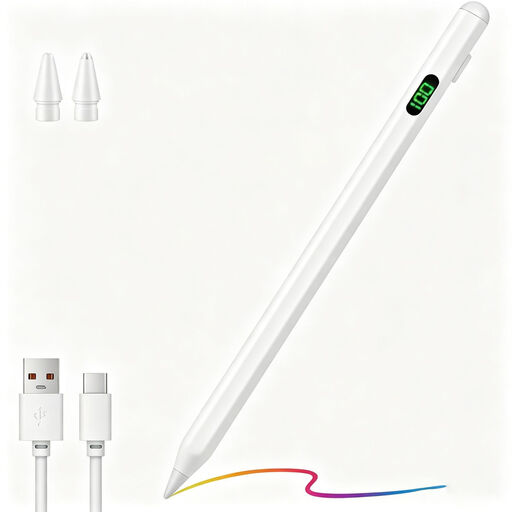
A possible option for drawing on a compatible capacitive Android or iOS screen if you want to have replacement nibs to hand.
The description mentions USB-C charging and two replacement nibs. Check that your exact device and drawing app work with this stylus.
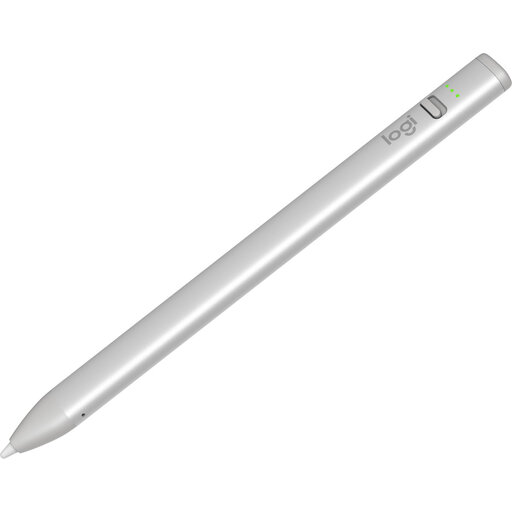 No image available
Ideal if you want to start drawing on a compatible iPad without a complicated pairing process.
Logitech lists tilt control for variable line width; this version charges via USB-C. Compatibility is listed for iPad models from 2018 onwards.
Check the exact tablet and screen model in the compatibility information, and make sure the screen variant has an EMR digitiser. STAEDTLER warns that some devices are available with or without an EMR screen.
Not necessarily: Apple says you can connect the pen to a compatible iPad with a USB-C cable to pair and charge it. Magnetic attachment doesn’t charge this model, so bear in mind the iPad’s battery level.
Check which replacement nib fits your exact pen model. STAEDTLER lists five replacement nibs and a tool with the Noris digital classic; Apple lists individual nibs for models including Pencil Pro and Pencil (USB-C).
For a consumer purchase in the Netherlands, you should generally contact the seller to resolve the issue. The Dutch government states that the statutory warranty has no fixed term; a manufacturer’s warranty is separate.
For distance purchases from a business, you’ll often have a 14-day cooling-off period, but there are exceptions. The Dutch government also distinguishes between buying from a business and buying from a private individual; check which situation applies to your purchase.