Tablet pen options at Joybuy
This selection includes pens for sketching on an iPad and a Surface pen option. For each model, check compatibility with your own tablet and how it charges in your setup.
 No image available
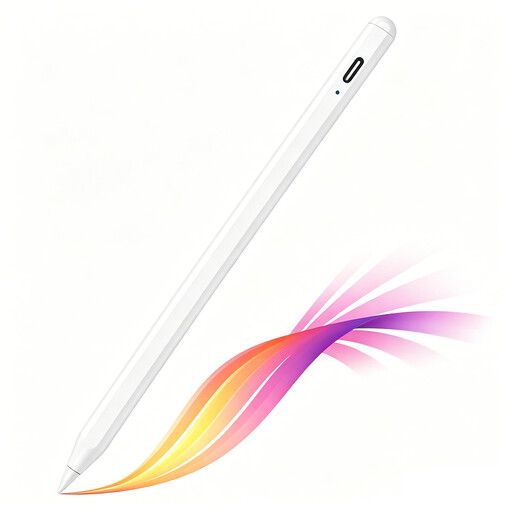
iPad stylus with USB-C charging port
An option for sketching on an iPad, with tilt sensitivity and palm rejection that may come in handy.
The product description lists compatibility with selected iPad models. The pen charges via USB-C; magnetic attachment is for storage and does not charge the pen wirelessly.
View at Joybuy
 No image available
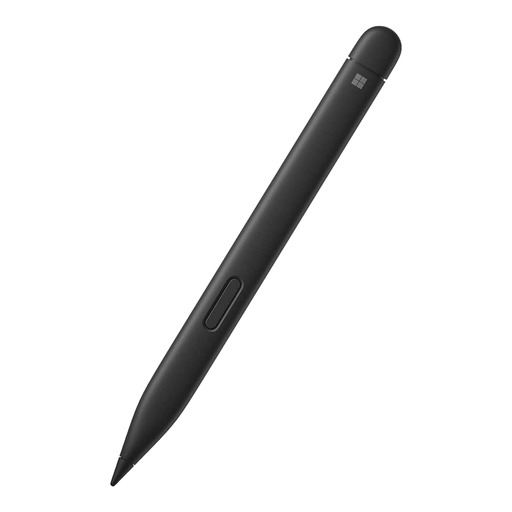
Microsoft Surface Slim Pen 2 Black 8WV-00002
An option for drawing on a supported Surface device. Check in advance which features and charging options your setup supports.
The product description lists pressure sensitivity with 4,096 levels and use with Surface Pro 8 and Surface Pro X Type Covers. Microsoft says a separate charger is available to buy separately if needed.
View at Joybuy
 No image available
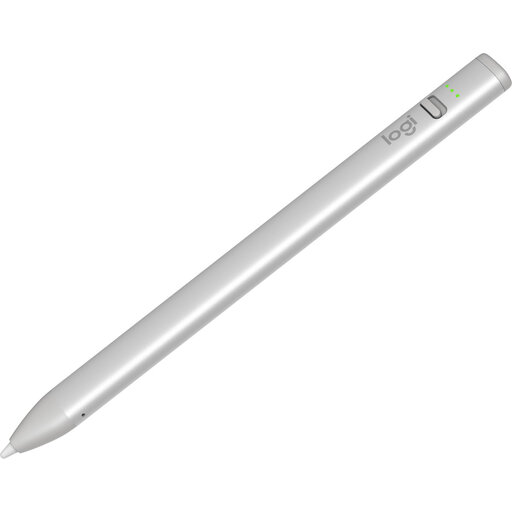
Logitech Crayon USB-C Silver
An iPad stylus for sketching, with tilt for line thickness and palm rejection.
The product description lists compatibility with iPad models from 2018 onwards and iOS 12.2 or later. The pen charges via USB-C; Logitech specifies a replaceable tip, sold separately.
View at Joybuy
 No image available
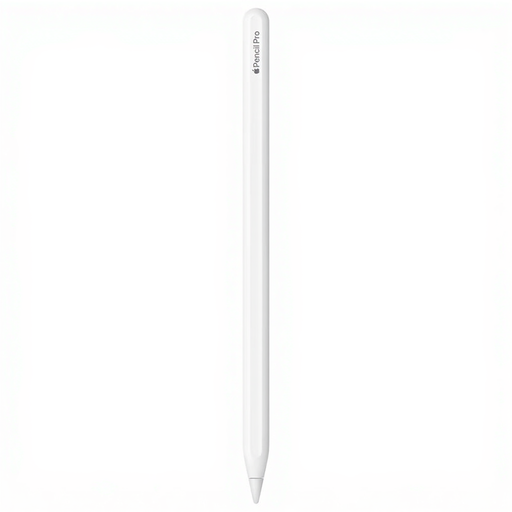
Apple Pencil Pro 2024
An option for pressure- and tilt-sensitive strokes, if your iPad is compatible with this version.
The product description lists pressure sensitivity, tilt sensitivity, and magnetic pairing and charging. Compatibility is limited to the iPad Pro, iPad Air and iPad mini models listed; check your tablet’s generation.
View at Joybuy
 No image available
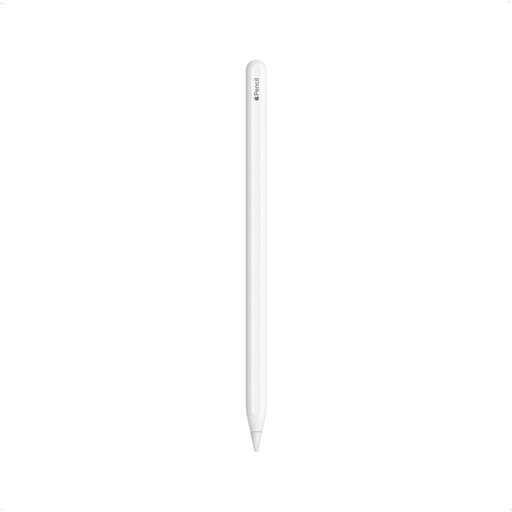
Apple Pencil 2nd Generation
An option for drawing and sketching if your iPad is one of the compatible models.
The product description lists magnetic attachment, pairing and charging, plus a double tap to switch tools. The iPad models listed are iPad Pro 12.9-inch (3rd, 4th, 5th and 6th generation), iPad Pro 11-inch, iPad Air (4th and 5th generation) and iPad mini (6th generation).
View at Joybuy
Frequently asked questions
How do I find out which Apple Pencil works with my iPad?
Find your iPad model by going to Settings, General and About, then compare it with Apple’s compatibility list for each Pencil model. Knowing only that you have an iPad Air or iPad Pro isn’t specific enough.
Does a Surface Slim Pen charge as soon as it attaches magnetically?
No. Magnetic attachment doesn’t automatically mean the pen will charge. Microsoft lists specific compatible devices and keyboards, as well as a separate Slim Pen charger. Check which charging option your Surface setup supports.
Can I replace a worn pen tip?
It depends on the pen. Logitech says Crayon (USB-C) has a replaceable tip, sold separately. Samsung describes how to replace the tip on the Galaxy Tab S11 Series S Pen; check which suitable tips are available for your version.
What rights do I have when buying online in the Netherlands?
When you buy from a trader at a distance, you’ll usually have a 14-day cooling-off period, although exceptions and the type of purchase matter. You’re also entitled to a product that is in good condition; if there’s a fault, you should generally contact the seller. The Dutch government explains these consumer rights.


