What should you look for when choosing?
First, check your exact tablet model and pen compatibility. Then compare the charging method and decide which features and accessories you really need.
| What to consider |
What to check before buying |
Who should pay particular attention? |
| Compatibility |
Compare your full tablet model name with the compatibility information for the exact pen model. |
If I want to keep using my current tablet, the pen needs to be the right fit for that model. Around 34% of consumers put compatibility with their own tablet first. |
| Charging the pen separately |
Check whether the pen needs charging and whether it charges via the tablet or a cable. |
I don’t want to have to charge my pen as well during lessons or meetings. Around 33% of consumers prioritise writing without having to charge their pen separately. |
| Note-taking features |
Decide whether writing and annotating are enough, or whether you need features such as a built-in eraser. |
I want the features that suit the way I write and make corrections in my notes. This is the top priority for around 20% of consumers. |
| Everything you need |
Check whether a pen is already included with the tablet and whether you need a cable or replacement nib. |
I don’t want to buy something that’s already included with my tablet or that I don’t need. Around 13% of consumers prioritise the overall cost of the items they need to buy. |
Joybuy products for note-taking
This selection includes separate pens for certain tablets and a note-taking tablet with a stylus. Before buying, check the compatibility and charging method for the specific model.
 No image available
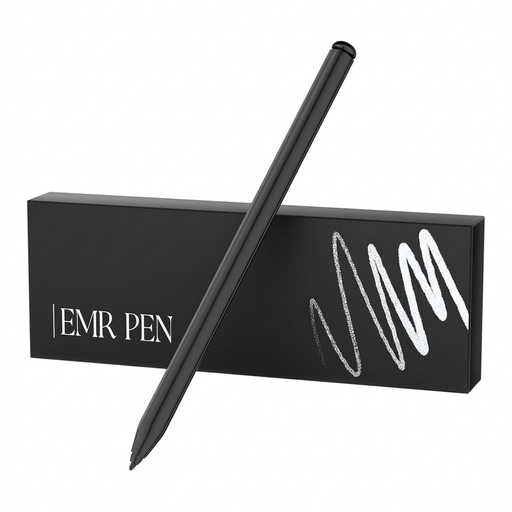
Zspeed SP-18 EMR stylus pen, black
An option if you want to take notes without charging the pen separately. Check that your exact device is among the compatible models listed.
4096 pressure levels. Listed compatible models include reMarkable 2, reMarkable 1 and Kindle Scribe.
View at Joybuy
 No image available
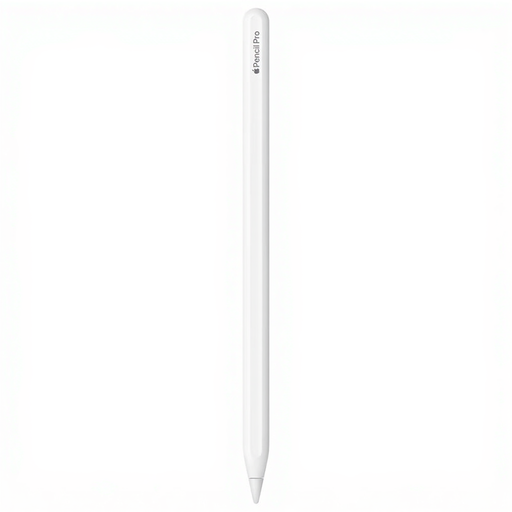
Apple Pencil Pro (2024)
Suitable for handwritten notes on a compatible iPad if you want to attach the pen to the tablet to pair and charge it.
Apple lists support for specific iPad models running iPadOS 17.5 or later. Check the compatibility list for your iPad.
View at Joybuy
 No image available
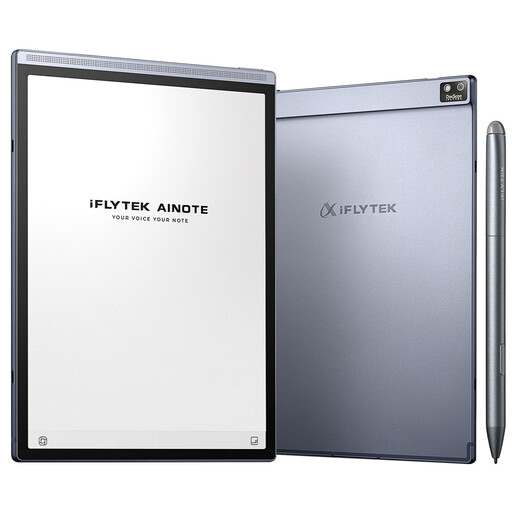
iFLYTEK AINOTE Air 2 with stylus and protective case
An option if you’re looking for more than a separate pen and want a note-taking tablet with a stylus too.
8.2-inch E Ink screen. Handwriting-to-text is listed in the product name.
View at Joybuy
 No image available
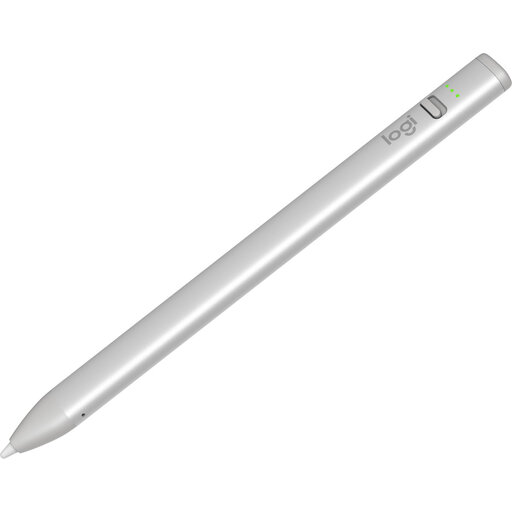
Logitech Crayon (USB-C), silver
For writing and note-taking on a compatible iPad if charging via USB-C suits your routine.
The pen charges via USB-C. Check that this specific model is compatible with your iPad.
View at Joybuy
 No image available
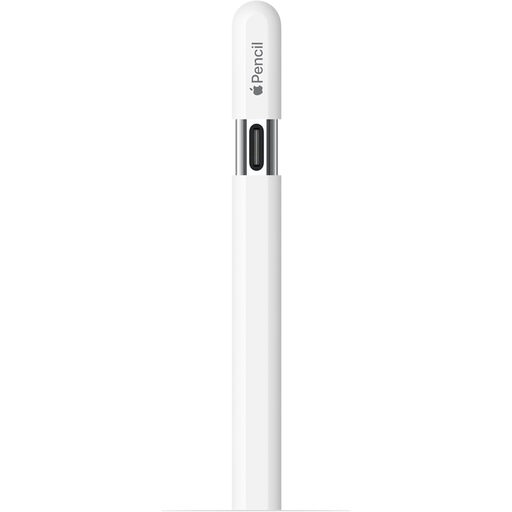
Apple Pencil (USB-C), white
An option for taking notes on a compatible iPad if you can charge the pen via USB-C.
Apple Pencil (USB-C) pairs and charges via a cable; magnetic attachment is for storage. Check that your iPad is compatible.
View at Joybuy
Frequently asked questions
Does a magnetically attached pen charge automatically?
Not always: Apple Pencil Pro charges magnetically when attached to a compatible iPad, but Apple Pencil (USB-C) pairs and charges via a cable. Check the charging method for the exact pen model.
What should I check if the pen won’t write?
First, check that the pen is compatible with your tablet model. For a reMarkable Marker, reMarkable also says to check that the nib is fitted correctly. For the initial pairing of Apple Pencil (USB-C), Apple describes connecting it via USB-C.
Should I order a separate pen or charger straight away?
First, check what’s included with your tablet model. For example, Samsung says the Galaxy Tab S10 FE comes with an S Pen. Having a pen included doesn’t necessarily mean that a mains adapter is included too.
What are my rights when buying online in the Netherlands?
For distance purchases, you usually have a 14-day cooling-off period; terms and exceptions may apply. The product must also match the agreement. According to the Dutch government, if there’s a problem, the seller must provide a solution.


