
Student with their own tablet
Wants to annotate lecture slides without choosing a pen that won’t work with their exact tablet model. Apple, Samsung and Microsoft specify compatibility by pen or device model.


Start by checking your exact tablet model and whether the pen version and any software requirements are compatible. Then check whether your note-taking app can open, save and share your lecture slides. If you already have a compatible tablet, compare individual pens designed for that ecosystem. If you don’t, compare the tablet, pen and any necessary accessories as a set. Apple, Samsung, Lenovo and Microsoft specify compatibility or what’s included for each model, so a brand name or magnetic attachment alone doesn’t prove that a pen will work with your setup.
Wants to annotate lecture slides without choosing a pen that won’t work with their exact tablet model. Apple, Samsung and Microsoft specify compatibility by pen or device model.
Wants to save handwritten notes and find or share them later. Samsung describes PDF annotation in Samsung Notes; Apple explains how to annotate using Markup, and Microsoft covers printouts of files in OneNote.
Is comparing a tablet with a pen against buying accessories separately, and wants to know exactly what’s included in the chosen version. Lenovo lists the Tab Pen as optional in its general Tab M11 information.
First check that the tablet and pen work together, then try a sample file to see whether the annotation app suits the way you use lecture slides.
| What to consider | What to look for | Who it matters most to |
|---|---|---|
| Compatibility | Make a note of the full tablet and pen model names, then check any software requirements with the manufacturer. | If I want to keep using my own tablet, the pen needs to be an exact match. Around 36% of consumers prioritise compatibility with their existing tablet. |
| Annotating and finding slides | Try a file from your course to see whether you can open, mark up, save and share it. | I want to be able to open or share my notes again after the lecture. Around 29% of consumers prioritise their workflow for slides and notes. |
| What’s included and accessories | Check whether the pen is included with the exact version and which charging or storage accessories you’ll need. | If you need a tablet and pen together, you’ll want to know in advance which parts are included in the version you choose. Around 21% of consumers focus mainly on getting a complete set. |
| Charging and storage | Check separately how to switch the pen on, charge it and store it. | During a study session, I want to be able to pick up and use the pen easily, without making assumptions about charging. Around 14% of consumers focus mainly on this ease of use. |
Support can vary by tablet model, pen version and software version. A pen that doesn’t work with your device won’t help you annotate your slides.
Before choosing, compare the full model names and any software requirements with the manufacturer’s compatibility information.
Attaching, pairing and charging aren’t automatically the same thing. Apple says the Apple Pencil (USB-C) pairs and charges via USB-C.
Check the instructions for pairing, charging and storing the specific pen and tablet.
Lenovo lists the Tab Pen as optional in its general Tab M11 information, although a specific bundle may include a pen.
Check what’s included with the exact tablet version or bundle; don’t rely on pen support alone.
A good option if you already have an iPad and are looking for an Apple Pencil version that works with your model.
Worth considering if you have a Galaxy Tab that supports your chosen S Pen, for example for working with PDFs in Samsung Notes.
Worth considering if you also need a tablet and are looking at a Tab M11 with a Tab Pen.
Worth considering if you already use a Surface and want to take handwritten notes on it.
An alternative to consider if you’re looking for a pen for a compatible iPad.
This selection includes individual pens for compatible iPad and Surface systems, as well as tablets whose product information mentions a pen. Before buying, check compatibility and what’s included with the exact version.
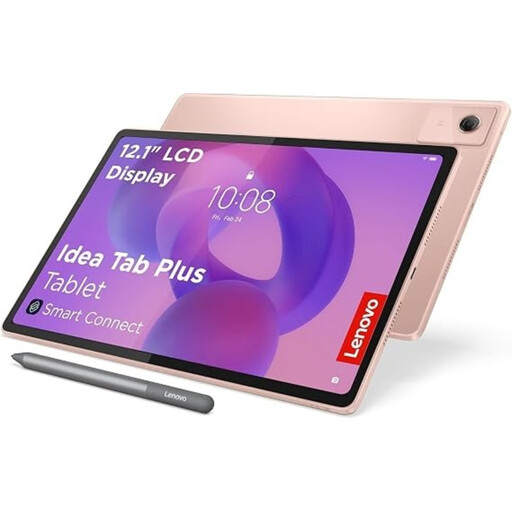 No image available
An option if you also need a tablet: the product description says a Lenovo Pen is included for taking notes and annotating documents.
The title lists a 12.1-inch 2.5K screen and 8 GB RAM; the product description lists 256 GB storage.
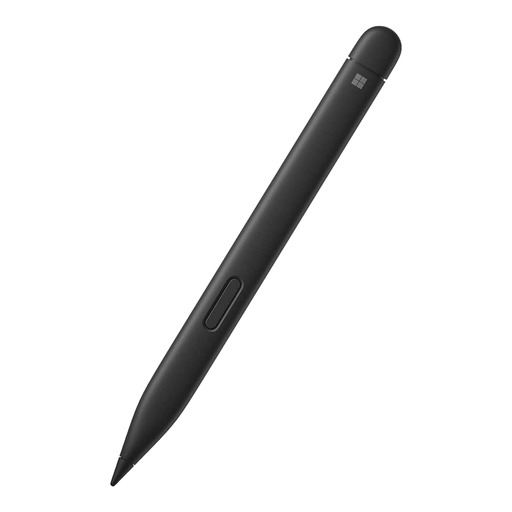 No image available
A pen to consider if you want to take notes on a Surface that supports the chosen pen features; check compatibility with your exact model.
The product description lists 4,096 pressure levels and haptic feedback. Microsoft specifies pen features by Surface model.
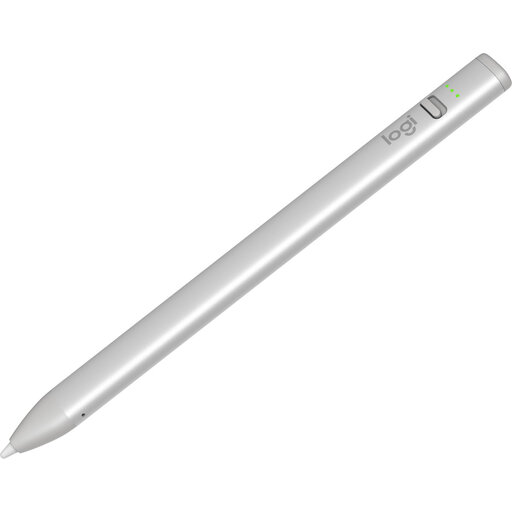 No image available
An option for writing and annotating if this version of the Crayon is compatible with your iPad.
The product description says it works with iPads from 2018 onwards running iOS 12.2 or later, and lists tilt support for line thickness, USB-C charging and use without Bluetooth pairing.
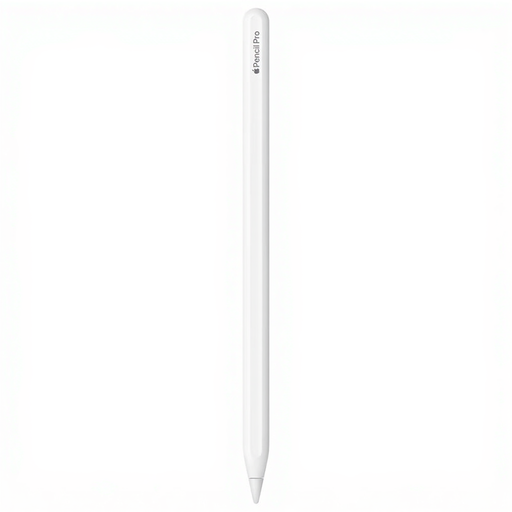 No image available
An option for taking notes on a compatible iPad model; check that your exact iPad supports this Pencil version.
The product description lists pressure and tilt sensitivity, gestures and haptic feedback.
 No image available
An option if you’re looking for a tablet with a stylus; the product description lists taking notes as one possible use.
The title lists a 12.7-inch tablet with a 2K screen and stylus.
Find your exact tablet model and check that the pen version is compatible with it. Apple lists compatible iPads for each Pencil version, and Microsoft specifies Surface support by model. For an S Pen, don’t rely on the name alone.
That depends on the app and how you handle the file. Samsung explains how to import, annotate, save and share PDFs in Samsung Notes; Apple describes PDF annotation using Markup. Try the steps with the file type and sharing method used by your course.
Not necessarily. Apple says the Pencil (USB-C) pairs and charges via USB-C, as well as attaching magnetically; Microsoft describes charging options by Surface model and accessory.
ACM ConsuWijzer says that online purchases generally come with a statutory cooling-off period of up to 14 days after delivery, subject to exceptions. Products are also covered by the statutory guarantee if they fail to meet what you can reasonably expect under normal use; in the Netherlands, there is no set, general guarantee period of exactly two years.