Start by choosing a pen that the manufacturer confirms is compatible with your exact tablet model. Compatibility lists vary between Apple Pencil models, as Apple Support in the Netherlands points out. Then think about the kind of drawing you want to do: for a garden plan to scale, the measurement, import and scaling features in your drawing app matter too. If you’d rather use your existing computer, a graphics tablet could be an alternative.
Who is this guide for?
Sketching on a tablet you already own
You want to check that a pen works with your exact tablet model before drawing the main outlines of your garden at home. Apple Support in the Netherlands, Samsung Netherlands and Lenovo Netherlands publish compatibility information for specific models.
Planning a garden to scale
You want to include measurements or an existing plan in your sketch. Concepts describes features for importing a plan and drawing to scale; check whether the version you use includes these features.
Drawing at your home computer
You want to use your existing computer and screen rather than draw directly on a mobile tablet. Wacom describes One by Wacom as a graphics tablet for use with a computer.
What should you look for in a tablet pen?
First, check that the pen and device are compatible. Then see whether your app has the scaling and drawing features you need for your garden plan.
| What to consider |
What should you check? |
Who is this important for? |
| Compatibility |
Compare the full tablet model and system version with the manufacturer’s pen specifications. |
I want to draw on my current tablet and avoid choosing a pen that won’t work with my model. Around 31% of consumers prioritise compatibility with their existing device above all else. |
| Scale and measurements |
Check whether your app supports scale, units of measurement and importing an existing plan. |
I want to include measurements in my garden plan and, if needed, use an existing plan as a guide. Around 25% of consumers put drawing plans to scale first. |
| Line control |
Compare features such as tilt detection, pressure levels or pen controls with the tools in your drawing app. |
If I want to sketch zones, paths and details, I check which pen features my app actually uses. Around 19% of consumers prioritise control over lines and sketch details. |
| Do you need a separate pen? |
Check what’s included with your tablet and whether you need a replacement nib or pen. |
I don’t want to buy a separate pen if my tablet already comes with a compatible one, but I do want to be able to choose a suitable replacement if needed. Around 13% of consumers prioritise whether an extra purchase is necessary. |
| Using a computer |
Decide whether you want to draw directly on a tablet screen or use an input tablet while looking at a computer screen. |
I want to keep using my existing computer and see my garden sketch on the monitor. Around 12% of consumers make their choice mainly based on using a computer. |
Common buying mistakes
-
Choosing a pen by brand rather than tablet model
Pen families and generations aren’t automatically interchangeable. The wrong combination may mean the pen won’t work for the sketching you have in mind.
Before ordering, compare the exact tablet and pen versions with the manufacturer’s compatibility information.
Choosing the wrong pen could mean having to place another order for a compatible replacement.
-
Assuming a precise pen will automatically create a garden plan to scale
Scale, measurements and importing a base image depend on your planning workflow and app, not just the pen.
Check your app’s features in advance and verify the scale against a reliable, known measurement.
Setting the scale and checking measurements take extra preparation.
-
Buying a separate pen without checking what’s included
Samsung says the specified Galaxy Tab S10 FE versions come with an S Pen. You may not need an extra one unless you want a replacement or a spare.
Check what’s included with your tablet version before ordering a separate pen.
Which brands are worth considering?
Apple
Apple Pencil models are designed for specific iPad models, so check compatibility for each pen.
- Apple documents USB-C charging for Apple Pencil (USB-C), and magnetic pairing and charging for Pencil Pro.
- Compatibility lists vary. Apple Support in the Netherlands also specifies a required iPadOS version for Pencil Pro.
Samsung
The S Pen EJ-PX510BJEGEU is a model-specific option for the Galaxy Tab models listed by Samsung.
- Samsung lists the accessory code for models including the Tab S9 FE.
- Samsung also says that the Galaxy Tab S10 FE versions come with an S Pen. Check your tablet model and what’s included in the box first.
Logitech
Crayon (USB-C) is a pen option for compatible iPads, suitable for tasks such as sketching and annotating.
- Logitech lists tilt detection and palm rejection; according to the manufacturer, the pen works without a separate Bluetooth pairing step.
- The replacement nib is sold separately. Check that the pen’s features suit your drawing app.
Lenovo
Tab Pen Plus ZG38C05190 is designed for Lenovo tablets that Lenovo lists as compatible with this accessory.
- Lenovo lists tilt detection and 4096 pressure levels.
- Check compatibility with your exact tablet system; the brand name alone isn’t enough.
Wacom
One by Wacom is a graphics tablet and pen for sketching on a computer, not a separate pen for a mobile tablet screen.
- Wacom describes using the pen with a computer.
- You draw on the graphics tablet and view the result on your computer screen.
Product options on Joybuy
These options are for garden sketches on an existing computer or a compatible iPad. Check the exact device and the features of your drawing app for each pen.
 No image available
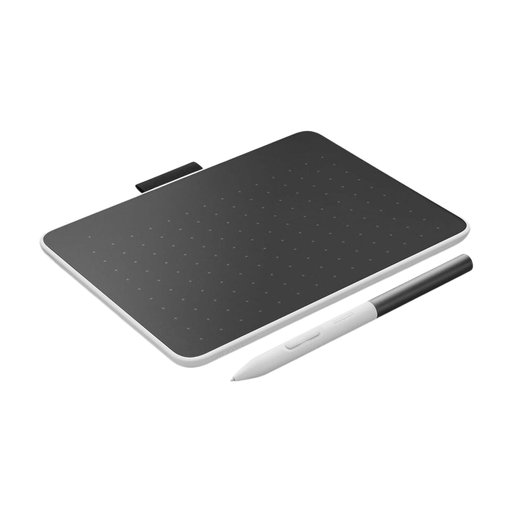
Wacom One graphics tablet, small, size S
An option if you want to create your garden sketch on a computer you already own. Check whether your design software has the scaling and measurement features you need.
Joybuy
 No image available
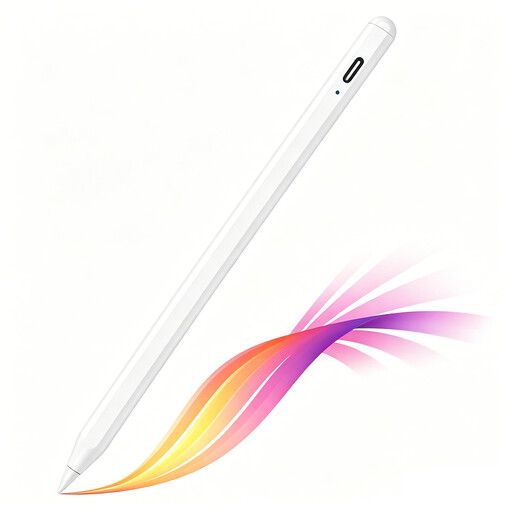
iPad stylus with USB-C, tilt detection and palm rejection
The product name lists USB-C charging, tilt detection, palm rejection and magnetic attachment. According to the product listing, the pen is designed for selected iPad models; check whether yours is included.
Joybuy
 No image available
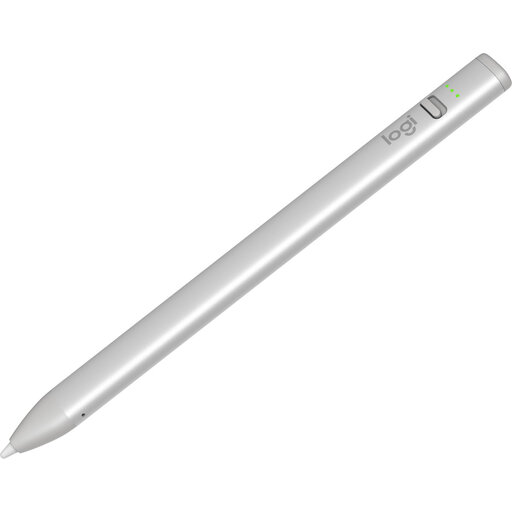
Logitech Crayon stylus pen, USB-C
An option for sketching on a compatible iPad. The product description lists iPad models from 2018 onwards and iOS 12.2 or later; check compatibility with your device.
Logitech lists tilt for variable line thickness and palm rejection. The manufacturer also says the nib is replaceable and sold separately.
Joybuy
 No image available
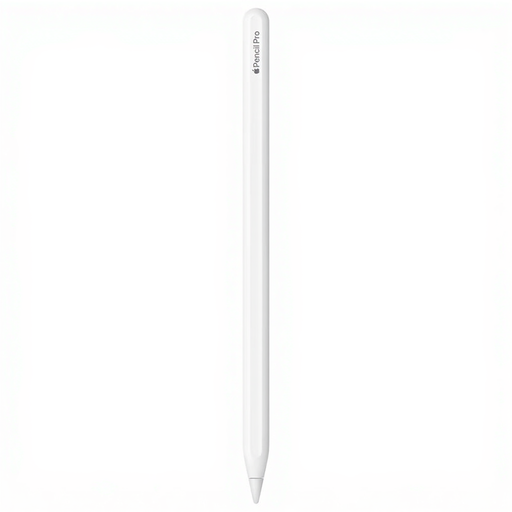
Apple Pencil Pro 2024
For detailed sketching on a compatible iPad; check that your exact iPad model is supported.
The product description lists pressure and tilt sensitivity, squeeze controls and pen rotation. Apple documents magnetic pairing and charging for Pencil Pro.
Joybuy
 No image available
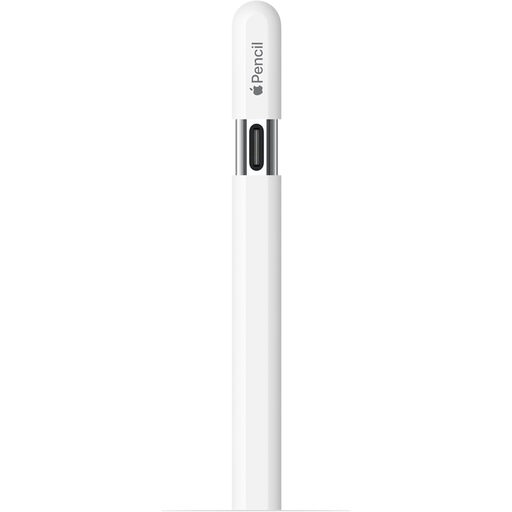
Apple Pencil (USB-C), white
An option for sketching and annotating on a compatible iPad; check compatibility with your exact model.
Apple documents tilt sensitivity and USB-C charging. The magnetic attachment is for storing the pen, not charging it.
Joybuy
Frequently asked questions
Can I create a garden plan to scale with just a better pen?
No, a pen alone won’t automatically make your garden plan accurate to scale. You also need a suitable app and a reliable measurement to set the scale of your base image. Concepts describes features for scaling, measuring and importing; check which features are available in the version on your device.
How do I get started with an existing plan or garden image?
Use an app that can import the image or PDF, set the scale using a known measurement, then draw your ideas on top. The Concepts guide describes this process; a pen won’t measure your garden for you.
Do I need to buy a separate S Pen straight away for a Galaxy Tab S10 FE?
Not before checking what’s included in the box. Samsung says the specified Galaxy Tab S10 FE versions come with an S Pen; a separate pen is mainly worth considering as a compatible replacement.
What can I do if my pen nib wears out?
Check whether a replacement nib is available for your exact pen model. Logitech lists a replaceable nib for Crayon (USB-C), sold separately; don’t assume nibs are interchangeable between different models.
What are my rights when buying online in the Netherlands?
When you buy online, the seller must tell you about your right to cancel, among other things. According to the Dutch government, this period is usually 14 days. You’re also entitled to a product that meets the terms of the agreement. Check the information and terms that apply to your order.


