
Fashion sketcher with their own tablet
You draw clothing outlines and details, and want to check first that the pen works with your exact tablet model. Apple, Samsung and Lenovo specify compatibility for particular models.


First, choose a pen that the manufacturer says works with your exact tablet model. Then check whether its features suit your drawing style and app. Apple, Samsung and Lenovo specify compatibility for particular models. Apple Pencil Pro and Apple Pencil (USB-C) also differ in how they charge.
You draw clothing outlines and details, and want to check first that the pen works with your exact tablet model. Apple, Samsung and Lenovo specify compatibility for particular models.
You switch between outlines, line weights and shading, and want to check which input features are supported by both the pen and your drawing app. Apple and Adonit describe features that vary by pen.
You regularly clear your workspace and come back to it later. In that case, how the pen starts up and charges, where you keep it, and whether its nibs can be replaced may all matter.
Manufacturers such as Apple, Samsung, Logitech, Adonit and Lenovo list different compatibility requirements and pen features. Check these for your tablet and drawing app before deciding that a particular feature is essential.
| What to consider | What should you check? | Who might find this important? |
|---|---|---|
| Compatibility | Check the exact tablet model, generation and any system requirements in the manufacturer's compatibility information. | I want to know whether the pen works with my tablet before comparing features. Around 33% of consumers put compatibility first. |
| Control over lines and shading | Check pressure sensitivity, tilt, any shortcut buttons and support in your drawing app. Feature descriptions are not an independent test of drawing performance. | For my clothing outlines and shading, I want to know which inputs are recognised by both the pen and my drawing app. Around 27% of consumers prioritise control over lines and shading. |
| Getting started and putting it away | Find out how the pen attaches to, connects to and charges with your tablet. These are separate features. | At a shared desk, I want to get started quickly and put the pen away when I'm finished. Around 20% of consumers prioritise getting started and putting their pen away. |
| Nibs and after-sales support | Check whether the nibs are replaceable, what's included and who to contact if the product is faulty. | I want to know in advance how to replace a nib and who to contact if there's a fault. Around 20% of consumers prioritise after-sales support and what happens after purchase. |
A pen that writes on a touchscreen isn't automatically compatible with your tablet or drawing app.
First, note down the full tablet model name, then check the compatibility information for the exact version of the pen.
Apple says Pencil Pro charges magnetically, while Pencil (USB-C) charges using a USB-C cable.
Check attachment, connection and charging separately. Don't assume a pen charges wirelessly just because it attaches magnetically.
Pressure, tilt and button controls are different features, and how they work may also depend on the drawing app.
Check the information for your pen and app to see which input features are available for the brush strokes you want to use.
ACM ConsuWijzer explains that your statutory rights can apply alongside a manufacturer's or retailer's warranty. Whether a product meets the expectations you were entitled to have of it is taken into account when assessing a fault.
Keep your proof of purchase and report any possible fault to the retailer.
Apple Pencil Pro and Apple Pencil (USB-C) are designed for different iPad models and needs specified by Apple.
The Galaxy Tab S11 Series S Pen covered here is a model-specific option for the Galaxy Tab S11 and S11 Ultra.
Logitech says Crayon (USB-C) is designed for writing and sketching on iPad.
According to Adonit, Note+ is an active pen for certain iPad models.
Precision Pen 3 is an option to check for a Lenovo tablet.
This selection includes pens for compatible iPads and specific tablet or device combinations. Before buying, check that the exact pen is compatible with your tablet.
 No image available
An option to consider if you sketch on a compatible iPad and want to get started easily.
Logitech lists compatibility with iPads from 2018 onwards. Check that the features of this version suit your drawing app.
 No image available
Worth considering if you want features for control and line variation on a compatible iPad.
Apple lists squeeze, barrel roll, and magnetic pairing and charging for Pencil Pro. Check compatibility with your iPad and the system requirements. Apple specifies iPadOS 17.5 or later.
 No image available
An option for sketching on a compatible iPad if tilt is important for your work.
Apple lists tilt, plus charging and pairing via a USB-C cable. With this pen, magnetic attachment doesn't mean it charges magnetically.
 No image available
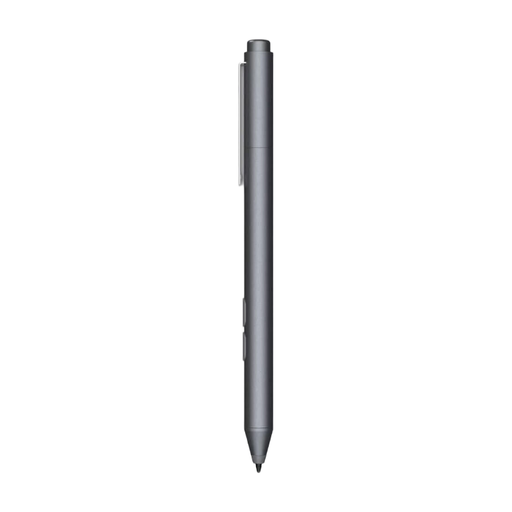
Consider this pen only if your device supports the stated MPP compatibility.
The product name specifies one replaceable nib. The product information lists HP laptops and selected Microsoft devices. Check whether your exact tablet is supported.
 No image available
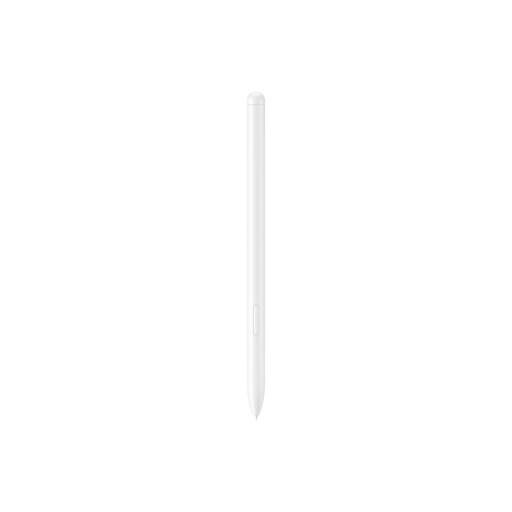
A model-specific option if you're looking for a compatible pen for a Galaxy Tab S9 FE or S9 FE+.
The product information lists these tablet models as compatible. Before buying, check that your tablet is an exact match.
No. Apple lists different model and system requirements for Pencil Pro and Pencil (USB-C). Check these against your iPad before choosing.
Not always. Apple says Pencil Pro charges magnetically, but Pencil (USB-C) charges via a USB-C cable.
Check this for the exact USB-C version and your drawing app before relying on it. Don't assume it offers pressure-sensitive input just from the product name.
Check the instructions for your exact pen. Adonit describes replaceable nibs for Note+; Samsung describes how to replace the nib on the Galaxy Tab S11 Series S Pen covered here.
Report any possible fault to the retailer. According to ACM ConsuWijzer, statutory rights may entitle you to a free remedy if a product is faulty. What you could reasonably expect from the product is taken into account when assessing the issue.