Start by checking your tablet’s exact model: Apple Pencil, S Pen, Lenovo Precision Pen and Windows pens each have their own compatibility requirements. Then choose the features you need for your diagrams, such as palm rejection or pressure sensitivity. Finally, check whether a pen is already included with your tablet and whether a compatible replacement nib is available.
Who is a tablet pen for?
Student with an existing tablet
You want to add or replace a pen without buying an incompatible model. The exact tablet model determines which options will work; Apple Support, Samsung, Lenovo and Wacom publish model- or protocol-specific requirements.
Student who draws diagrams
You draw, label and annotate diagrams, and want to choose features to suit the task, such as palm rejection or a way to vary line thickness. Logitech and Lenovo describe these as individual pen features for specific devices.
Student who uses a pen for long periods
You want to avoid buying a pen that’s already included with your tablet, and need to consider charging and nib replacement. Logitech warns that a Crayon nib can wear down or become damaged.
What should you look for when choosing?
First check that the pen works with your tablet, then compare its drawing features, how it works and what replacement parts are available.
| What to consider |
What should you check? |
Who is this important to? |
| Compatibility with your tablet |
Compare the full tablet and pen model numbers with the compatibility list. Also check any software or protocol requirements. |
If you’re looking for a pen for your existing tablet, you’ll want to avoid choosing a model that won’t work. Around 33% of consumers say compatibility is their main concern when buying. |
| Line control and hand position |
Check pressure sensitivity, tilt sensitivity and palm rejection separately for your chosen pen and tablet. |
If you draw diagrams with labels and small shapes, precise line control and being able to rest your hand on the screen may matter. Around 27% of consumers prioritise this level of drawing control. |
| Annotating and keeping your pen ready to use |
Find out how the pen pairs and charges, and which apps or features are listed for your model. |
If you want to make notes quickly while studying and put your pen away or charge it between sessions, a convenient setup is a priority. Around 20% of consumers give this their highest priority. |
| Running costs and replacements |
Check what’s included in the box and whether a replacement nib is available for the exact pen version. |
If you don’t want to buy a second pen when one is already included, or need to allow for a worn nib, the box contents and availability of replacements are key. Around 20% of consumers put these running costs first. |
Common buying mistakes
-
Choosing a pen by brand without checking your tablet model
Compatibility can depend on the exact tablet and pen models, and sometimes on the software or pen protocol too.
Make a note of the full model numbers and check them against the manufacturer’s compatibility information before you buy.
-
Confusing tilt sensitivity with pressure sensitivity
A pen may vary line thickness when tilted without offering pressure sensitivity. These are different features.
If you need both for your diagrams, check each feature separately for the exact pen version.
-
Ordering a separate pen without checking what’s included
A tablet bundle may already include a pen, making a separate purchase unnecessary.
Check the tablet listing to see which accessories are actually included.
-
Continuing to use a damaged pen nib
Logitech warns that a damaged or worn Crayon nib can damage the iPad screen.
Check the nib regularly and look for a replacement that’s compatible with your pen version.
Brands to compare
Apple
Apple Pencil versions are designed for specific iPad models. Check the model and software requirements.
- Apple lists writing, sketching, annotating and tilt sensitivity among the features of Apple Pencil (USB-C).
- Compatibility varies by version. Pairing and charging via USB-C doesn’t mean the pen charges wirelessly.
Logitech
Crayon USB-C is designed for certain iPads and for writing, drawing and annotating.
- Logitech lists use without Bluetooth pairing, tilt sensitivity and palm rejection.
- A Logitech publication from 2018 says the Crayon described at the time didn’t have pressure sensitivity. If this feature matters to you, check it for the version on offer.
Samsung
S Pen versions are model-specific and are worth considering for a compatible Galaxy Tab or as a replacement.
- Samsung says the S Pen for the Tab S9 FE series works with Samsung Notes and attaches magnetically.
- The manufacturer describes different versions for different Tab series. Don’t choose based on the brand name alone.
Lenovo
Precision Pen 3 is an option for Lenovo systems where compatibility has been confirmed.
- Lenovo lists tilt sensitivity, magnetic attachment and charging, and 4096 pressure levels for this pen.
- These features don’t mean the pen works with every Lenovo tablet; Lenovo recommends checking compatibility.
Wacom
Bamboo Ink Plus is designed for certain Windows devices that use Wacom AES or Microsoft Pen Protocol.
- Wacom lists these protocol requirements for compatible Windows devices.
- Wacom warns that integration with hardware and software can vary, and that Bamboo Ink Plus isn’t compatible with Apple products.
Tablet pen options at Joybuy
These options are designed for drawing, sketching and note-taking on iPads or other compatible touchscreen devices. Check whether your tablet model is supported for each pen.
 No image available
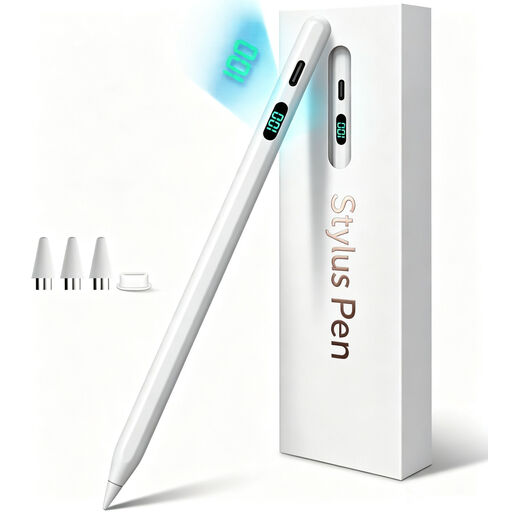
iPad stylus with USB-C charging
An option to consider if you want to draw or take notes on an iPad. Check that your model is covered by the stated compatibility.
The product information lists USB-C charging, tilt detection and palm rejection.
View at Joybuy
 No image available
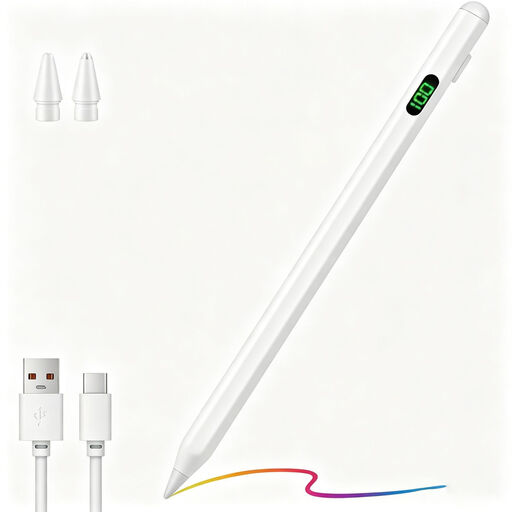
Universal touchscreen stylus for Android and iOS
The product information mentions drawing and note-taking on capacitive screens. Check that your specific device is suitable for the intended use.
The title mentions USB-C charging and a magnetic design.
View at Joybuy
 No image available
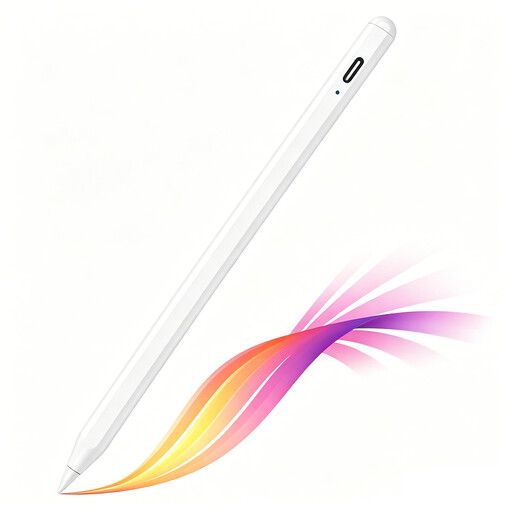
iPad stylus with USB-C charging port
An option for sketching and annotating if your iPad model is supported. Check compatibility before choosing.
The product information lists tilt detection, palm rejection and USB-C charging. According to the description, the magnetic attachment is for storage, not wireless charging.
View at Joybuy
 No image available
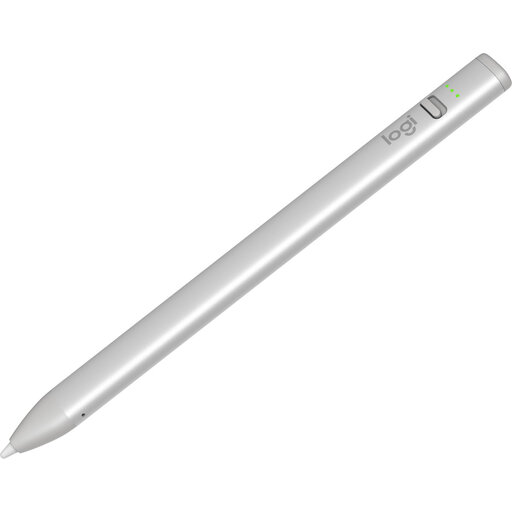
Logitech Crayon USB-C
An option for writing and drawing diagrams on a compatible iPad if you want to get started without Bluetooth pairing.
The product information lists iPads from 2018 onwards with iOS 12.2 or later, tilt for variable line thickness and palm rejection.
View at Joybuy
 No image available
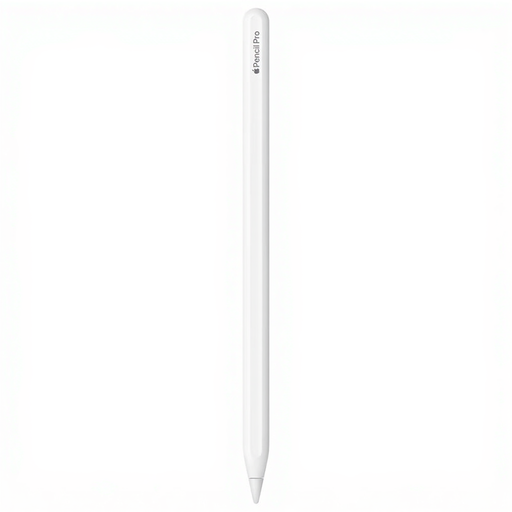
Apple Pencil Pro 2024
An option for drawing and sketching if your iPad model is on the compatibility list for this version.
The product information lists pressure and tilt sensitivity. The compatible models listed are iPad Pro 11-inch (M4), iPad Pro 13-inch (M4), iPad Air 11-inch (M2), iPad Air 13-inch (M2) and iPad mini (A17 Pro).
View at Joybuy
Frequently asked questions
Where should you start if you don’t know your tablet’s model?
First, find the full model number on your tablet or in its settings, then compare it with the pen manufacturer’s compatibility information. For Apple, both the iPad model and a minimum iPadOS version may matter; with Windows pens, the pen protocol can limit your options.
How do you pair and charge a tablet pen?
It varies by model. Apple says Pencil (USB-C) pairs and charges using a USB-C cable; Logitech says you can use Crayon USB-C without Bluetooth pairing. Follow the instructions for the version of the pen you buy.
What should you do if a pen nib is worn?
Check whether a replacement nib is available for your pen version. Logitech warns that a damaged or worn Crayon nib can damage the iPad screen.
What are your rights when buying a pen online in the Netherlands?
According to the Dutch government, online purchases from a business often come with a 14-day cooling-off period; whether this applies depends on the circumstances of the purchase. You also have statutory rights if a product is faulty. The Dutch government says there is no fixed statutory guarantee period in the Netherlands, and you should contact the retailer about a faulty product.


