
Tablet owner who sketches diagrams
Wants to add symbols, connections and notes to an existing tablet using a pen. Apple, Logitech, Samsung and Microsoft list compatibility for each pen and device, so check the exact model.


Choose a pen that’s compatible with your exact tablet model, and first decide whether you want to sketch or need an editable electronic schematic. Then compare features for writing, charging and storage. If you’re creating schematics in KiCad, you’ll also need to check that it fits your computer and software workflow.
Wants to add symbols, connections and notes to an existing tablet using a pen. Apple, Logitech, Samsung and Microsoft list compatibility for each pen and device, so check the exact model.
You may need more than a drawing: an electronic schematic that you can edit in software. KiCad documents a schematic editor and downloads for Windows, macOS and Linux. First, decide which computer and software workflow you’ll use.
Wants a pen that’s easy to pick up and put away. Attaching it to a tablet, charging it with a cable and any accessories you need all vary by pen and device.
First, check that the pen works with your tablet and whether you need a sketch or an editable schematic. Then compare how it handles and stores.
| What to consider | What should you check? | Which consumers should pay particular attention? |
|---|---|---|
| Compatibility | Check the exact tablet model, pen version and, where applicable, the software version required. | I want to keep using my existing tablet, so the pen needs to work with that precise model. Around 31% of consumers prioritise compatibility with their existing tablet. |
| Sketch or editable schematic | Decide which file or editing capability you need, and check which operating systems the schematic software supports. | If I want to edit a schematic later in EDA software, my workflow needs to support that—not just produce a neat sketch. Around 25% of consumers prioritise an editable schematic workflow. |
| Writing control | Check palm rejection and tilt control for the pen, tablet and app combination. Tilt control alone does not prove pressure sensitivity. | For small symbols and notes, I want to control my lines and rest my hand on the screen, if the combination supports it. Around 25% of consumers prioritise drawing control. |
| Charging and storage | Check how the pen charges, which accessories you need, and whether magnetic attachment is for storage only or also allows charging. | At a shared desk, I want to be able to pick up and put away the pen quickly without overlooking a charging accessory. Around 19% of consumers consider ease of use at a shared desk the most important factor. |
Compatibility can depend on the tablet model, pen version and software version. A pen that doesn’t work with your device won’t be suitable for your drawing tasks.
Make a note of the exact tablet model and compare it with the manufacturer’s compatibility information for the pen you’re considering.
Choosing the wrong pen could mean extra time spent on returns or replacements.
A sketch or annotation doesn’t automatically become a schematic that you can edit in EDA software.
Before choosing a pen, decide what you need the finished result and file to be, and check that your software works on the device you plan to use.
If you later need an editable schematic, you may have to recreate the circuit in schematic software.
A pen may attach to a tablet without charging that way. Apple says that Apple Pencil (USB-C) charges via a USB-C cable.
Check charging and attachment separately, including whether your device needs a charging accessory.
The Apple Pencil range is designed for iPads; compatibility and features vary by version.
Logitech Crayon (USB-C) is an iPad pen for sketching, writing and annotating.
S Pen versions are designed for supported Galaxy devices; they’re not all interchangeable universal pens.
Surface Slim Pen is designed for writing and drawing on supported Surface devices.
Note+ 2 is an iPad option for those who need specific pen features, though these depend on the app.
These products are designed for sketching and writing on compatible iPads, Galaxy Tabs and devices that support MPP. Always check that the pen works with your exact tablet model and the app you want to use.
 No image available
For sketching and writing on a compatible iPad; Logitech says it works without Bluetooth pairing.
USB-C; the product information lists compatibility with iPad models from 2018 onwards and iOS 12.2 or later. Check that it works with your iPad.
 No image available
For drawing and sketching on a compatible iPad; check the compatibility list for the Pro version before choosing.
The product information lists, among others, iPad Pro M4, iPad Air M2 and iPad mini A17 Pro. Check that your exact iPad model and version are on the list.
 No image available
For drawing and writing on a compatible iPad; Apple says it charges via a USB-C cable.
Magnetic attachment isn’t the same as magnetic charging. Check that your iPad works with this Pencil version.
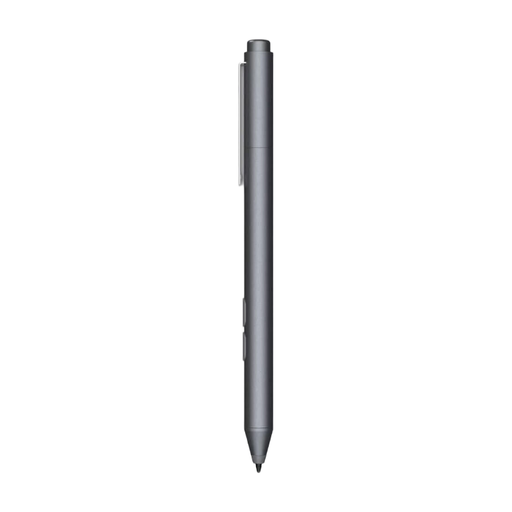 No image available
An option for writing or drawing on a device that supports the stated MPP compatibility; this isn’t a universal stylus.
The product name specifies one replaceable nib. Check that your exact device supports MPP.
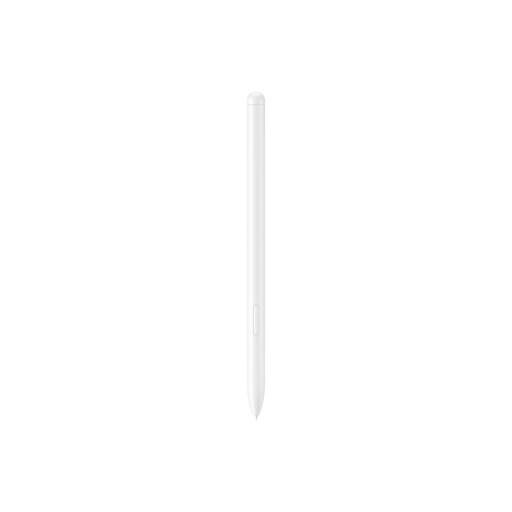 No image available
For drawing and writing on the Galaxy Tab S9 FE and S9 FE+, according to the product information. S Pen versions aren’t interchangeable without checking first.
The product information warns of possible magnetic interference with sensitive objects and medical implants.
No. A tablet pen alone won’t automatically make a sketch editable in EDA software. KiCad documents a schematic editor and downloads for Windows, macOS and Linux, but that doesn’t confirm that any given pen will work well with the editor. Check your software and device workflow.
Find your exact iPad model in Apple’s compatibility guide. For Apple Pencil (USB-C), also check that iPadOS 17.1.1 or later is installed; the Pro version has a different compatibility list.
That depends on your Surface model and the accessories you use. Microsoft lists charging options via compatible devices and accessories, and mentions a charger sold separately. Check what your combination supports.
For online consumer purchases, you generally have a statutory 14-day cancellation period from delivery, with some exceptions; ACM ConsuWijzer explains the conditions. If a product is faulty, the seller is responsible for the statutory guarantee. This is separate from any voluntary manufacturer’s warranty.