
Tablet owner looking for a compatible pen
You want to write notes by hand at home without choosing a pen that won’t work with your tablet. Apple, Samsung and Microsoft publish compatibility information for each device and model.


Start by checking your tablet’s exact model: an Apple Pencil, Samsung S Pen, Logitech Crayon or Surface Slim Pen won’t automatically work with every touchscreen. Then think about how you’ll use it, whether for everyday notes or annotating PDFs, and check how the pen connects, charges and is stored. The features mentioned are manufacturers’ specifications, not the result of comparative writing-performance tests.
You want to write notes by hand at home without choosing a pen that won’t work with your tablet. Apple, Samsung and Microsoft publish compatibility information for each device and model.
You take notes at work and also want to mark up documents or process your notes later. Check both pen support and the features of your note-taking app. For example, Samsung describes PDF annotation in Samsung Notes.
You want to be able to pick up, put away and charge your pen easily throughout the day. Apple, Samsung, Logitech and Microsoft describe different solutions depending on the pen and device.
First check that the pen works with your exact tablet model. Then consider how you write, manage your notes and charge the pen.
| What to consider | What should you check? | Who is this important for? |
|---|---|---|
| Compatibility | Compare your full tablet model, pen version and any software requirements with the manufacturer’s information. | If I want to keep using my current tablet, I need to know for sure that the pen is compatible with that exact model. Around 36% of consumers put compatibility first. |
| Writing and annotating | Check that your device supports the pen and that your app can open, annotate and save documents. | If I take notes at home or mark up PDFs, I want the pen and my app to support that workflow. Around 29% of consumers put writing and annotating first. |
| Managing your notes | Check which features your note-taking app offers on your device, such as saving, sharing or converting handwriting to text. | If I want to edit or find my notes later, I also consider the app and what it can do. Around 21% of consumers put managing their notes first. |
| Charging and storage | Check how the pen charges, whether you need any accessories and how it can be stored on or near the tablet. | If I use the pen every day, I want to know how to charge it and keep it within easy reach. Around 14% of consumers put everyday use and handling first. |
Manufacturers list compatibility for each pen version and device. Support and features can vary even within the same product range.
Look up your tablet’s full model name and compare it with the compatibility information for the exact pen you’re considering.
Apple says that Pencil (USB-C) charges via a cable, while Pencil Pro charges magnetically. A suitable charging option may be needed for Surface Slim Pen 2.
Check how the version you’re considering connects and charges, and whether you already have the necessary charging equipment.
Converting, saving or syncing notes also depends on your device, app and sometimes the software version.
Check that the note-taking app you actually use on your tablet offers the features you want.
Apple Pencil (USB-C) and Apple Pencil Pro are options for iPads that support the respective pen.
Samsung S Pen versions are designed for supported Galaxy devices; the exact model matters.
Logitech Crayon (USB-C) is an alternative for writing on supported iPads.
Surface Slim Pen 2 is designed for supported Surface devices and Windows workflows.
This selection includes pens for different devices, including general-purpose capacitive screens, compatible e-ink tablets and iPads. Before buying, check that the pen works with your exact tablet model.
 No image available
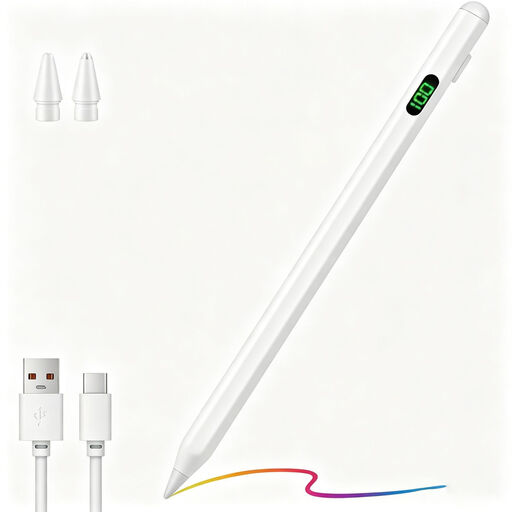
An option to consider if you’re looking for a stylus for a capacitive screen. First check that it works with your tablet.
The product name mentions fast charging, an LED indicator, magnetic attachment and compatibility with Android and iOS devices. Check that it’s suitable for your specific model.
 No image available
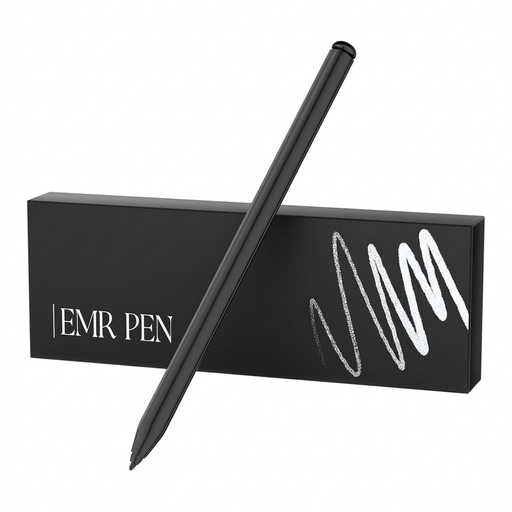
This pen is designed for anyone who takes handwritten notes on a compatible e-ink tablet.
The product name lists reMarkable 1 and 2 and Kindle Scribe as compatible models, and mentions 4096 pressure levels. Check that your exact device is supported.
 No image available
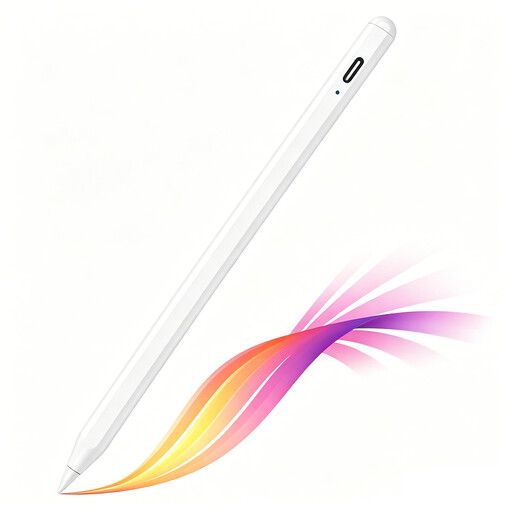
An option for anyone who wants to write notes by hand on a supported iPad model.
The product name mentions tilt detection, palm rejection, magnetic attachment and an LED battery indicator. Magnetic attachment doesn’t automatically mean magnetic charging, so check how it charges and whether it’s compatible.
 No image available
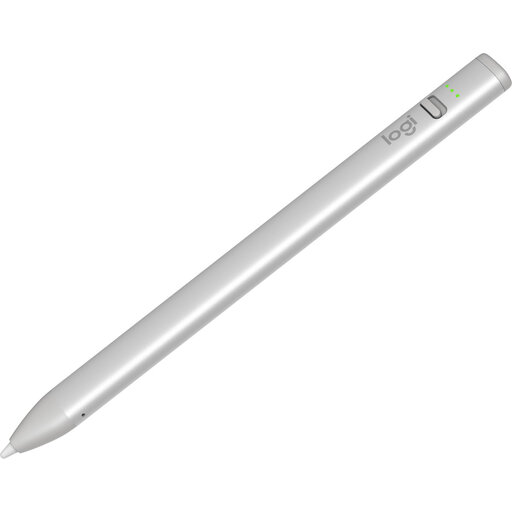
Worth considering if you want to take handwritten notes on a supported iPad.
The product name mentions USB-C and iPad compatibility. According to the product information, it works with iPads from 2018 onwards running iOS 12.2 or later. Check that this applies to your model.
 No image available
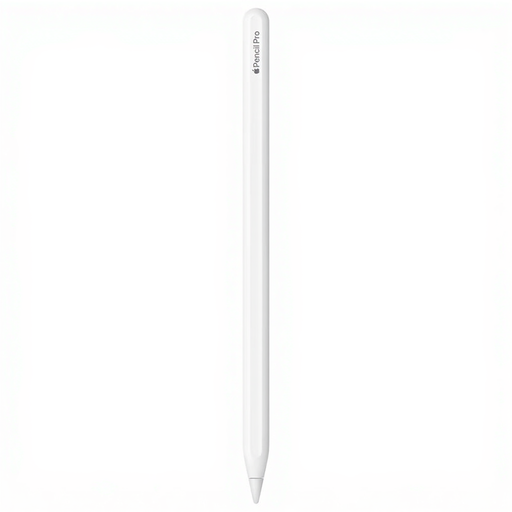
An option to consider if you use a compatible iPad and want extra pen controls as well as note-taking.
Apple describes Pencil Pro as connecting and charging magnetically. Check that your exact iPad model and software version are supported.
No. Compatibility varies by tablet model and pen version. Compare your exact model with the manufacturer’s information and, for Apple, check the required iPadOS version too. Having a touchscreen doesn’t in itself confirm support for a Surface pen.
It depends on the version. Apple says Apple Pencil (USB-C) connects and charges using a USB-C cable, while Logitech says you can start using Crayon straight away. Microsoft says Surface Slim Pen 2 needs to be charged before Bluetooth pairing for the shortcut button function. Check the instructions for your specific pen for charging and replacing the tip.
Check that your tablet has a suitable charging option and that the features you want are available in your note-taking app. Microsoft says a separate charger for Surface Slim Pen is available if needed. Also check which accessories are included with the offer you choose.
According to the Dutch government, distance purchases usually come with a 14-day cooling-off period, although there are exceptions. ACM ConsuWijzer also explains that you’re entitled to a legal guarantee if a product, under normal use, doesn’t do what you could reasonably expect it to. The legal guarantee isn’t simply a fixed two-year period in the Netherlands.