
Reader of old newspaper scans
You’re looking for local news in scanned newspapers and want to view pages, columns and images. The KB describes Delpher newspapers as scans with searchable PDFs.


If you mainly read scanned newspaper pages and want to zoom in less often, start by comparing larger screens. If you often hold your tablet or take it with you, consider the smaller size and weight too. Check that your chosen archive website or library app works, and that the specific title is available: a tablet doesn’t automatically give you access to every collection.
You’re looking for local news in scanned newspapers and want to view pages, columns and images. The KB describes Delpher newspapers as scans with searchable PDFs.
You often read holding your tablet and want to weigh up screen space against how easy it is to take with you.
As well as archive websites, you use e-books and want to check in advance that your title and device are supported. The online Library lists device availability for each e-book.
Start with the material you want to read: screen space and zooming matter for full newspaper scans, while ease of holding and carrying puts the focus on size and weight. Also check that you can access your digital sources.
| What to consider | What to look for | Who it matters most to |
|---|---|---|
| Newspaper scans | Compare the screen size and resolution of the exact model. Open a representative scan and assess the columns and images from your usual reading distance; the KB describes Delpher pages as scans with searchable PDFs. | If I want to view full newspaper pages, I consider how much I can read without constantly zooming and scrolling; around 36% of consumers make reading scans their top priority. |
| Carrying and holding | Check the weight of the model you’re considering and think about whether you usually read holding the tablet or with it resting on a table. | If you often take your tablet with you or hold it for long periods, size and weight are worth considering; around 29% of consumers prioritise portability. |
| Access to digital collections | Test the archive website in your browser and check device availability for each e-book. The online Library states that you need a subscription to borrow e-books. | If I want to use archive websites and borrowed e-books, I check access for each website and title; around 21% of consumers make access to digital collections their top priority. |
| Taking notes | Check compatibility with the specific pen or keyboard, and whether the accessory is included with the model you’re considering. | If you want to make notes about sources as you read, a suitable input method can be useful; around 14% of consumers put note-taking first. |
Screen specifications don’t tell you how easy a particular historical scan will be to read, or how much you’ll need to zoom in from your usual viewing distance.
Before you buy, open a representative Delpher scan on a screen of a similar size and assess the columns and images for yourself.
The online Library lists device availability for each title, and you need a subscription to borrow e-books.
Check the title you want, its device compatibility and your library membership before counting on access.
Apple lists support for specific Apple Pencil models with the iPad (A16); the stated box contents include an iPad and USB-C cable.
Check which pen is compatible with the exact model and whether it’s included in the box.
The Galaxy Tab A11 models reviewed are available in a compact size and a larger format.
The Tab One ZAF00255SE is a compact option for taking with you or reading while holding it.
The Redmi Pad 2 reviewed is an 11-inch option for anyone who values screen space for viewing scans.
The Wi-Fi model of the iPad (A16) reviewed has a larger screen and supports specific Pencil models.
These Joybuy tablet picks are suited to digital reading. Compare screen size, storage and any accessories with the material you want to view and how you plan to use your tablet.
 No image available
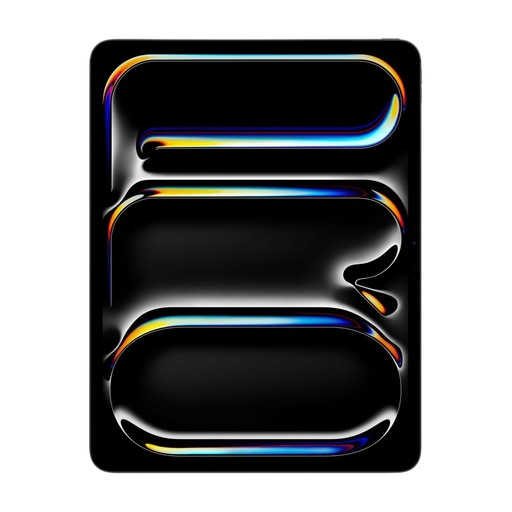
The 11-inch screen may suit anyone looking for space to view newspaper scans.
11 inch; 128 GB; Wi-Fi.
 No image available
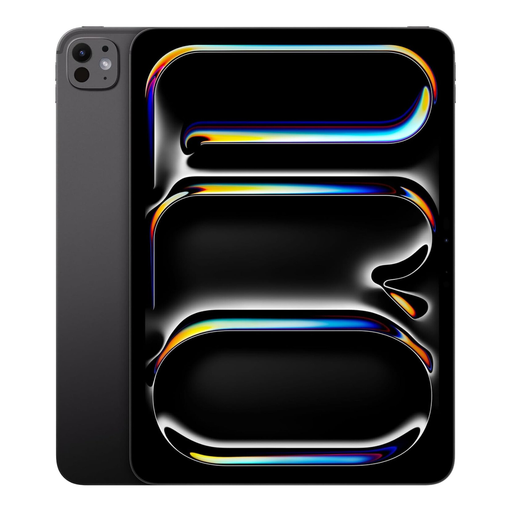
The 13-inch size may appeal if you want to compare options with plenty of screen space for scans.
13 inch; 256 GB; Wi-Fi and cellular.
 No image available
The 11-inch screen is a size to consider when weighing up screen space against portability.
11 inch; 2 TB; Wi-Fi and cellular.
 No image available
The product title lists a stylus and keyboard with the tablet, for anyone who wants to combine reading with note-taking.
11 inch; 2K FHD; bundle with keyboard and stylus.
 No image available
The 10.36-inch screen is a size worth comparing if you want to read digital sources.
10.36 inch HD; 256 GB; dual SIM and 4G.
Yes, you can use Delpher on a tablet through its website. The KB describes searchable PDFs of scans and notes that some files are freely accessible and available to download. Check the access and download options for the specific newspaper you want.
No. Check which devices each title is available for. The online Library states that you need a subscription to borrow e-books.
First, check your membership and whether the title you want is available for your device. The online Library says you need to accept any terms and conditions that you’re asked to agree to when you first sign in via the website.
No, you don’t need a fixed statutory warranty period to benefit from your legal protection. The Dutch government states that there is no fixed statutory warranty period in the Netherlands; the ACM distinguishes between statutory and additional commercial warranties. If you’re considering extra cover, check what it includes and the terms and conditions.
No. Being able to read or download material doesn’t automatically mean you can republish it. The KB points out that some newspapers may be protected by copyright, and that sensitive personal data may restrict reuse. Check the terms and rights applying to the specific material.