
Reviewer working beside a bright window
You regularly discuss design boards in a spot where reflections can make reading difficult. So you want to assess the screen at your own desk first.


Start by assessing the screen where you work: open one of your own design files and view it from your usual angle. Then choose based on what you need to review: colour and detail, documents with pen annotations, or mainly text. An anti-reflective finish or a high stated brightness doesn’t guarantee that a screen will be comfortable to read beside your window.
You regularly discuss design boards in a spot where reflections can make reading difficult. So you want to assess the screen at your own desk first.
You need to assess colours, fine details and comments in project documents. Screen size, file workflow and pen input all play a part in your choice.
You consider software support and repairability for a long-term project workflow, without assuming that an environmental label means a tablet is suitable for your design files.
First, identify what matters most to you: readability by the window, colour and files, annotation, longevity or portability. The percentages give a broad indication of how these priorities rank when choosing a tablet for design reviews.
| What to consider | What to look for | Who will value this most? |
|---|---|---|
| Readability beside the window | View one of your own files from your usual seat and angle; check which screen version you’re choosing. | If I mainly want to reduce reflections at my regular workspace, I want to view the screen there for myself. Consumers who put readability first are estimated to account for around 31% of these priorities. |
| Colour, detail and files | Open a representative project file and check that the app you need is available on the tablet’s operating system. | If I need to assess colours and fine details in my own files, I want to view them at a useful size. Consumers who put colour and file viewing first are estimated to account for around 25%. |
| Comments and revisions | Check whether the pen is included with the exact version and whether you can make revisions in the file format your team uses. | If I want to add comments directly to project documents, pen input is a key consideration for me. Consumers who put annotation first are estimated to represent around 19% of these priorities. |
| Support and longevity | Check the information on software updates, battery and repairability for the exact model; confirm whether an energy label applies to that type of device. | If I want to use the tablet in my project workflow for a long time, I want to consider support and repairability. Consumers who say longevity is their top priority are estimated to account for around 13%. |
| Portability | Try the tablet with the intended case or stand, in the position you’ll use when discussing documents. | If I want to hold or move the tablet during reviews, size matters more to me than simply having a large working area. Portability is estimated to be the top priority for around 12% of consumers. |
For the Yoga Tab Plus version reviewed, Lenovo lists 650 nits typical and 900 nits peak. These figures apply under different stated conditions; they aren’t measurements of readability beside your window.
Compare the screen version and coating at your own workspace, and view one of your own documents from your usual seat.
Apple lists nano-texture glass only as an option on 1 TB or 2 TB iPad Pro versions. Standard glass and nano-texture glass are different configurations.
Check the storage capacity and glass type for the exact version, and whether you’ll need an Apple Pencil.
According to BOOX, the Note Max has a black-and-white screen and no front light. This makes it less suitable if you need to assess colours or material palettes, or if ambient light is limited.
Choose this option only if you mainly review text and monochrome drawings; also check that it supports the file workflow you need.
The Samsung film reviewed is designed for the Galaxy Tab S11; that doesn’t confirm compatibility with the Galaxy Tab S12 Ultra. Choosing the wrong model could leave you with an extra accessory you can’t use.
Check the full tablet model in the compatibility information for the specific film.
Worth considering if you want to review design files and apps within an iPadOS workflow.
The Yoga Tab Plus reviewed is an Android option with a large colour screen and a bundle that includes a pen and keyboard.
The Galaxy Tab S12 Ultra reviewed is an Android option for anyone looking for a large design workspace and pen annotation.
The Note Max is an e-paper option for document-led reviews, mainly involving text and monochrome drawings.
The Surface Pro 13-inch, 12th Edition, is a Windows 2-in-1 option if you need a desktop workflow.
This selection includes colour-screen tablets for design files, including Android tablets and iPad Pro versions.
 No image available
An option for reviewing design boards and taking notes; the product name states that a Tab Pen Pro is included.
The product name lists a Snapdragon 8 Gen 3 processor, Wi-Fi 7 and Android 15.
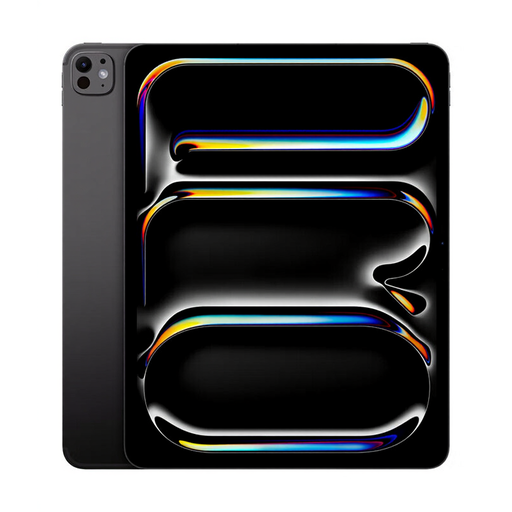 No image available
An iPadOS option for assessing colour and detail; check that the apps and pen workflow you need suit your projects.
The product name lists 1 TB of storage. Check the glass type and whether this version includes the Apple Pencil you need.
 No image available
An option to compare if you’re looking for a larger review area and pen input; check compatibility with your files and apps.
The product name lists 20GB RAM (8GB + 12GB Virtual), 4G LTE and Android 15.
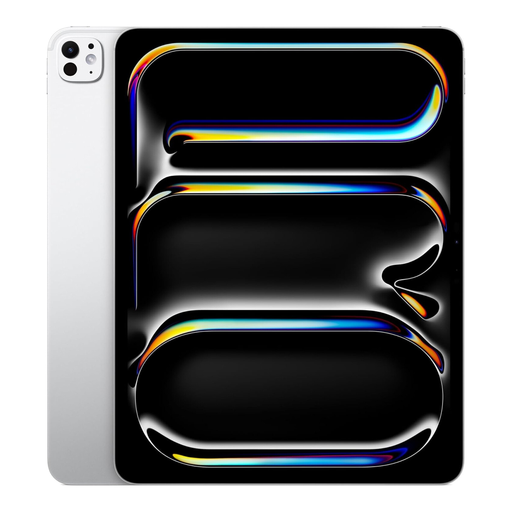 No image available
An option with a large screen for viewing design files; check that the apps and revision features you need work on iPadOS.
The product name lists Wi-Fi + Cellular and 1 TB of storage. Check which pen accessories are included with this version.
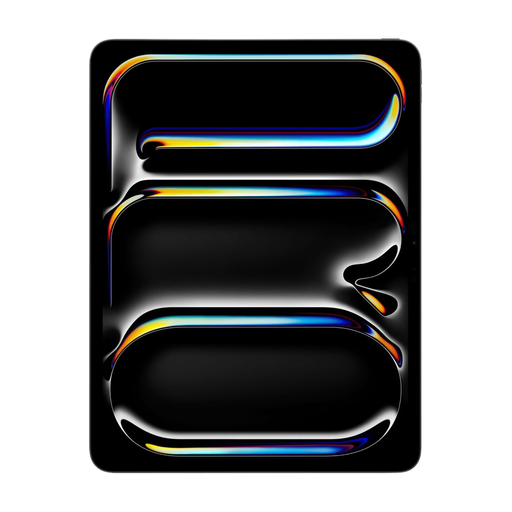 No image available
An option to consider if you’re looking for a large iPadOS screen for design files; check that it supports the apps and file workflow you need.
The product name lists a 13-inch screen and 512 GB of storage.
Open one of your own documents in your usual spot, at your usual distance and viewing angle. Compare the exact screen version: an anti-reflective coating or peak brightness rating won’t tell you fully how readable the screen will be in your window setup.
Before buying, check the app, file viewing and revision features on the operating system you’re considering. If you switch between iPadOS and Android, you may need to buy apps again. If you need a Windows app, also check the exact Surface configuration.
No, it depends on the version. For the Galaxy Tab S12 Ultra reviewed, Samsung lists an included S Pen, while Apple sells the Pencil as a separate choice and Microsoft lists the keyboard as a configuration option. Check what’s included with the exact version.
For distance purchases, a 14-day cooling-off period applies in many cases, but there are exceptions. The Netherlands Government website explains when it applies; check whether your product and situation are covered.
No. According to the Netherlands Government website, there is no fixed statutory warranty period in the Netherlands. What you can expect in terms of a product’s lifespan depends on factors including the product and the information provided at purchase. If a product is faulty, contact the seller.