What should you look for?
First decide whether you’ll only be viewing and discussing designs, or whether you also need to model in desktop CAD. Then choose a screen size and accessories to suit your desk and review app.
| What to consider |
What should you look for? |
Who is this important for? |
| Screen and desk space |
Compare the dimensions of the exact model and allow for any stand or keyboard. View a design drawing in the app you use. |
I want to review drawings without filling up my small desk. Around 36% of consumers prioritise a compact design. |
| Pen and annotations |
Check which pen works with the exact tablet variant, whether it’s included and whether your review app can save and share comments. |
If I want to add sketches or handwritten feedback, the pen needs to suit the way I work. Around 29% of consumers prioritise pen-based feedback. |
| CAD compatibility |
Make a note of your software, file formats and required tasks. Distinguish between viewing, adding comments and modelling; on Windows, check the processor architecture too. |
I want to be sure the device can handle the CAD tasks I need. Around 21% of consumers prioritise software compatibility. |
| Complete setup |
Check whether a pen is included with each configuration and whether you’ll also need a stand, keyboard or software. |
I’d rather compare complete setups than tablets on their own, so I know which items I need for the way I work. Around 14% of consumers prioritise the total cost of their setup. |
Tablets at Joybuy
These Joybuy products are suited to compact, mobile design reviews and discussions. There’s also a larger-screen tablet for those who want more room to work.
 No image available
Lenovo Yoga Tab ZAG60028PL
An Android tablet for mobile design reviews. Autodesk describes Fusion Mobile as suitable for viewing and adding comments, not modelling.
11.1-inch 3.2K touchscreen, 144 Hz, Snapdragon 8 Gen 3, 12 GB LPDDR5X, 256 GB UFS 4.0, Wi-Fi 7, Android 15 and Tab Pen Pro included.
View at Joybuy
 No image available
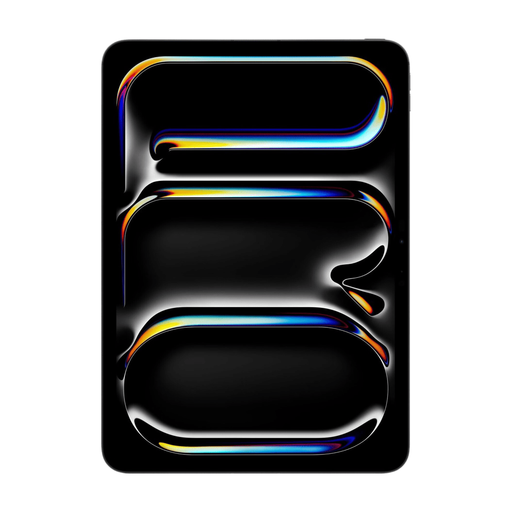
Apple 11-inch iPad Pro Wi-Fi + Cellular 512GB - Space Black (2025)
An 11-inch iPad for mobile design reviews. Autodesk describes Fusion Mobile as suitable for viewing and adding comments, not modelling.
11-inch screen, Wi-Fi + Cellular, 512 GB storage, Space Black (2025).
View at Joybuy
 No image available
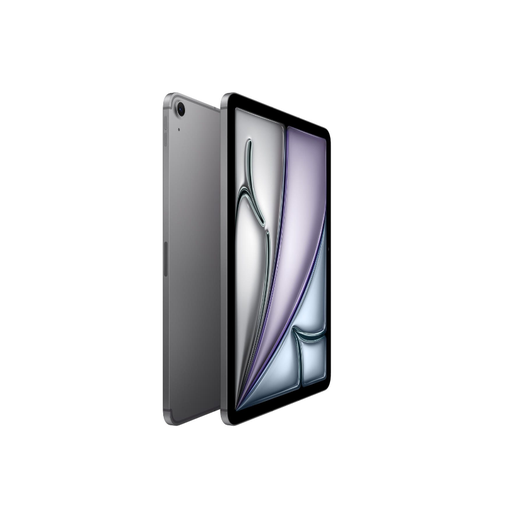
Apple 11-inch iPad Air (M3) Wi-Fi + Cellular 512GB - Space Gray (2025)
A compact iPad for mobile design reviews. Autodesk describes Fusion Mobile as suitable for viewing and adding comments, not modelling.
11-inch screen, Wi-Fi + Cellular, 512 GB storage, Space Gray (2025).
View at Joybuy
 No image available
TECLAST ArtPad Pro 12.7-Inch 2K Display
The larger screen may suit design discussions where you want more screen space and have room for a bigger tablet.
12.7-inch 2K screen, 20 GB (8 GB + 12 GB Virtual) RAM, 256 GB storage and stylus included.
View at Joybuy
 No image available
Apple 11-inch iPad Air (M4) Wi-Fi 256GB - Space Grey (2026)
A compact iPad for mobile design reviews. Autodesk describes Fusion Mobile as suitable for viewing and adding comments, not modelling.
11-inch screen, Wi-Fi, 256 GB storage, Space Grey (2026). Apple Pencil Pro is sold separately.
View at Joybuy
Frequently asked questions
Can you review and edit a Fusion model on a tablet?
Autodesk describes Fusion Mobile for iPad and Android as an app for viewing models and adding comments, not modelling. If you need to edit models, check the desktop version’s requirements for the device you’re considering.
How do you set up a small desk for reviewing designs with a pen?
Start with a drawing in the app you actually use. Check that the screen gives you enough room to add comments, that the pen works with the exact tablet and how much space a stand or keyboard will take up.
Do you need an extended warranty for your tablet?
Your statutory rights apply even if you don’t pay for an extended warranty. The Dutch Government says that if a product is faulty or doesn’t meet the requirements, the seller must offer a solution. If you’re considering an extended warranty, check what additional rights it provides.
Do you have a cooling-off period when buying online in the Netherlands?
The Dutch Government says that the cooling-off period for distance purchases is usually 14 days and that the seller must provide you with information about it, among other things. Check the terms and conditions for the specific purchase.
Will a Surface Pro with Snapdragon automatically work with Autodesk Fusion?
No. Autodesk says Fusion can run on Windows ARM through x64 emulation, but hasn’t validated it for product support on that architecture. Before buying, check that your required software is supported on the exact device configuration.


