Joybuy products for writing and working on the go
These Joybuy picks range from tablets with a keyboard bundle to a Windows 2-in-1. For each model, check whether the keyboard is included and whether the size of the setup is suitable for taking to the library.
 No image available
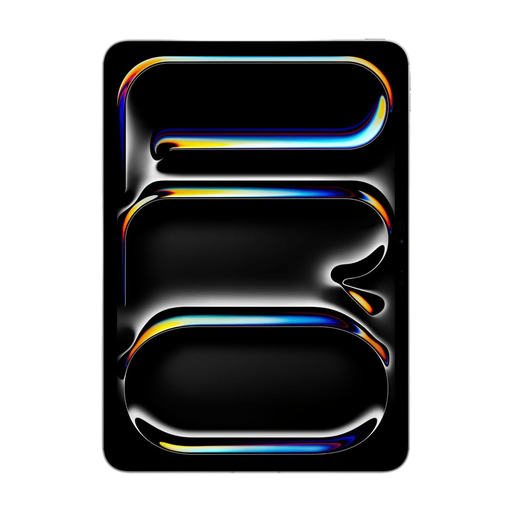
Apple 11-Inch iPad Pro Wi-Fi + Cellular 256GB - Silver
An 11-inch iPad Pro for writing at a library table; the product information lists it as compatible with Magic Keyboard.
Wi-Fi + Cellular · 256GB · Silver. Keyboard compatibility doesn’t mean the keyboard is included, so check what’s in the box.
Joybuy
 No image available
Blackview Zeno 10 Tablet 11" 2K FHD 90HZ with Keyboard and Stylus, Blue
An 11-inch tablet whose product name lists a keyboard and stylus for a writing setup at a table.
The product name also lists a 2K FHD screen and 128GB of storage. Check the exact bundle contents and keyboard layout.
Joybuy
 No image available
Teclast P33 Case Tablet 10.1-inch, 64GB
A 10.1-inch Android tablet whose product name lists a Bluetooth keyboard and tablet stand for working at a table.
The bundle listed also includes a case, Bluetooth mouse and stylus. The product name gives the RAM as 9GB, made up of 3GB plus 6GB of virtual expansion; check the model and keyboard layout.
Joybuy
 No image available
Teclast P30TCase 10.1" Android 16 Tablet, 128GB
A 10.1-inch tablet whose product name lists a keyboard, mouse, stylus and case for a compact writing setup.
The product name lists Android 16, 128GB of storage and 16GB of memory, made up of 3GB plus 13GB of virtual expansion. Check the exact bundle and keyboard layout.
Joybuy
 No image available
HP OmniBook 5 Flip 14-fp0250ndx 2-in-1 Laptop
A Windows 2-in-1 with a built-in QWERTY keyboard for anyone who wants to use a Windows working environment alongside their letter.
14-inch 2K touchscreen · Intel Core 5 120U · 8GB RAM · 512GB SSD · Windows 11 Home. The description gives a weight of around 1.60 kg and says the USB-C charger isn’t included.
Joybuy
Frequently asked questions
Can I send my letter from a tablet as a PDF or Word document?
With Pages on an iPad, you can export a document as a PDF or Word file. Check the formatting and the file type requested by the employer after exporting; Pages’ export options aren’t necessarily available in every word-processing app.
Can I keep working without the library’s Wi-Fi?
Yes, if you make the specific document available offline in the Google Docs app for Android in advance. Test this before you leave; you’ll need an internet connection again to send it online.
Is public library Wi-Fi a good idea for my job application details?
Get Safe Online points out that public Wi-Fi can carry risks, even if the network is password-protected. It recommends using a VPN or mobile data via, for example, a hotspot; this may use up your mobile data allowance. This security advice isn’t a ban on using library Wi-Fi.
Will any keyboard from the same brand work with my tablet?
No, compatibility can vary between models. Microsoft, for example, says that its listed 13-inch Surface Pro keyboards don’t work with the Surface Pro 12-inch (1st edition). Check the full tablet and accessory names and, where relevant, the keyboard layout.
What’s the warranty situation for a tablet bought in the Netherlands?
When you buy as a consumer, you’re entitled to a product that meets what you can reasonably expect. According to the Dutch government, there’s no fixed statutory warranty period in the Netherlands; if a product is faulty, the retailer is your point of contact. A manufacturer’s warranty doesn’t replace these statutory rights.


