What should you look for in a tablet charger?
First check the port and cable, then match the charging output to your tablet and decide whether you need extra ports.
| What to consider |
What should you check? |
Who is this for? |
| Port and cable |
Check your exact tablet model, both ends of the cable and whether the cable is included with the charger. |
If I’m taking my tablet to a holiday cottage, I want to be sure the cable fits the tablet. Around 33% of consumers prioritise a compatible port and cable. |
| Charging output |
Compare the charging output and protocol recommended for your tablet with the charger’s specifications. |
If I want to charge my tablet between uses, I want a charger that matches what my model supports. Around 27% of consumers prioritise a suitable charging output. |
| Multiple devices |
Check the type of ports and the power output for each one; the total wattage doesn’t automatically apply to every port. |
If I also want to charge my phone, I check that both cables fit and that each port is suitable for the device. Around 20% of consumers prioritise charging two devices at the same time. |
| Safe charging |
Check the charger and cable for damage, and keep them uncovered while charging so heat can escape. |
If my tablet is charging in a holiday cottage, I want to place it somewhere clear and avoid using a damaged cable. Around 20% of consumers prioritise safe use. |
Chargers at Joybuy
This selection includes single-port USB-C chargers, chargers supplied with cables and models for multiple devices. Check that the port and charging output are suitable for your tablet.
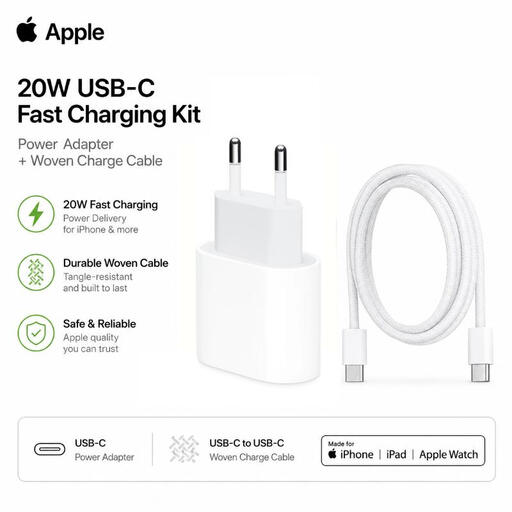 Image unavailable
Apple 20 W USB-C charging set with USB-C cable
An option if you have a USB-C iPad and are looking for a supplied USB-C-to-USB-C cable.
20 W adapter with USB Power Delivery and a 1 m USB-C-to-USB-C cable.
View product at Joybuy
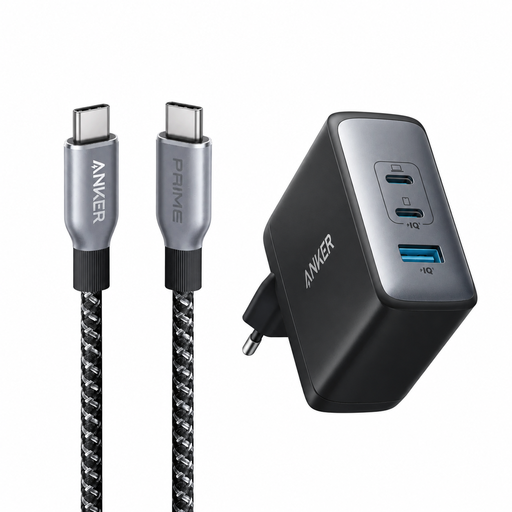 Image unavailable
Anker 736 Nano II 100 W with USB-C cable
An option if you want to charge a tablet using a supplied USB-C cable; check that the connector is compatible with your tablet.
The product name specifies a 100 W charger and a 240 W, 90 cm USB-C-to-USB-C cable.
View product at Joybuy
 Image unavailable
320 W 6-in-1 charging station with two retractable USB-C cables
An option if you want to connect other devices as well as a tablet to a charging station; check which ports you need.
The product description specifies charging for up to six devices at once and compatibility with iPads.
View product at Joybuy
 Image unavailable
65 W mains charger with two USB-C ports and a retractable cable
An option if you want to connect a tablet and use a second USB-C port; check that the cable and ports are compatible with your devices.
The product name specifies 65 W, two USB-C ports and a retractable USB-C cable.
View product at Joybuy
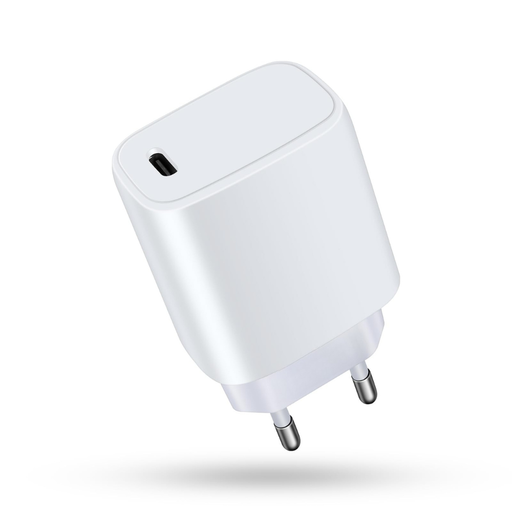 Image unavailable
20 W mains adapter with one USB-C port
An option if you want to charge one compatible device via USB-C; choose a cable that fits the port on your tablet.
The product name specifies a 20 W output and one USB-C port.
View product at Joybuy
Frequently asked questions
Does every iPad have a USB-C port?
No, it depends on the model. Apple Support Netherlands lists a Lightning connector for the iPad (9th generation), along with a Lightning-to-USB-C cable for use with a 20 W USB-C power adapter. So check your exact model and the end of the cable that connects to the tablet.
Can I connect a tablet and phone to one charger?
Yes, provided the charger has suitable ports and the power output for each port is right for the devices. For model WCB009vfWH, Belkin specifies up to 30 W via USB-C and up to 12 W via USB-A. Also check that your cables fit those ports.
Where should I put my tablet while it charges in a holiday cottage?
Keep the charger uncovered so heat can escape, and don’t charge your tablet under a pillow or duvet. The Fire Service also advises against using damaged cables or chargers.
Does my existing tablet have to have USB-C?
No. The Dutch Government describes the requirement for the relevant new devices, including tablets, placed on the Dutch market from 28 December 2024. This rule doesn’t require you to modify an existing tablet.
How do I choose the right charging output for my tablet?
Compare the charging output and protocol recommended for your exact tablet model with the adapter’s specifications. The maximum wattage shown on a charger doesn’t mean every tablet can use that level of power.


