Tablets at Joybuy
This selection at Joybuy includes tablets to compare for writing and working with documents. For each model, consider its screen size, explicitly stated storage and any connection details. Also check that the app and accessories you need suit your application.
 No image available
HONOR Pad 10 + Watch X5i bundle
The screen size helps you factor in the space available at a café table.
The product title lists a 12.1-inch tablet with 256 GB of storage and a Watch X5i in the bundle.
View at Joybuy
 No image available
Blackview MEGA 12
The stated screen size and mobile connectivity are worth considering when weighing up your workspace and internet access on the move.
The product title lists a 12.2-inch screen, 256 GB of storage, 5G and dual SIM.
View at Joybuy
 No image available
TECLAST T65
The larger screen size can help you weigh up reading space against how much room the tablet takes up on the table.
The product title lists a 13.4-inch screen, 120 Hz, Android 16, dual SIM 4G and 128 GB of storage. A folio case is included.
View at Joybuy
 No image available
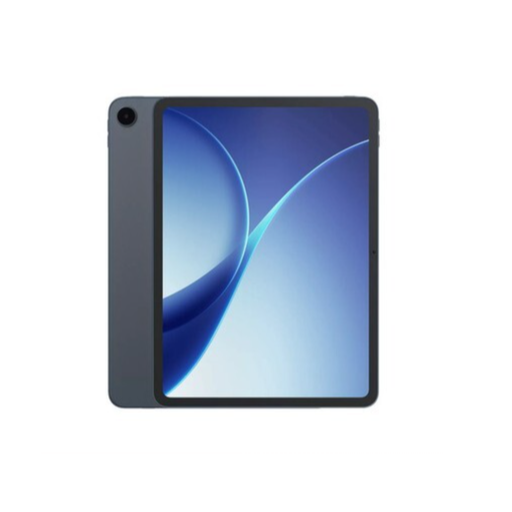
OPPO Pad 5
Add this model to your comparison, and check that the version, apps and accessories you choose suit the way you work with your documents.
View at Joybuy
 No image available
Apple iPad Air 13-inch Wi-Fi 128 GB
The 13-inch size helps you weigh up screen space against the space available at a café table.
The product title lists a Wi-Fi model with 128 GB of storage. For your application, check which keyboard and apps are compatible with the model you choose.
View at Joybuy
Frequently asked questions
Can I write a lengthy grant application on a tablet without a physical keyboard?
You can, but the Consumers’ Association says that a tablet without an external keyboard is less suitable for entering a lot of text or data. For a lengthy application, try the tablet, keyboard and stand combination you plan to use.
How can I use Word documents if the café Wi-Fi isn’t reliable?
Test the app and features you need in advance with a representative file, and make the documents you need available using the options offered by your app and storage service. Veilig Internetten suggests a phone hotspot or VPN as an alternative to using public Wi-Fi without protection; also follow your organisation’s requirements.
Do I need a Microsoft 365 subscription to use Word on a tablet?
Microsoft’s subscription requirements for editing with mobile Office apps apply when the mobile device is larger than 10.1 inches. Check the terms for your app, screen size and licence. For Surface Pro, Microsoft explains that Office is installed as it would be on a regular computer, so don’t assume that the terms for mobile apps also apply to Windows desktop software.
What returns and warranty rules apply to a tablet I buy in the Netherlands?
For an online purchase made as a consumer, ACM ConsuWijzer says you generally have a cooling-off period of up to 14 days after delivery, subject to legal exceptions. If a product does not meet the terms of the agreement, the seller must provide a solution, according to the Dutch government. If you use the purchase mainly or exclusively for business, consumer protection does not automatically apply, according to ACM ConsuWijzer.


