
Student with one media server
You want to connect the server and a few other devices by cable, without having to manage the network. TP-Link Netherlands, NETGEAR and Linksys describe unmanaged switches for this kind of straightforward setup.


For a media server and a few wired devices, an unmanaged gigabit switch with enough spare ports is usually the simplest choice, provided you have a usable ethernet connection in your room. Choose 2.5 GbE only if the devices and connections along the relevant route also support that speed; VLAN management and PoE are mainly useful if you need those features. Check how internet access is arranged in your student accommodation first: DUWO says this can vary between complexes.
You want to connect the server and a few other devices by cable, without having to manage the network. TP-Link Netherlands, NETGEAR and Linksys describe unmanaged switches for this kind of straightforward setup.
You want to connect other devices as well as your media server, or keep some ports free for later. TP-Link Netherlands describes models with five and eight gigabit ports.
You want to assess the connection between your media server and other compatible devices, potentially using 2.5 GbE. TP-Link Netherlands and Linksys describe switches with 2.5GbE ports.
First, check that your room has a usable wired network connection. Then choose the number of ports and the speed you need; extra management features or PoE are only necessary for specific setups.
| What to consider | What should you check? | Who is this most important for? |
|---|---|---|
| Simple, quiet connection | Check whether you can use ethernet and count the device ports you need. Also consider where you can place the switch. | If I want to connect my server and a few devices without configuring the switch, I’m looking for a straightforward solution for my room. Around 33% of consumers prioritise this kind of simple connection. |
| Enough ports | Count the server, other wired devices and the connection to the router or network socket. | If you want to connect a computer or media player to the network by cable as well as your server, you’ll need enough ports for all those connections. Around 27% of consumers consider having enough ports their top priority. |
| File transfer speed | Check the port speeds of both end devices and the connections between them. | If I want to transfer files between compatible devices and my server, I look at the speed of the entire connection. Around 20% of consumers prioritise local file transfers. |
| Network management | Decide whether you need features such as VLANs or cable diagnostics, and check what’s allowed on a shared network. | If you want to configure network features yourself, you need to be able and allowed to manage those settings. Around 13% of consumers consider management features their main requirement. |
| Power over ethernet | Check the PoE standard and the power available per port and in total for the device you want to power. | If I want to power a compatible device over the network cable as well as connect my server, I compare the PoE requirements. Around 7% of consumers consider PoE their top priority. |
The connection to the existing network will usually use one of the switch’s ports. That means a five-port model will generally leave four ports for your devices.
Count the connection to your router or network socket, then decide whether five or eight ports will suit your devices.
A 2.5GbE switch won’t make a connection faster if a device or another link along the route is limited to 1 GbE.
Before choosing multigigabit, check the port speeds of your server and the device you’ll be transferring files to or from.
On TP-Link’s Netherlands page for the LS1005, the heading and detailed interface specifications state 10/100 Mbps, while another line lists 10/100/1000 Mbps. The separate LS1005G page specifies gigabit.
Check the full model code and detailed port specifications. Don’t assume the LS1005 and LS1005G are the same version.
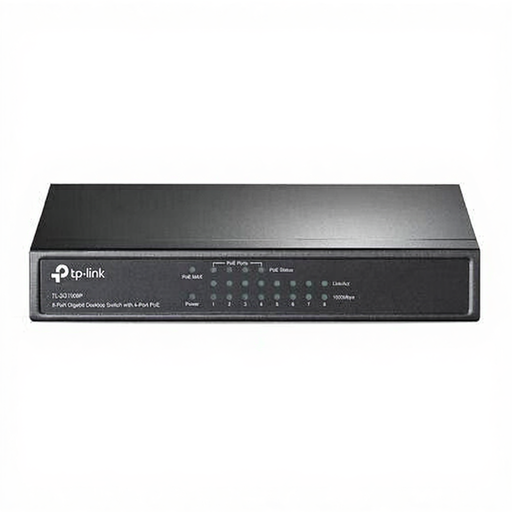
The TL-SG105 and TL-SG108 are unmanaged gigabit options, while the TL-SG105-M2 offers 2.5 GbE. The TL-SG105E and TL-SG1005P focus on management features and PoE respectively.
The GS305v3 is an unmanaged switch with five gigabit ports.
The DGS-105GL is a straightforward gigabit switch for a wired setup.
The LN2305 and LN2308 ranges offer models with five and eight 2.5GbE ports respectively.
This selection includes five- and eight-port gigabit switches, models with PoE and an unmanaged 2.5GbE switch. Choose based on the number of devices you have, the speeds they support and whether you need PoE or configurable features.
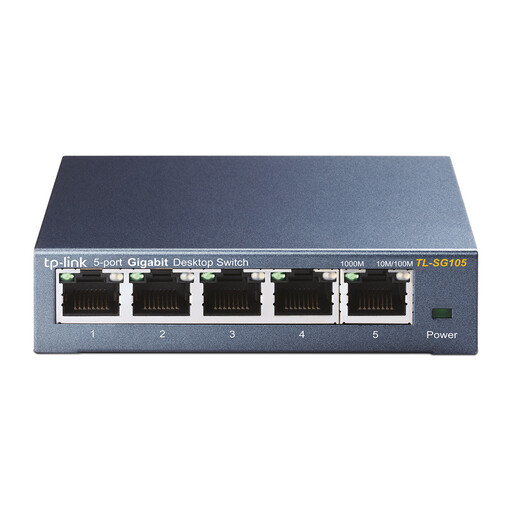 No image available
An option if you want to connect a media server and a few other devices by cable, without configuring the switch.
Five RJ45 ports with 10/100/1000 Mbps; plug and play. According to the product description, place the switch in a well-ventilated area.
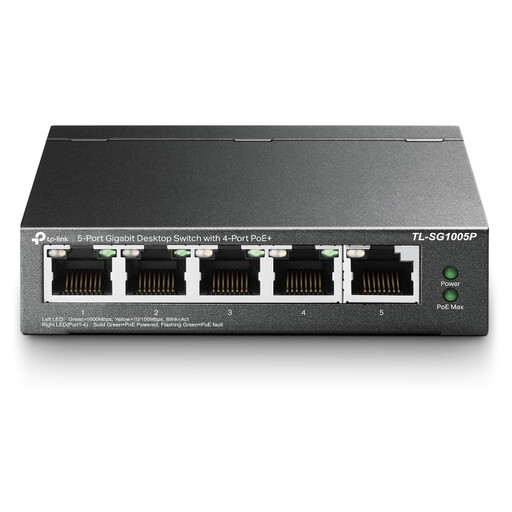 No image available
Suitable for a setup where you need wired network ports and want to power a compatible device over ethernet.
Five gigabit ports, four of which are PoE ports. Check that the PoE version is suitable for your device and ensure there’s adequate ventilation.
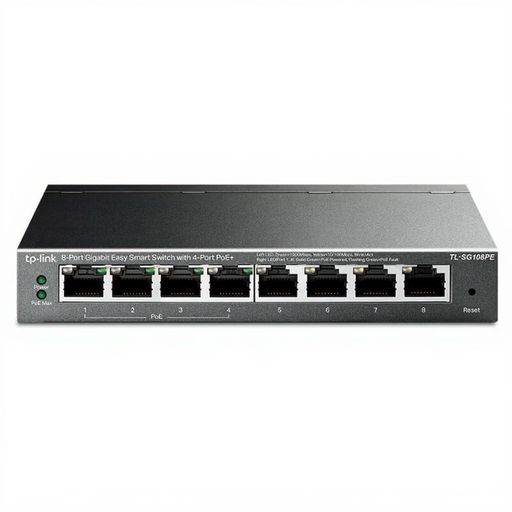 No image available
An option if you want to connect more wired devices and need the Easy Smart and PoE features listed.
Eight gigabit ethernet ports and four PoE ports. Check which management features suit your network and ensure there’s adequate ventilation.
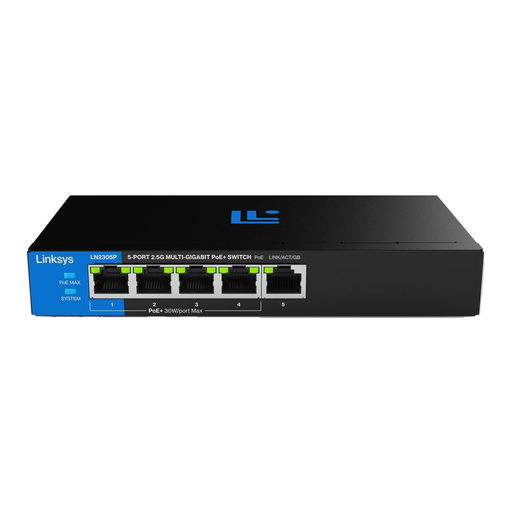 No image available
Consider this option if your server and other devices support 2.5 GbE and you also want to connect compatible PoE devices.
Five 2.5GbE ports and four PoE+ ports; the stated total PoE budget is 60 W. Check the PoE requirements and don’t exceed the total budget. Ensure there’s adequate ventilation.
 No image available
An option for connecting several wired devices if you also want to connect compatible PoE equipment.
Eight RJ45 gigabit ports and four PoE ports. According to the product description, place the switch in a well-ventilated area.
First, check how the connection is set up in your accommodation. DUWO says that the provider and internet service can vary between student accommodation complexes. If the network is shared or managed, ask whether multiple wired devices and your planned setup are allowed; a switch can’t replace a usable connection if there isn’t one.
According to Linksys’s installation instructions, plug the switch into a power supply, connect it to the router using ethernet, then connect your devices. If there’s no connection, check the power supply, cables and port lights, and make sure the existing connection is working. These instructions describe a connection behind a router and won’t necessarily apply to every managed room connection.
Only if you also want to power a compatible device over ethernet. According to TP-Link, the TL-SG1005P supports IEEE 802.3af PoE on four ports, with a maximum of 15,4 W per port and 56 W in total. Compare these limits with the requirements of the device you want to power.
For consumer purchases made online, ACM ConsuWijzer says you generally have a 14-day cooling-off period, which ends 14 days after delivery. Check which exceptions and return conditions apply. You also have statutory guarantee rights if a product doesn’t perform as you could reasonably expect under normal use. A manufacturer’s guarantee doesn’t replace these rights.