What should you consider when choosing?
First, work out how the network connection reaches your garden office. Then consider how many devices the switch needs to connect and whether they need specific features such as PoE or multi-gigabit.
| What to consider |
What should you check? |
Who is this important for? |
| Working incoming connection |
Check whether you already have a working network port, how the connection runs back to the house and what speeds both ends support. |
If the connection from home isn’t working yet, I want to sort that out before buying extra ports. Around 33% of consumers make the incoming connection their first purchase priority. |
| Connection without installing a new cable |
Check whether powerline can work on the required electrical circuit, or whether a suitable wireless connection is possible; test the connection on site. |
If I don’t want to run a network cable between my home and garden office, I’ll first look for a workable alternative connection. Around 27% of consumers prioritise avoiding new cabling. |
| Number of ports |
Count the incoming connection and each device separately; also consider whether you need an unmanaged switch or a management interface. |
If my PC needs to share a connection with other wired devices, I want enough ports without paying for features I don’t need. Around 20% of consumers prioritise extra wired ports. |
| PoE for extra devices |
Check the devices’ PoE standard, which switch ports provide PoE, and both the power per port and the total power budget. |
If I want to power a compatible access point or camera over the network cable, I need a suitable PoE switch. Around 13% of consumers prioritise PoE for extra equipment. |
| Multi-gigabit connection |
Compare the speeds supported by the PC, switch, cabling and incoming connection; for the Linksys LN2305-KE, check the Cat5e cabling specified by the manufacturer. |
If I want to make use of 2,5 Gb/s, the other parts of the network connection need to support it too. Around 7% of consumers prioritise a suitable multi-gigabit network. |
If you want to share the incoming connection, one port on a five-port switch will be used for it, leaving a maximum of four other physical ports. TP-Link states that the TL-SG1005P supports up to 30 W per PoE port and 65 W across all PoE ports combined. Check both the individual limit and the total power available for your devices.
Joybuy products
This Joybuy product selection is designed to expand an existing, working Ethernet connection, with models offering extra gigabit ports and, where specified, PoE or multi-gigabit support.
 No image available
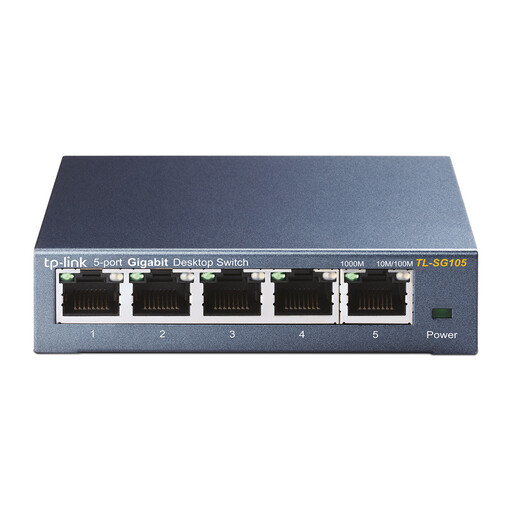
TP-Link TL-SG105 5-port metal gigabit switch
Suitable for sharing an existing Ethernet connection between your PC and other wired devices.
Five gigabit ports; metal casing.
A switch won’t create the connection between your home and garden office.
View at Joybuy
 No image available
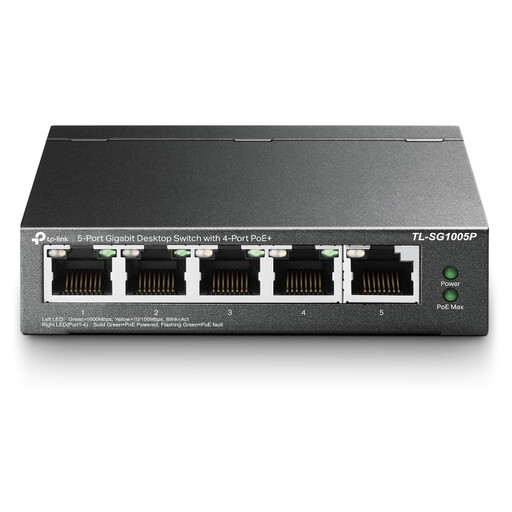
TP-Link TL-SG1005P 5-port gigabit PoE+ switch
Works with an existing Ethernet connection if you also want to connect compatible PoE devices.
For this version, TP-Link lists four PoE+ ports, up to 30 W per PoE port and 65 W in total.
Check the PoE standard and power requirements of your connected devices.
View at Joybuy
 No image available
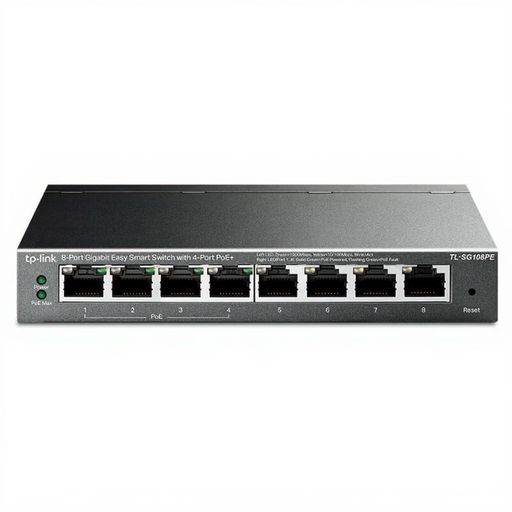
TP-Link 8-port Gigabit Easy Smart switch with 4 PoE ports
An option if you want to connect several wired devices as well as your PC, and power compatible equipment via PoE.
The product name lists eight gigabit ports and four PoE ports.
Check which devices need PoE and whether the power limits for the exact version meet their requirements.
View at Joybuy
 No image available
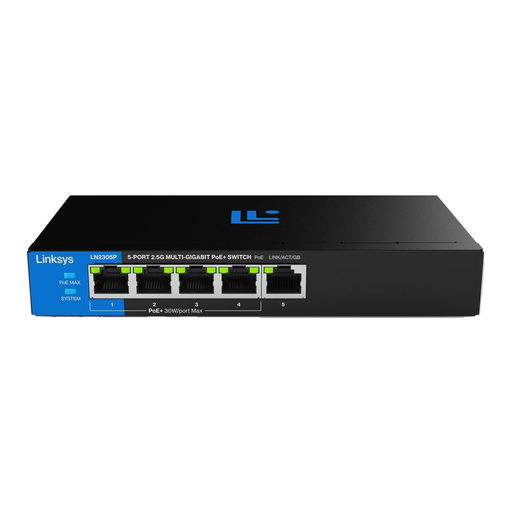
Linksys 5-port unmanaged 2,5Gb/s PoE switch
Worth considering if your PC and the rest of your network connection support suitable multi-gigabit speeds, and you want to connect compatible PoE equipment.
The product name lists five 2,5-gigabit ports, PoE and unmanaged operation.
Faster ports won’t automatically make the whole connection faster; check your PC, cabling and incoming connection too.
View at Joybuy
 No image available
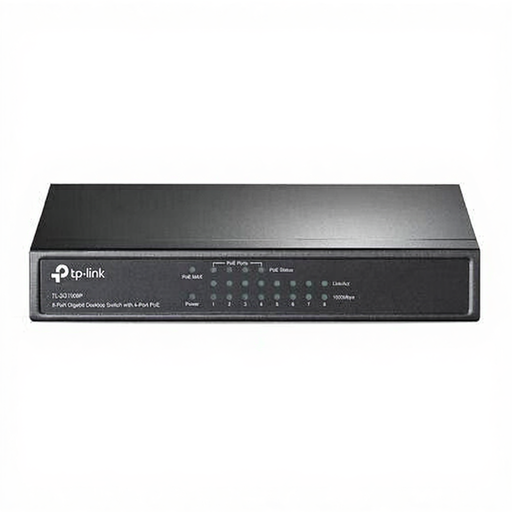
TP-Link TL-SG1008P unmanaged 8-port gigabit PoE switch
Suitable for sharing an existing connection with several wired devices when compatible equipment needs PoE.
The product name lists eight gigabit ports and PoE.
Check which ports provide PoE and how much power is available for the exact version.
View at Joybuy
Frequently asked questions
Can I connect my PC directly without a switch?
Yes, if there’s already a working network connection for your PC in the garden office and you don’t need to connect any extra wired devices. A switch adds ports, but it won’t provide the connection from your home.
Where do I connect the incoming cable and the PC on a basic switch?
Connect the incoming network connection to one switch port and your PC to another. Count both ports when working out how many connections you need.
Do I need a PoE switch for my desktop PC?
No, not just to connect your desktop PC. PoE is relevant if you also want to power a compatible network device via the network cable; if so, check the required standard and the limits per port and for the total power budget.
Can powerline replace the cable between my home and garden office?
It may be an option, but check the electrical setup and test the connection. For the powerline setup described, TP-Link requires at least two adapters on the same electrical circuit; factors such as a separate circuit can affect actual throughput.
Do I need to submit a KLIC notification if I’m laying a cable through the garden?
According to the Kadaster, you must submit an excavation notification if you’re digging with an excavator; the Kadaster says this notification isn’t required when digging with a spade. This requirement relates to how you lay the cable, not to your choice of switch.


