
Vandaag of morgen in huis

Kwaliteit gegarandeerd

Welkomstaanbiedingen ontgrendelen: GRATIS bezorging | Tot 80% korting | Gratis 30 dagen JoyPlus-proefperiode
Download de app
A stylus pen for a tablet can be useful for lectures, meetings, sketching, signing PDFs and everyday navigation. However, the first pen that looks suitable is not automatically right for your device. The difference often lies not in the design, but in the technology used and the compatibility list.
As a Joybuy Product Recommendation Officer, I filter product information based on practical details. This helps you avoid paying mainly for marketing terms and choose an active stylus, digital pen or touchscreen pen that suits the way you use your device.
A pen for a capacitive touchscreen can tap and swipe on many devices, but that does not mean it also supports pressure sensitivity, tilt detection or palm rejection. A pen for iPad will not automatically work with a Samsung Galaxy Tab, Dell laptop or Microsoft Surface either.
Before buying, check:
4096 pressure levels sounds appealing for drawing and writing. In practice, the screen technology, the app used and compatibility are at least as important. A high specification is of little value if your device does not support the feature.
With a pressure-sensitive stylus, therefore, check not only the number of levels but also whether pressure and tilt detection are available on your model.
A pen with an AAAA battery may work for months, while a rechargeable digital pen may state its usage time per charge. These figures cannot be compared like-for-like. Pay attention to the power source, charging time, availability of replacement batteries and how the pen is stored.
Magnetic attachment is convenient, but it does not always mean that the pen also charges wirelessly. Check this separately in the product specifications.
For a pen for iPad, the iPad model and Apple Pencil generation are among the important factors. According to the product information, Apple Pencil USB-C is suitable for various iPad Air, iPad Pro, iPad mini and iPad models. According to Apple information, Apple Pencil Pro is intended for specific models, including the 2024 iPad Pro, 2024 iPad Air and iPad mini with A17 Pro.
A pen for Dell laptop often uses a different system. According to the product description, the Dell PN5122W is supported by selected Inspiron and Latitude 2-in-1 models, as well as the XPS 9310 2-in-1. A pen for Microsoft Surface generally uses the Surface ecosystem and must be checked against the specific Surface model.
The same applies to a pen for Samsung Galaxy Tab. According to the listed specifications, the Samsung EJ-PX510 is intended for the Galaxy Tab S9 FE and Tab S9 FE+.
For notes and signatures, a fine tip is often more important than advanced drawing features. For sketches and illustrations, pressure sensitivity, tilt support and palm rejection are more useful. Depending on the app, tilt can affect line width or shading.
Bear in mind that features such as hover, haptic feedback and automatic handwriting recognition only work when the pen, device and software all support them. Brand descriptions of a “natural” writing experience reflect user experiences or manufacturer claims; they are not a guarantee for every device.
There are three common types:
A Bluetooth stylus can offer additional features, such as programmable buttons or a locator. For more information, also see our page featuring bluetooth stylus pen.
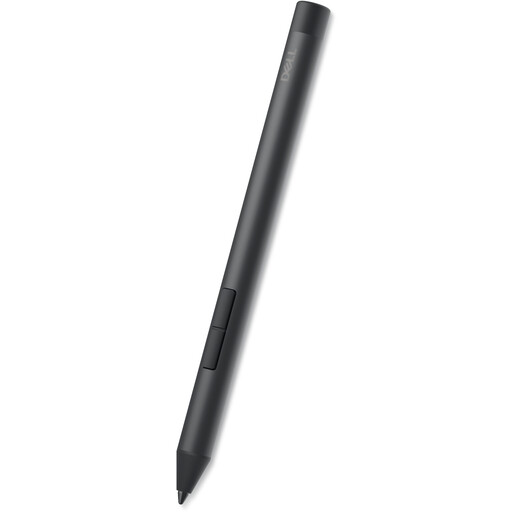
Why this suits them: Suitable for users of selected Dell Inspiron, Latitude and XPS 2-in-1 models who mainly take notes, mark documents or do some simple drawing.
The compatibility list names specific Dell models, so you do not have to rely on the general term “universal”.
According to the product information: 4096 pressure levels, tilt functionality and an AAAA battery with a stated lifespan of up to 12 months.
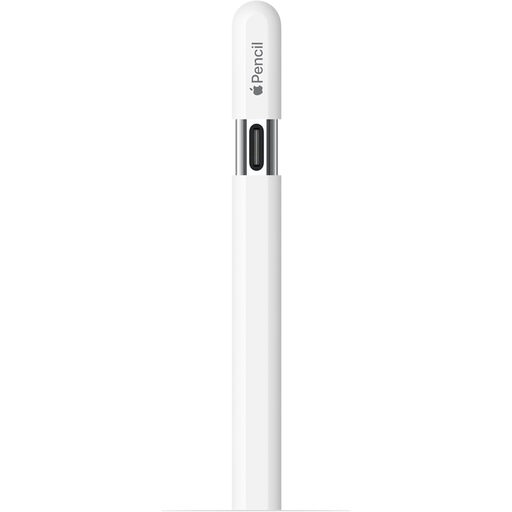
Why this suits them: A natural choice for iPad users who write, draw and annotate PDFs without a separate Bluetooth pairing process.
The listed compatible iPad models make it clear that this is not a general touchscreen pen for Android or Windows.
According to the product description: USB-C charging, tilt sensitivity, magnetic attachment and hover on certain compatible iPads.
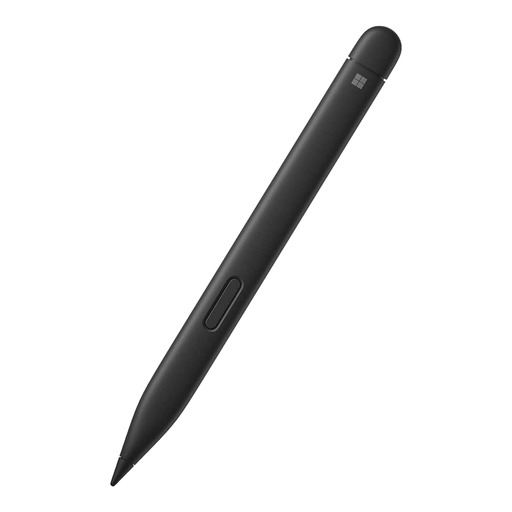
Why this suits them: Well suited to users who write frequently on a Surface Pro or Surface Go and value a slim pen with additional feedback.
The product specifications list supported Surface models and Windows compatibility, allowing you to compare it with your device directly.
According to the manufacturer: 4096 pressure levels, palm rejection, tilt sensitivity and haptic signals.
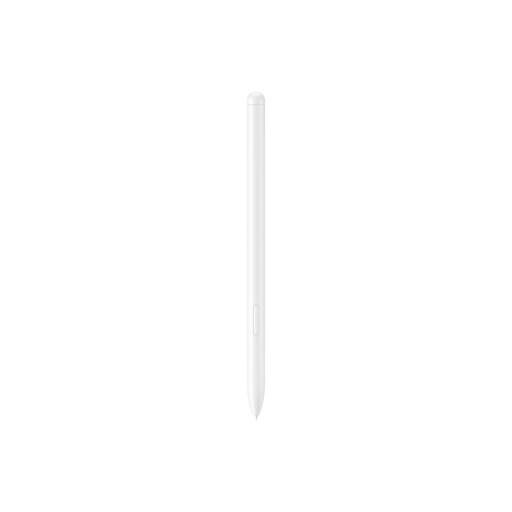
Why this suits them: Designed for owners of the Galaxy Tab S9 FE and Tab S9 FE+ who take notes in Samsung Notes or sketch in PENUP.
The model number and compatible Tab models are clearly listed. This reduces the risk of buying just any capacitive pen.
According to the product information: weight of 8,7 grams, magnetic attachment and an IP68 rating for water and dust resistance.
We have put together an up-to-date selection of stylus pens that you can compare by compatibility, features and intended use.
No. Active styluses use different standards and often only work with specific brands or models. Always check the exact device and the technology it supports.
This varies by model. The Dell PN5122W specifies an AAAA battery with a lifespan of up to 12 months. Other pens may work for several hours per charge, while some models have a rechargeable battery with a longer standby time. Usage and settings affect the actual battery life.
Not always. According to the product information, a Logitech Crayon is suitable for many iPad models from 2018 onwards and uses Apple Pencil technology. An Apple Pencil offers additional features on compatible models, but the right choice depends on your iPad generation and the features you want.
