
Vandaag of morgen in huis

Kwaliteit gegarandeerd

Welkomstaanbiedingen ontgrendelen: GRATIS bezorging | Tot 80% korting | Gratis 30 dagen JoyPlus-proefperiode
Download de app
A stylus pen for a tablet may seem straightforward at first glance: choose a pen, connect it to your device and start writing. In practice, it does not always work that way. A pen for iPad is not automatically suitable for an Android tablet, and a universal stylus does not always offer the same precision as an active stylus designed specifically for one system.
For students, professionals and creatives, three pitfalls are particularly important:
Below, you can read which features you should actually check before buying a digital pen.
The most important step is to compare the exact model number of your tablet or laptop with the manufacturer's compatibility list. The brand alone is not enough. For example, a Samsung S Pen for one Galaxy Tab model will not automatically work with every Samsung tablet. The same applies to an Apple Pencil, Surface Pen, Dell Active Pen or HP stylus pen.
Pay attention to these technologies:
A universal stylus may be suitable for simple navigation or brief notes. For drawing, handwriting recognition or signing documents, a model-specific active stylus is often the more logical choice.
For taking notes and navigating, a fine pen tip is important. If you also want to draw, you need to look beyond the shape of the tip.
Pressure sensitivity is often expressed in levels, for example 4096 pressure levels. A higher number can provide more variation in line width or shading, but the final result also depends on the tablet and the app you use. According to the product descriptions of several models in this range, including Dell and Acer pens, these models support 4096 pressure levels.
Tilt support registers the angle at which you hold the pen. This can be useful for shading and natural brush strokes. The Logitech Crayon, for example, is described as offering tilt detection for variable line thickness. According to the product information, the Logitech Crayon works directly with compatible iPads and supports palm rejection.
Palm rejection prevents your hand from causing unintended touches on the screen while you write. This feature must be supported by the stylus, the device and the app. So check not only the pen, but also the software you use, such as OneNote, Samsung Notes or a drawing app.
An active stylus may have a built-in lithium battery, charge via USB-C or use an AAAA battery. Look at how it charges and consider how you use the pen:
Also consider the weight and grip. According to the product description, the Acer ASA410 weighs 16.5 grams, while the Samsung EJ-PX510 weighs 8.7 grams. A lightweight model can be comfortable for taking notes for long periods, while a heavier or adjustable pen may offer greater control when drawing.
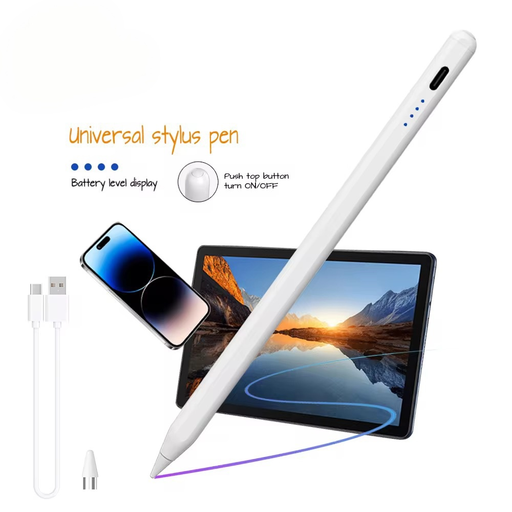
Why it suits this profile: A practical choice for anyone looking for a touchscreen pen for basic note-taking, navigation and light drawing on compatible iOS and Android devices.
The product description explicitly states support for capacitive screens as well as iOS and Android. Even so, check your device before buying.
140 mAh battery, aluminium and plastic housing, and support for writing, drawing and navigation according to the product information.
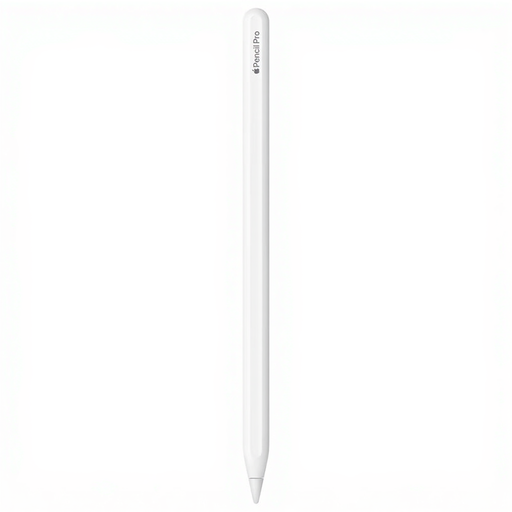
Why it suits this profile: Designed for iPad users who combine drawing, sketching and note-taking with additional control features.
The compatibility list names specific iPad Air, iPad Pro and iPad mini models. This makes it easier to check compatibility in advance rather than relying on the term pen for iPad.
Pressure and tilt sensitivity, magnetic attachment, and features such as squeeze and rotation, according to the product description.
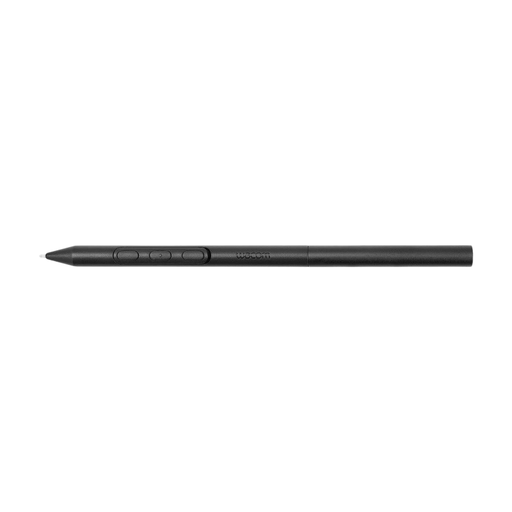
Why it suits this profile: Designed for users of compatible Wacom devices who want to customise the grip, weight and buttons for drawing.
Compatibility is limited to the Wacom models listed. This helps prevent a wrong purchase, provided you check your MovinkPad or Cintiq in advance.
Adjustable weight, grip thickness, balance point and pen buttons; according to the product information, no connection is required with compatible devices.

Why it suits this profile: Suitable for Dell 2-in-1 users who write frequently, use shortcuts and regularly take their pen with them.
The product information names specific Dell Latitude, Inspiron and XPS models. The extensive compatibility list helps you avoid choosing the wrong MPP or AES pen.
4096 pressure levels, Bluetooth, programmable buttons and, according to the product description, up to 40 days of battery life.
We have compiled a complete, up-to-date list of products that fully meet these strict selection criteria and the applicable European safety regulations.
No. A capacitive pen may sometimes provide basic input, but active features such as pressure sensitivity, palm rejection and tilt only work when the pen and tablet support the same technology. Therefore, check the exact model and protocol.
This varies by type. The Acer ASA410 product description states up to 96 hours of battery life, while the Dell PN5122W can last up to 12 months with an AAAA battery, according to the specifications. A built-in rechargeable battery needs to be charged periodically; battery life depends on the features and how intensively you use the pen.
Not always. According to the product information, the Logitech Crayon supports compatible iPads and works without pairing. An Apple Pencil may offer more model-specific features, but always check that your iPad is compatible with the generation you have chosen.
