
Sketching fine details
You work on rings, settings or ornamentation with varying line weights, and are looking for drawing features that suit your tablet and drawing app.


First, choose a pen that’s compatible with your exact tablet model: Apple Pencil, Samsung S Pen and EMR pens aren’t interchangeable. For detailed work, features such as pressure or tilt sensitivity and how the pen works with your drawing app may matter. For quick outlines, how you switch it on, charge it and store it could be more important. Manufacturer specifications can help you choose, but they aren’t a comparative real-world test.
You work on rings, settings or ornamentation with varying line weights, and are looking for drawing features that suit your tablet and drawing app.
At your standing desk, you mainly capture outlines, variations and quick notes. Getting started easily and putting the pen away afterwards are important considerations.
You already own an iPad or Galaxy tablet and want to check that a replacement stylus works with your exact model before buying.
Check compatibility against the model information from Apple, Samsung or STAEDTLER. For line control, it’s also important to check what your drawing app supports.
| What matters when buying | What to look for | Who should pay extra attention? |
|---|---|---|
| Compatibility with your tablet | Check the exact tablet model against the pen manufacturer’s compatibility list. For an EMR pen, also check that the screen has an EMR digitiser. | I want to make sure the pen works with my existing tablet first; otherwise, I won’t be able to use the drawing features I’m looking for. Around 36% of consumers make compatibility their top priority. |
| Line control and detail | Compare the features of the exact pen, such as pressure or tilt sensitivity, and check whether your drawing app supports them. | If I want to work on fine lines and small jewellery details, I check which controls my drawing app can use. Around 29% of consumers prioritise control over lines and details. |
| Getting started and putting it away | Check whether the pen needs charging or pairing, and whether its attachment method suits your tablet. | At a standing desk, I want to capture an idea straight away and be able to find the pen again after using it. Around 21% of consumers prioritise getting started quickly and having somewhere to store the pen. |
| Replacement tips and maintenance | Check whether replacement tips are available for the exact pen version and which parts are included. | I want to know in advance which replacement tips will fit, so maintenance costs don’t come as a surprise. Around 14% of consumers make replacement tips and running costs their top priority. |
Compatibility can depend on the exact tablet model and, for some EMR pens, on the digitiser in the screen.
Before buying, check the compatibility information for both your tablet and the specific pen version.
Samsung states that the S Pen for models including the Galaxy Tab S9 FE and Tab S10 FE doesn’t support Bluetooth. Features of other S Pen versions therefore don’t automatically apply to these models.
Check Samsung’s information for your exact pen and tablet model before relying on Bluetooth features.
Logitech recommends replacing a damaged or worn Crayon tip to help prevent damage to the iPad screen.
Before buying, check which replacement tips fit your Crayon version.
Different Apple Pencil versions are designed for different iPads. They may suit you if you already have a compatible iPad and are choosing between a USB-C pen and additional controls.
S Pen versions are designed for supported Galaxy devices, including replacement pens made for specific models.
The Logitech Crayon (USB-C) is an option for a compatible iPad if you want to switch on a pen and start using it straight away.
Noris digital pens are designed for tablets with a compatible EMR digitiser. The jumbo version has a triangular shape.
This selection includes stylus pens for compatible Wacom, Surface and iPad devices. Before buying, check your exact tablet model and the software or accessory requirements listed.
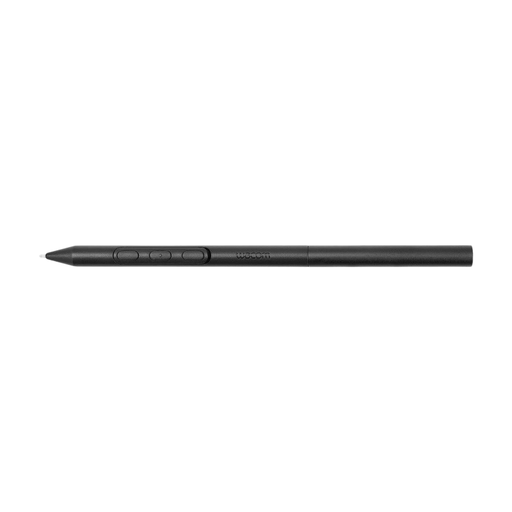 No image available
Suitable for sketching on a compatible Wacom device if you want to tailor the pen settings.
The pen doesn’t need a battery, and you can adjust its weight, grip thickness and balance point. Compatible devices listed include the Wacom MovinkPad 11 and Cintiq Pro 17, 22 and 27.
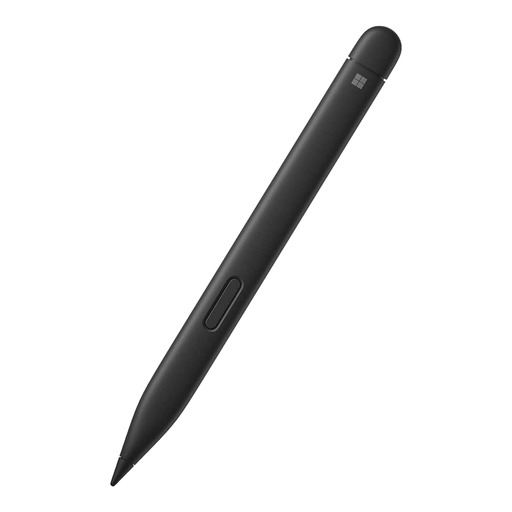 No image available
An option for drawing and shading if you use a compatible Surface device.
The product description lists 4,096 pressure levels and haptic feedback. Check that the pen is compatible with your Surface model.
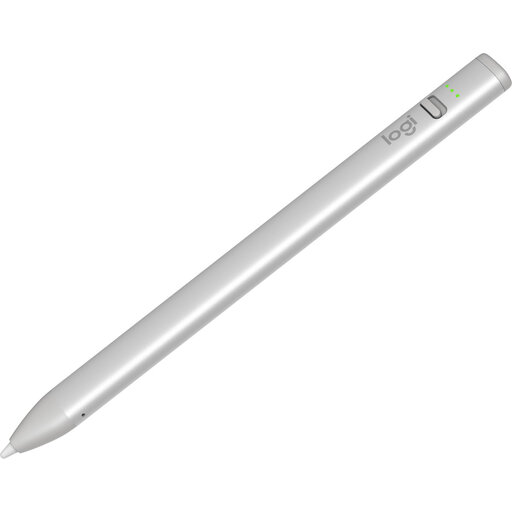 No image available
Suitable for quick sketches on a compatible iPad if you want to get started without pairing.
Tilt lets you vary the line thickness; the product description also lists palm rejection and up to 6.5 hours of battery life. Compatibility is listed for iPad models from 2018 or later running iOS 12.2 or higher.
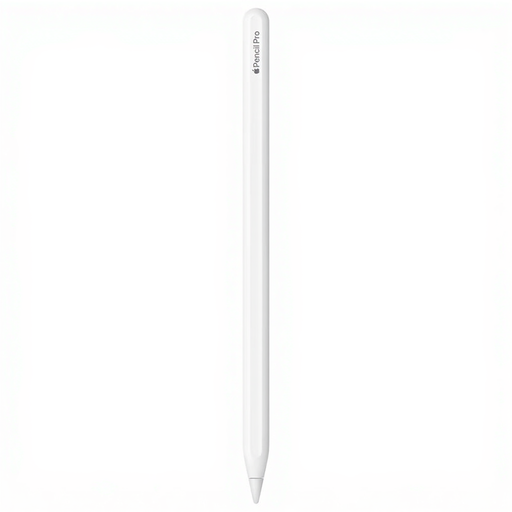 No image available
Suitable for detailed sketching on a compatible iPad if you want to use extra pen controls while you draw.
Listed features include pressure and tilt sensitivity, pinch, barrel roll and double-tap controls, plus magnetic pairing and charging. The iPads listed are iPad Pro 11-inch and 13-inch (M4), iPad Air 11-inch and 13-inch (M2), and iPad mini (A17 Pro); controls may also depend on the app.
 No image available
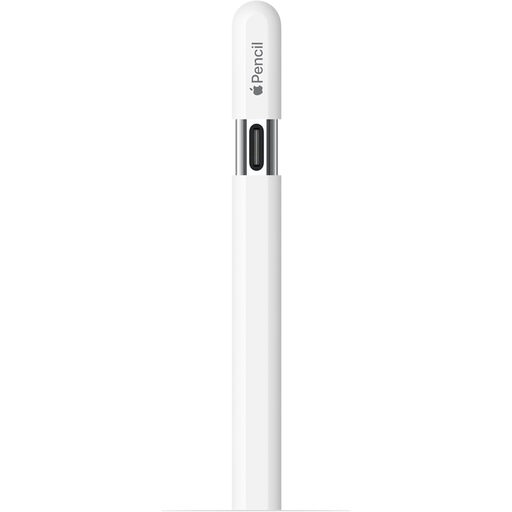
Suitable for sketching and shading on a compatible iPad if you want to use tilt controls.
The pen has a USB-C port for charging and attaches magnetically to a compatible iPad. According to Apple, pairing and charging are done using a USB-C cable; check which iPad models are supported.
Note your exact tablet model and compare it with the compatibility information for the specific pen. Noris digital also needs an EMR digitiser; a touchscreen alone isn’t enough.
It depends on the pen. Apple describes magnetic charging for Pencil Pro on a compatible iPad and USB-C charging for Pencil (USB-C). STAEDTLER says the Noris digital jumbo doesn’t need charging or pairing when used with a suitable EMR screen.
Check which replacement tips fit the exact pen version. Apple lists replacement tips for the Pencil models mentioned; Logitech recommends replacing a damaged or worn Crayon tip to help prevent damage to the iPad screen.
For many distance purchases made online from a business, you have a 14-day cooling-off period; the Dutch government also explains the exceptions and conditions. You’re also entitled to a legal guarantee if a product doesn’t meet the reasonable expectations you’re entitled to have of it under normal use. According to the ACM, the legal guarantee in the Netherlands doesn’t have a fixed standard duration of two years.