
Vandaag of morgen in huis

Kwaliteit gegarandeerd

Welkomstaanbiedingen ontgrendelen: GRATIS bezorging | Tot 80% korting | Gratis 30 dagen JoyPlus-proefperiode
Download de app
A stylus may seem straightforward at first: choose a pen for your tablet, pair it and start writing. In practice, problems usually arise because of compatibility issues, limited functionality or unclear battery information. This applies whether you’re looking for a touchscreen pen for everyday use, an active stylus for drawing, a pen for a graphics tablet or an interactive pen for an Epson projector.
Use these checks to avoid a costly mistake and find the digital pen that suits the way you use your device.
A pen for a tablet and phone may work on a capacitive screen, but that doesn’t automatically mean all its features will be available. These might include pressure sensitivity, tilt recognition, palm rejection or Bluetooth functions. A basic touchscreen pen is often suitable for navigation and short notes, while an active stylus may require specific software and hardware.
So don’t just check whether your device runs iOS, Android or Windows. Look up the exact model of your iPad, Galaxy Tab, Surface or graphics tablet in the compatibility list too.
An Apple Pencil, Samsung S Pen, Microsoft Surface Pen or Wacom pen will generally work within a particular ecosystem. Different generations and connection methods aren’t always interchangeable. For example, a pen that attaches magnetically to an iPad may use a different charging and pairing system from a model with USB-C.
Check the combination of model number, generation, operating system and charging method. Don’t buy based on the brand name alone.
“Lag-free”, “natural writing” or “long battery life” don’t tell you much without measurable details. According to VoxorAI’s own information, for example, the HL-U05 has a built-in 140 mAh lithium battery and works with capacitive screens. That gives you more to go on than a general claim, but you should still check which features your device supports.
When comparing digital pens, check:
When choosing a pen for your iPad, check the exact iPad model. According to the product specifications, the Apple Pencil 2nd Generation in the range is supported by various iPad Pro, iPad Air and iPad mini models. The Apple Pencil USB-C, on the other hand, uses a USB-C connection for charging and has a different compatibility list.
There’s more variation with Android tablets. A universal capacitive stylus can write and navigate on many screens, but it won’t always be as precise as a Samsung S Pen designed specifically for a Galaxy Tab. According to the product information, the Samsung EJ-PX510 is compatible with the Galaxy Tab S9 FE and Tab S9 FE+.
If you mainly take notes, you may not need thousands of pressure levels. They’re useful for illustration, photo editing and graphic design, though. The Wacom Intuos Pro models list 8,192 pressure levels and a battery-free Pro Pen. One difference between the small and medium models is the active area: approximately 187 × 105 mm compared with 263 × 148 mm.
A larger surface gives you more room for broad strokes, but takes up more space on your desk. A compact A6 size may be more practical for students or home use.
Not every active stylus works in the same way. The Apple Pencil 2nd Generation pairs and charges magnetically on a compatible iPad. The Apple Pencil USB-C charges through its USB-C port. According to the product information, the Epson ELPPN05A and ELPPN05B use AA batteries.
The Wacom One pen tablet small comes with a battery-free pen. The tablet itself can connect via Bluetooth 5.1 or USB-C. So check whether you want a pen that needs charging, a model with disposable batteries or a battery-free pen for a graphics tablet.
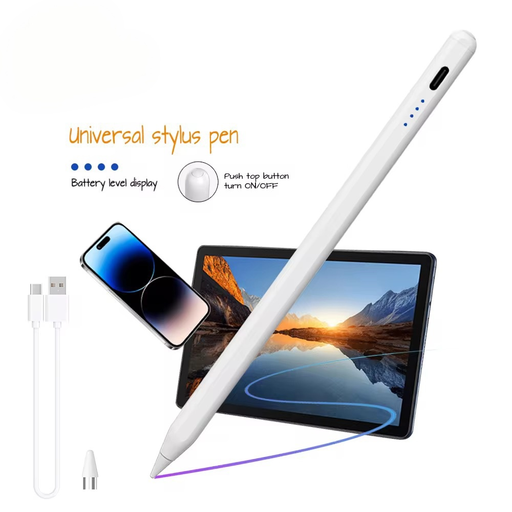
Why it suits this user: This lightweight stylus is designed for anyone who wants to write, draw or navigate on a capacitive screen without immediately buying a brand-specific pen.
The specifications list support for iOS and Android, a capacitive screen and a 140 mAh battery. Be sure to check that it works with your exact device first.
Aluminium alloy and plastic; built-in lithium battery; suitable for capacitive screens.
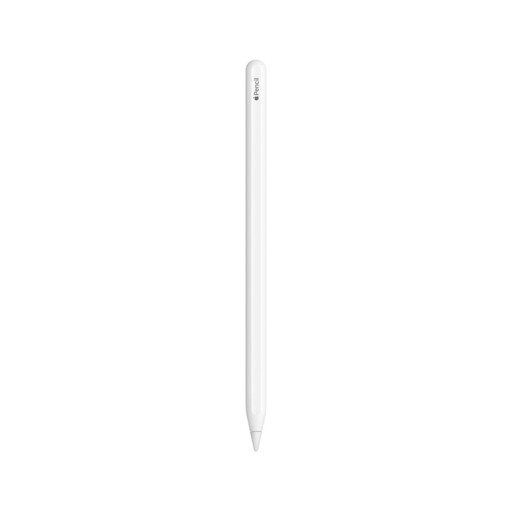
Why it suits this user: Ideal for iPad users looking for an integrated pen for notes, PDF annotations, sketching and drawing.
The product listing names specific iPad models and features such as magnetic pairing, charging and double-tap functionality. Compare your model with the list.
Palm rejection and tilt sensitivity according to the product specifications; magnetic attachment and charging.
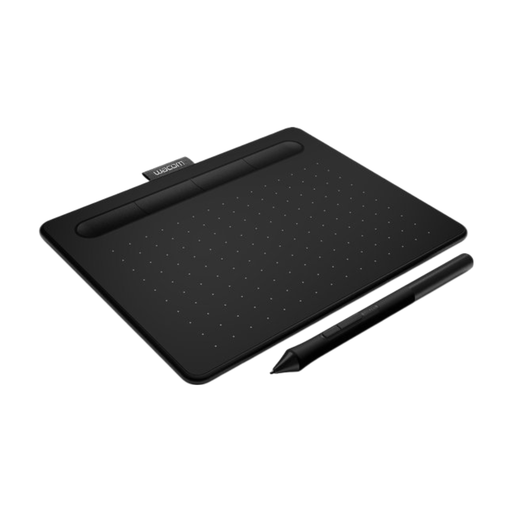
Why it suits this user: A good choice for graphic designers and creative users who need a larger drawing area and shortcut keys.
The specifications list the active area, 8,192 pressure levels, Bluetooth and USB-C. This makes it clear how it differs from a standard touchscreen pen.
Active area of 263 × 148 mm; 8,192 pressure levels; battery-free Pro Pen; up to 16 hours of tablet use according to the product specifications.
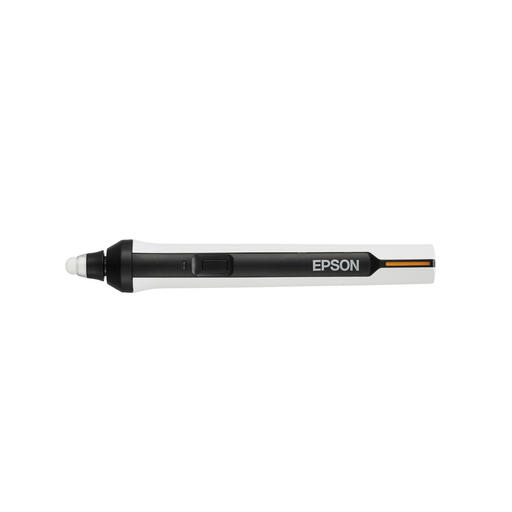
Why it suits this user: This interactive pen is designed for compatible Epson projectors in classrooms, meeting rooms and presentation spaces.
The compatible BrightLink models and use of AA batteries are listed. Check your projector before ordering.
IR-based interactive control according to the product information; compatible with several Epson projectors; one pen per pack.
We’ve put together a complete, up-to-date list of products that meet these strict selection criteria and current European safety requirements.
No. A capacitive touchscreen pen can often register basic touches, but features such as pressure sensitivity, palm rejection and magnetic charging depend on the iPad model and the pen. Always check the compatibility list.
That depends on the battery, charging habits and how you store the pen. A model with a built-in battery needs regular charging. A pen with an AA battery doesn’t need a charging cable, but you will need spare batteries. With battery-free Wacom pens, the power supply is built into the compatible pen tablet.
A standard touchscreen pen is usually limited when it comes to precise drawing. A graphics tablet pen with pressure levels, tilt recognition and a suitable active area gives you more control. Check that the pen and tablet belong to the same system and that the required driver is available for Windows or macOS.
