
Student who wants a backup
You want to be able to retrieve recent versions of assignments and notes if your laptop or files are lost. Keeping a separate copy and checking that you can open the files matter more than the advertised speed.


A USB stick may be enough for a few notes that you want to move between devices, but check that it fits the ports on both. For regular backups on a small desk, a portable SSD is a more practical choice. An HDD is worth considering if you also want to store lots of larger files and extra capacity matters more to you than a smaller case. Always keep a separate, up-to-date copy and check that you can open files from it.
You want to be able to retrieve recent versions of assignments and notes if your laptop or files are lost. Keeping a separate copy and checking that you can open the files matter more than the advertised speed.
You’re looking for storage that fits next to your laptop and might come with you to lectures. Compare the dimensions of the exact model and check which cable you’ll need.
You copy files between devices and want to be able to open them on both. Check the available USB ports, the cable and the file format.
A good fit if: you mainly want to carry a limited collection of notes between devices and the ports are compatible.
Bear in mind: a stick you carry with you isn’t, by itself, a separately stored backup.
A good fit if: you regularly make a larger copy on a small desk or want to take your storage with you.
Bear in mind: dimensions, included cable and connection vary by model. Advertised maximum speeds aren’t guaranteed copy times.
A good fit if: you want to store lots of larger files in one place, as well as your notes.
Bear in mind: an HDD takes up more space and has moving parts. The Consumentenbond described HDDs as more vulnerable than SSDs in 2022.
| What to consider | What should you check? | Who is this important for? |
|---|---|---|
| Restoring a backup | Decide where the original will stay, how you’ll update the copy and whether you can open a few files from the storage device. | If I want to retrieve lost notes, my separate copy needs to be up to date and readable. This is a priority for around 36% of consumers who put recoverability first. |
| Desk space | Compare the dimensions of the exact model, the cable and the free space around the USB port. | If my desk has limited space, I want to know how much room the storage device takes up next to my laptop. This matters to around 29% of consumers who prioritise compactness. |
| Connecting and opening files | Check the USB port on each device, the included cable and the file format before deleting the original. | When I switch between devices, I need to be able to connect the storage and open the files on every device I plan to use. Around 21% of consumers prioritise compatibility. |
| Capacity and cost | Check the size of your current folder, allow for files you’ll add, then compare suitable capacities and current prices. | If I want to store other files as well as notes, I want enough space without paying for capacity I don’t need. Around 14% of consumers weigh capacity against cost. |
A copy is only useful if the files are still there and you can open them when you need them.
Keep the original, update the separate copy and open a few files from the storage device to check they work. Safe Internetting lists external drives and USB sticks as possible places to store backups.
A maximum speed measured under test conditions doesn’t tell you how quickly your device will copy your files.
Check your device’s port and cable, and treat a speed figure as an advertised maximum, not a guaranteed transfer time.
The SanDisk stick reviewed has 128 GB of capacity; the portable drives mentioned are 1 TB or 2 TB models. The right capacity depends on your own files.
Check the size of your current folder and decide which other files you want to keep before choosing a capacity.
The Dutch government says there is no fixed statutory warranty period in the Netherlands. A manufacturer’s warranty is separate from your statutory rights if a product is faulty.
Check the warranty terms and distinguish between the manufacturer’s warranty and your statutory rights.
The XS1000 series is worth comparing if you’re looking for a small portable SSD.
The X9 Portable SSD is worth comparing if you’re looking for a compact SSD with USB-C and space for larger study folders.
The Portable SSD T7 is worth comparing if you’re looking for an SSD that comes with USB-C-to-C and USB-C-to-A cables.
The Ultra Dual Drive Go is worth comparing if you mainly want to transfer files between USB-A and USB-C.
The Expansion Portable is worth comparing if you want to store a larger collection of files on a portable drive as well as your notes.
This selection includes portable SSDs, USB sticks and a portable HDD for copying and storing study notes and other files.
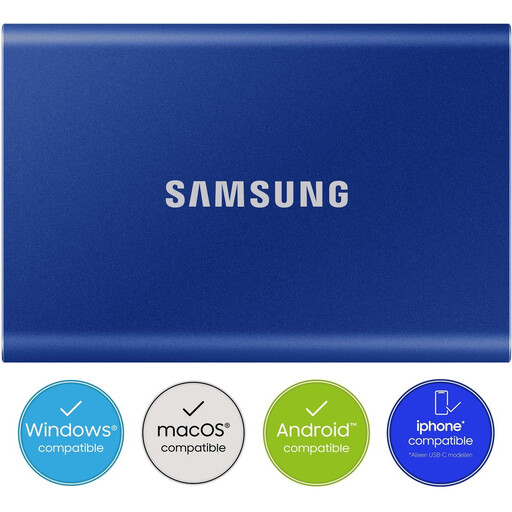 No image available
A portable SSD worth comparing if you want to keep a larger copy and use USB-A and USB-C devices.
Capacity: 2 TB. According to the product description, USB-C-to-C and USB-C-to-A cables are included.
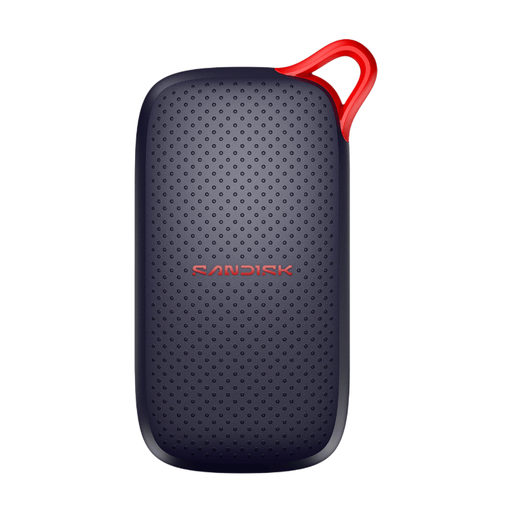 No image available
An option worth comparing if you want to keep a copy on a portable SSD and your device uses USB-C.
Capacity: 1 TB. The product information lists USB 3.2 Gen 2 and an advertised read speed of up to 1,000 MB/s.
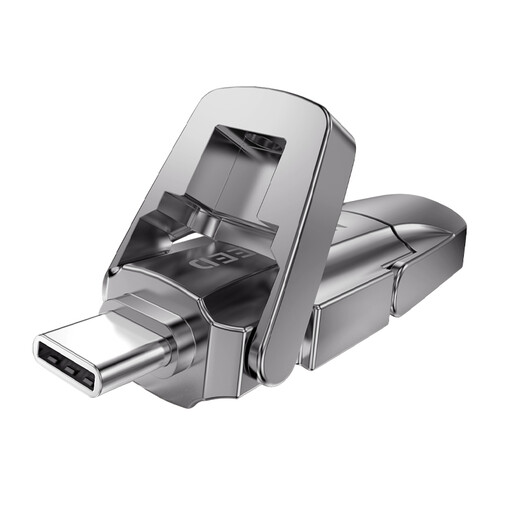 No image available
A stick worth comparing if you want to carry files with you and switch between USB-A and USB-C devices.
Capacity: 512 GB. The product description lists USB-A and USB-C.
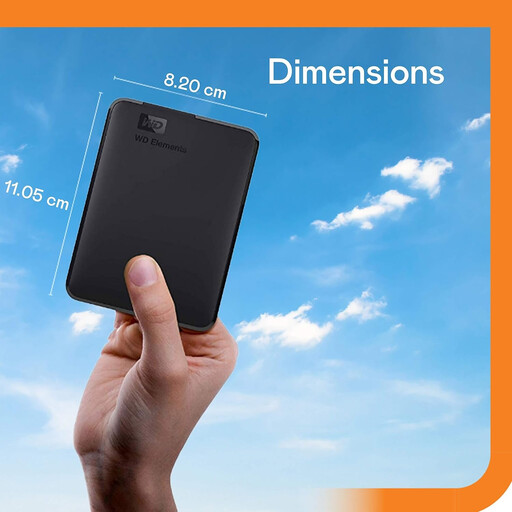 No image available
A portable HDD worth comparing if you want to store more files as well as your notes.
Capacity: 2 TB. The product information lists USB-C and use with Windows and Mac computers. An HDD has moving parts.
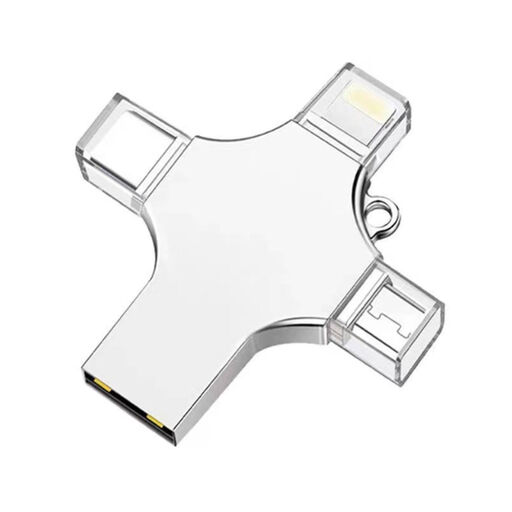 No image available
An option worth comparing if you want to transfer a small collection of files between devices.
Capacity: 32 GB. The product title lists compatibility with USB 3.0, Lightning, USB-C and Micro-USB.
Keep the original, regularly make a recent copy in a separate location and try opening important files from that copy. Safe Internetting lists manual and automatic backups, external drives and USB sticks as possible storage options.
Don’t format the drive until you’ve checked your files and devices. According to Crucial, the X9 comes formatted as exFAT. Compatibility may depend on the device and formatting, and reformatting erases the data on the drive.
No. According to the Dutch government, there is no fixed statutory warranty period in the Netherlands. If a product is faulty, you should contact the retailer. A manufacturer’s warranty is separate.
Treat loss or unauthorised access as a privacy risk and make sure the storage isn’t freely accessible. The Dutch Data Protection Authority cites the loss of a USB stick containing unencrypted personal data as an example of a data breach; any obligations depend on the circumstances.
Milieu Centraal lists suitable collection points at shops and local recycling centres as options for small electrical appliances. Make sure personal files can’t be accessed before handing over the drive.