
Editor working alongside colleagues
You’re editing intros while others work at the same desk, and want fewer distractions and as little audible sound leakage as possible.


At a shared desk, start with wired, closed-back over-ear headphones if you want to reduce background noise and sound leakage that colleagues or a microphone might pick up. Then compare speech reproduction, comfort during longer sessions and compatibility with your equipment. An open-back model is better suited to a quiet, separate listening space. Manufacturer specifications can help you compare models, but they’re no substitute for trying them on and listening for yourself.
You’re editing intros while others work at the same desk, and want fewer distractions and as little audible sound leakage as possible.
You check word onsets, consonants and transitions, and want to assess speech clearly. Sound descriptions from Shure and other manufacturers aren’t independent confirmation of the results.
You wear your headphones for extended periods, so you’ll want to consider the fit, cable use and which parts can be replaced on the model you choose.
Choose this option: if colleagues are working beside you, background noise is distracting, or there’s a microphone nearby.
Bear in mind: the seal and comfort vary between models and people; closed-back doesn’t mean complete silence.
Choose this option: for listening on your own in a quiet room, where isolation and sound leakage aren’t a major concern.
Bear in mind: an open-back design does less to keep sound in and noise out, making it less suitable alongside colleagues or an active microphone.
| What to consider | What should you check? | Who is this important for? |
|---|---|---|
| Isolation and sound leakage | Check the closed-back over-ear design and fit. At your usual working volume, listen to see whether colleagues can hear the audio. | If I want fewer distractions at a shared desk and don’t want to disturb colleagues, I’ll pay particular attention to the seal and sound leakage. Around 36% of consumers say isolation is their top buying priority. |
| Speech detail | Listen to familiar speech recordings at a similar volume, and check anything you’re unsure about on a second playback system if needed. | If I want to assess word onsets and transitions in spoken intros, I’ll look for sound reproduction I can compare with familiar clips. Around 29% of consumers prioritise speech detail. |
| Comfort during longer sessions | Try the headphones for longer than a brief listening test, and pay attention to the headband, ear pads and how they feel with your glasses, if you wear them. | If I edit for long periods regularly, I want the fit to stay comfortable without becoming a distraction. Around 21% of consumers give long-wear comfort top priority. |
| Connection, cable and maintenance | Compare the output on your laptop or audio interface with the plug and adapter for the exact model. Also check which cables and replacement parts are available for it. | If I want to connect my headphones without hassle and replace parts when they wear out, I’ll check these details in advance. Around 14% of consumers start by considering connection and maintenance. |
Open-back listening can work well in a quiet room, but it won’t necessarily meet your need to reduce sound leakage alongside colleagues or an active microphone.
Choose based on where you actually edit. Keep an open-back model for situations where isolation isn’t needed.
Product specifications and sound descriptions aren’t a like-for-like listening test at your desk.
Compare exact models using familiar speech clips and a comfortable fit. Don’t treat manufacturer claims as independent test results.
Connections and replacement options vary by model. An incompatible connection can make it difficult to use the headphones with your laptop or audio interface.
Before buying, check the output on your equipment, the plug and adapter for the exact model, and which parts are available for it.
Shure positions the SRH440A for uses including podcasting and critical editing; its closed-back over-ear design could make it an option to compare.
The ATH-M40x is a closed-back, wired monitoring model with swivelling ear cups, suited to anyone who also wants to listen with one ear.
The closed-back DT 770 PRO 80 Ohms is a wired monitoring model for anyone who values replaceable ear pads.
The closed-back HD 280 PRO and HD 480 PRO are monitoring options; the open-back HD 560S is suited to a different listening situation.
AKG describes the closed-back, foldable K371 as suitable for uses including podcasting and audio production.
This Joybuy selection includes over-ear headphones with features listed to help reduce background distractions and, for some models, a wired listening option. Check whether each model’s connection and operating modes suit your editing equipment and working situation.
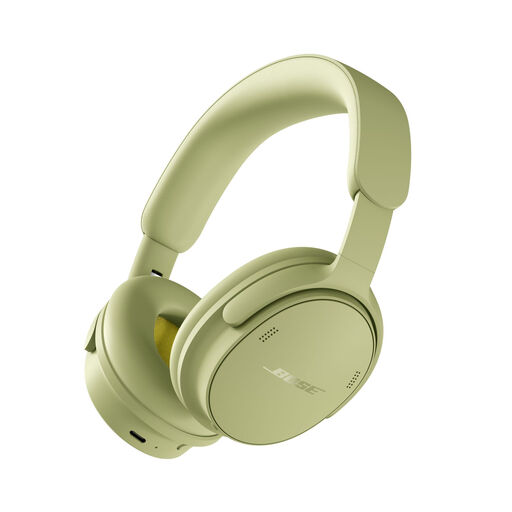 No image available
The product description mentions noise cancellation and wired listening; check whether the connection method suits your equipment.
The description lists USB audio, several listening modes and an included audio cable.
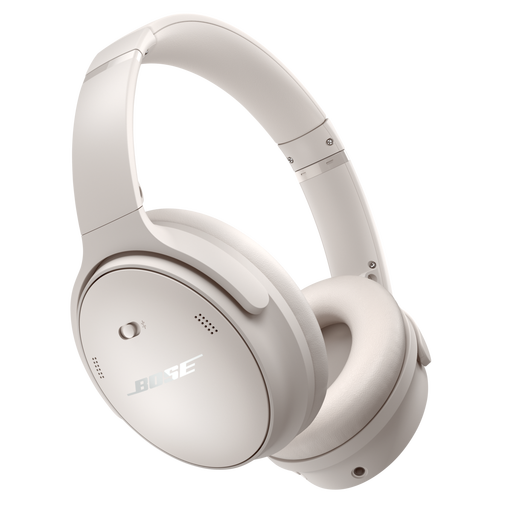 No image available
The product description mentions a closed-back over-ear design, noise cancellation and wired listening; check which mode suits your editing needs.
The listed audio cable has 3,5mm and 2,5mm connectors.
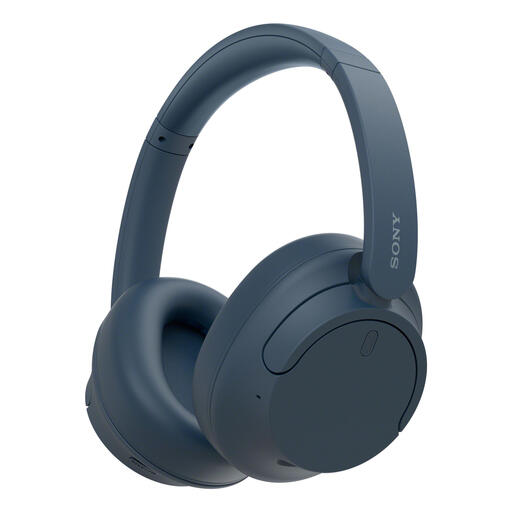 No image available
The product description mentions active noise cancellation; for live monitoring, check whether the connection and any delay suit your workflow.
The description lists a multipoint connection to two devices and a weight of 192 g.
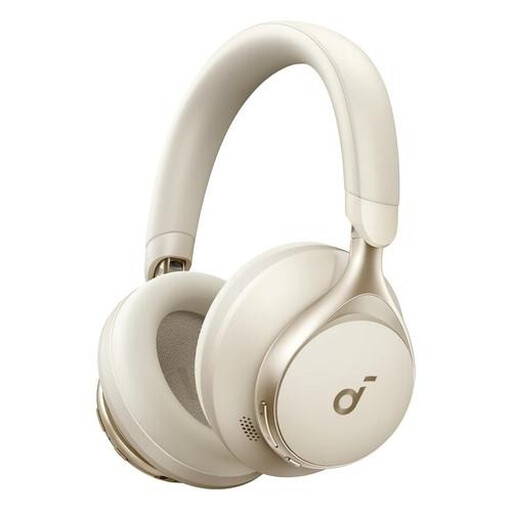 No image available
The product description mentions active noise cancellation and both wired and Bluetooth connections; check which connection you want to use for editing.
The cable is detachable and has a 3,5mm connection. The description also mentions a foldable design.
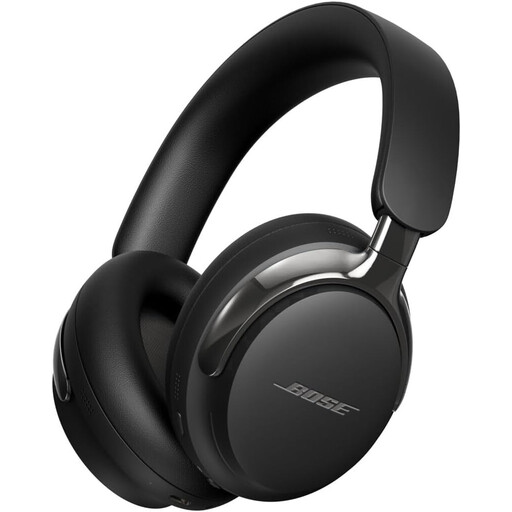 No image available
The product description mentions active noise cancellation and wired listening; check whether the connection is compatible with your editing equipment.
The description lists a detachable cable with a 3,5mm connection. No charger is included, and PD fast charging isn’t supported.
Not if you work in a quiet room on your own. At a shared desk, a closed-back model is a sensible starting point for reducing sound leakage and distractions; an open-back model may work if you don’t need isolation. Check the fit and listen at the volume you use while working.
Check the headphone output on your laptop or audio interface, then compare it with the plug and supplied adapter for the exact model. For example, Shure lists a 3,5mm plug and a 6,3mm adapter for the SRH440A; don’t assume every model comes with the same cable.
Follow the instructions for the model you choose. For the SRH440A, Shure recommends using a soft, damp cloth, avoiding solvent-based cleaners and keeping moisture out of the driver openings. Also check whether suitable ear pads or cables are available for your model.
No. Any manufacturer’s or seller’s warranty offered is separate from your statutory rights. According to ACM ConsuWijzer, this statutory protection depends on what you could reasonably expect from the product; there isn’t one fixed statutory warranty period that automatically applies to every pair of headphones.
Don’t assume so: ordinary studio headphones aren’t automatically suitable hearing protection. Arboportaal explains the rules on daily exposure to noise and the responsibilities of employers and employees. Assess hearing protection separately based on the noise conditions in your workplace.